全部
产品新闻
镜头知识
摄影专访

Smoochy — Summer Tastes Red: A conversation on tabletop filmmaking, motion control, and lens choice | Director : Amr El Saadany
Smoochy — Summer Tastes Red

Heavy Glass, Fast Horses: Why the DZOFILM Arles Prime Set Is Suitable for Documentary Work
Arles Prime in Documentary Work

Horseback, High Altitude, and the Vespid Two-Lens Kit: Manel Pessanha on Capturing Kyrgyzstan

Penguins of the Point: A One-Man Expedition with Blackmagic & Vespid Primes

The Dreams We Kept: Nostalgia, Horsepower, and the Frames In Between

Preserving Heritage Through the Lens: Cinematographer Diego Huerta on Documenting 'US Charros' with Arles Prime

The Art of Invisibility: How the DZO Pavo Lenses Shaped the Visual Language of Thieves' Highway

Capturing Reality: Luiz Maximiano's Cinematic Evolution

Reimagining Jeltoqsan: How an 18-Year-Old Cinematographer Transformed a National Turning Point Into Visual Poetry

Understanding Spherical Aberration and Why Lenses Have Aspherical Elements

What is Chromatic Aberration

Behind the Tiny Scenes: Filmmakers Push Boundaries with DZOFILM X-TRACT in LEGO’s Fast & Furious World

Filming 'VICTORIA': A Cinematographer’s Perspective on Using DZOFILM’s PAVO Anamorphic Lenses

The Art of Documentary Cinematography: Exploring 'MAJI' with DZOFILM Lenses
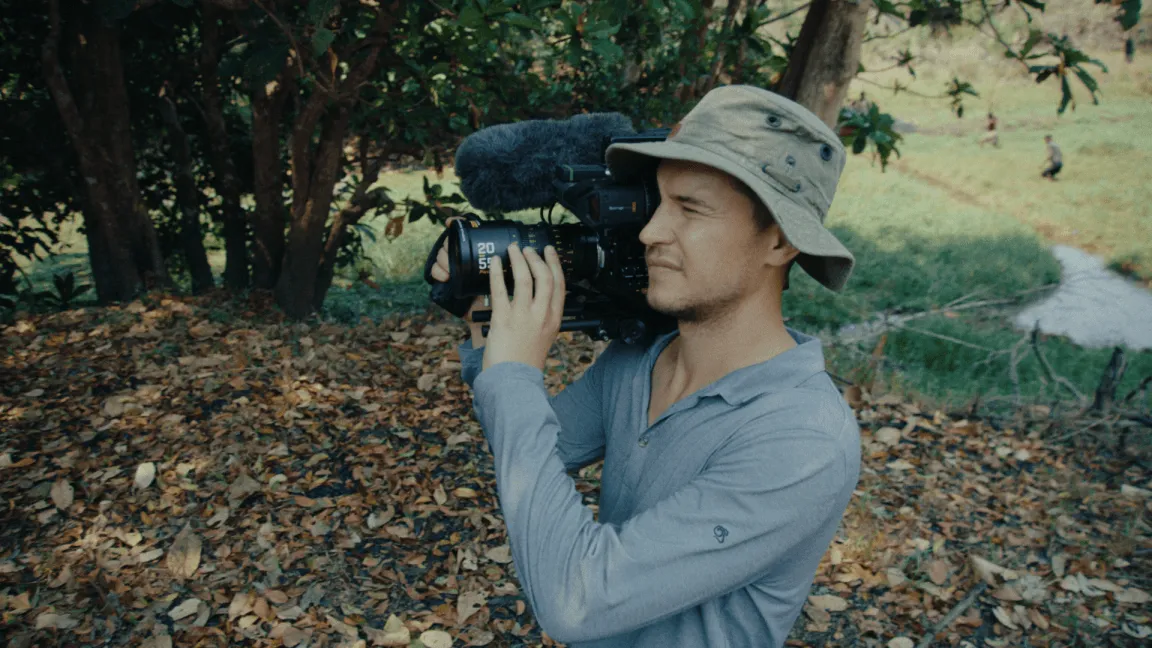
Exploring the Wild: A DP’s Journey with DZOFILM Pictor Zoom Lenses in Extreme Environments

Cinematic Vision: Wade Muller Discusses the Unique Appeal of Pavo Anamorphic Lenses

DZOFILM Expands Arles Prime Series: A New Perspective for Redefining Creative Boundaries

Exploring BOUND BY BLOOD (2024): An Interview with Riccardo Suriano
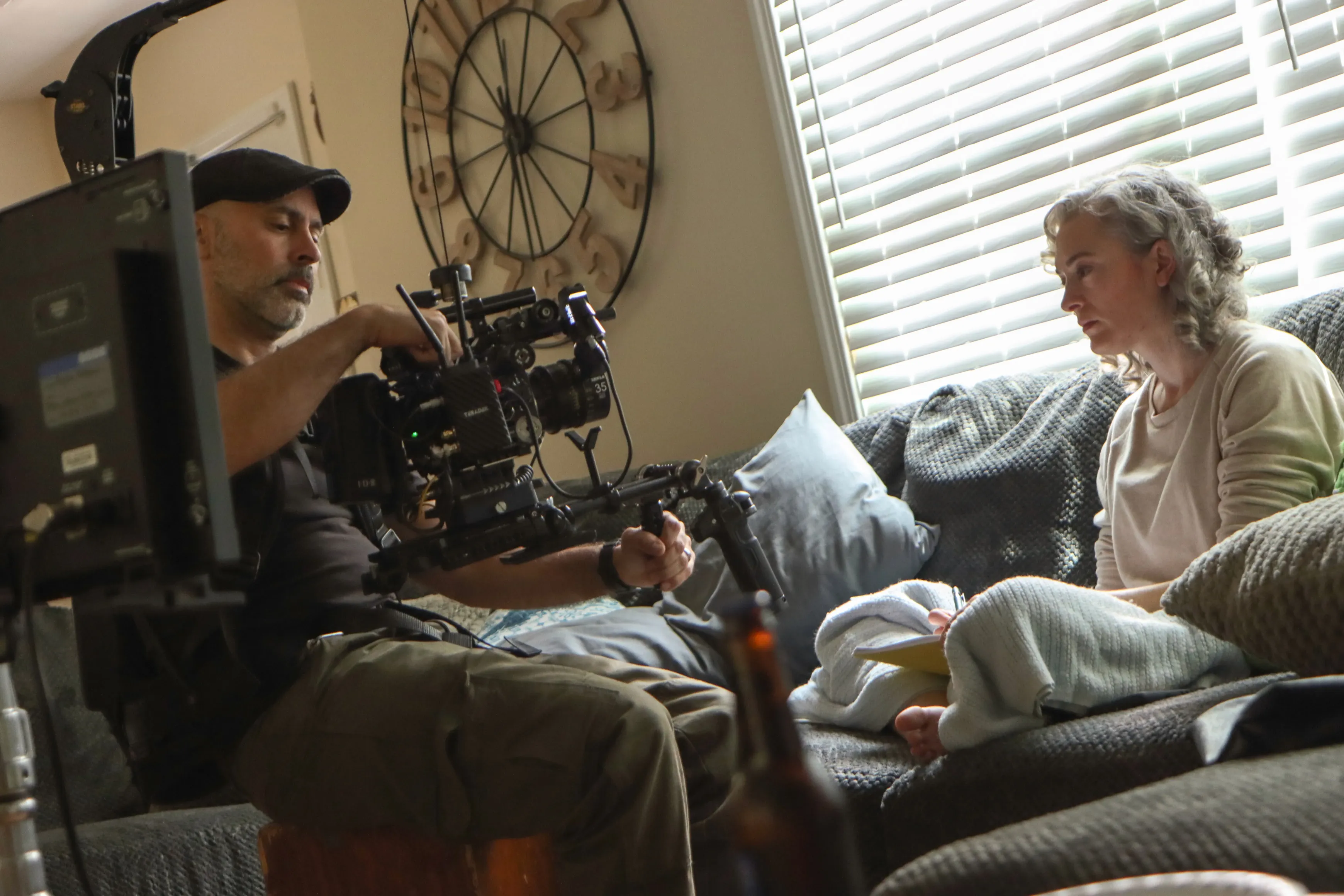
Bryan Redding Discusses the Impact of Vespid Prime and Gnosis Macro Lenses on Independent Film
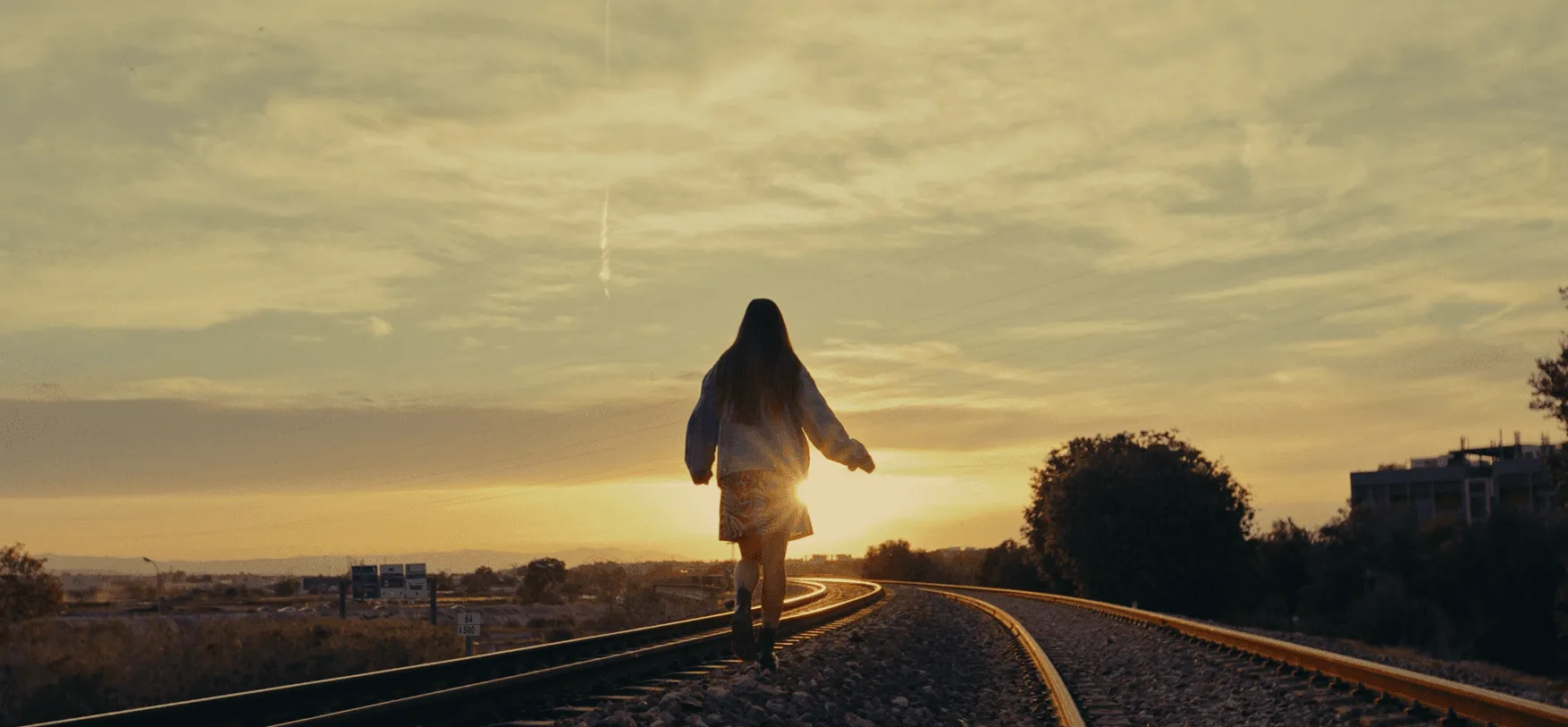
What is 'Lens Flare'?
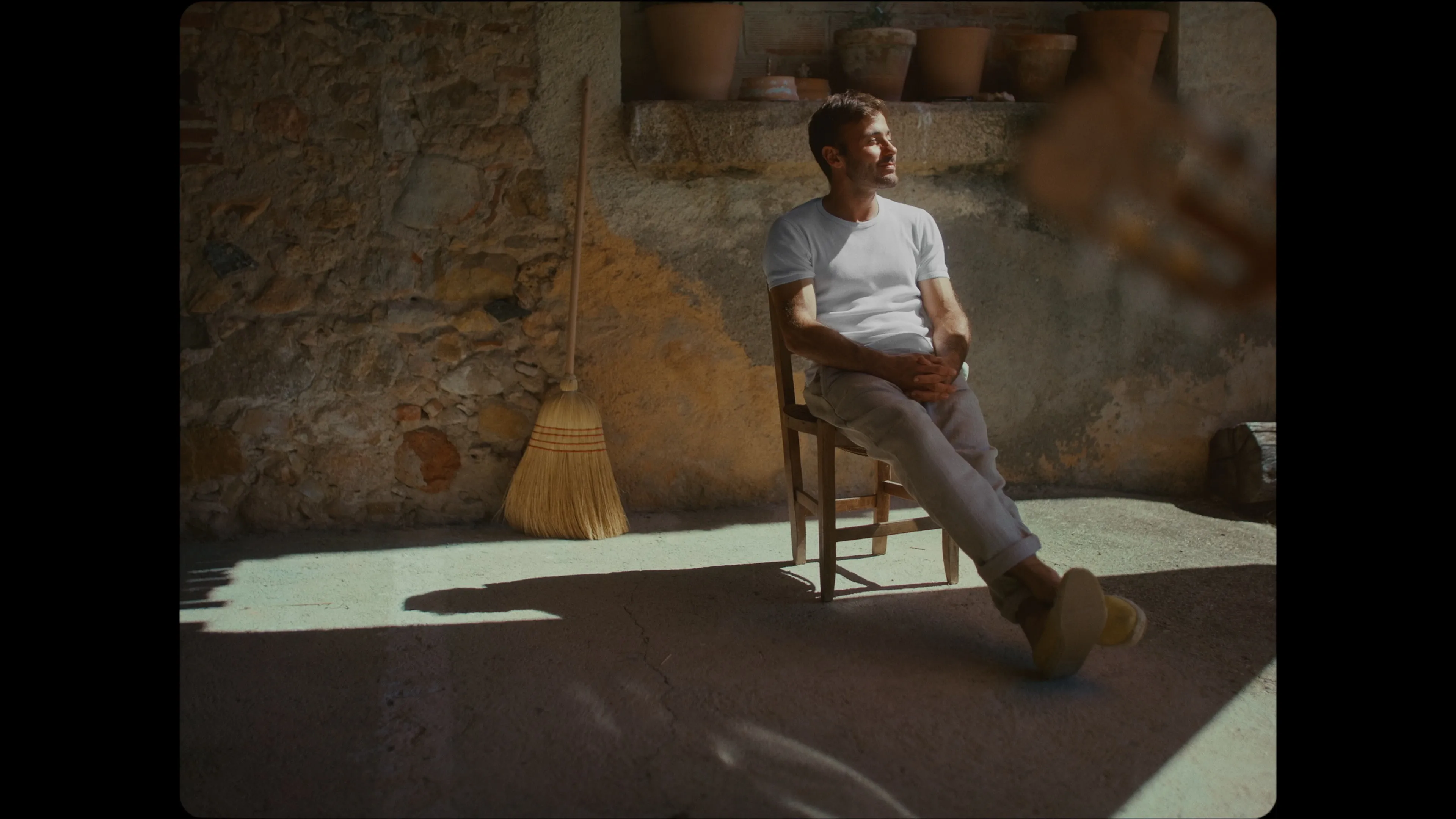
Exploring Creativity: A Conversation with Parker Croft on 'As Easy As Closing Your Eyes' and Filmmaking Innovation

Blending Vintage with Modern: The Visual Allure of Vespid Retro Lenses in 'Take My Hand'"

DZOFILM Lenses: Unrivaled Flexibility and Quality in Professional Production
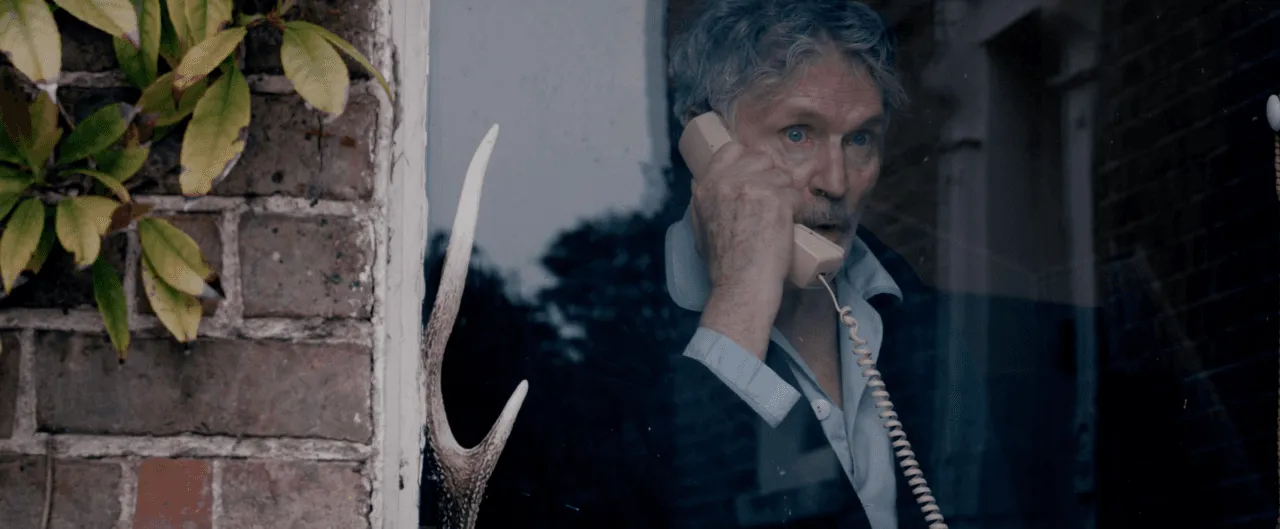
What is 'Cinematic?
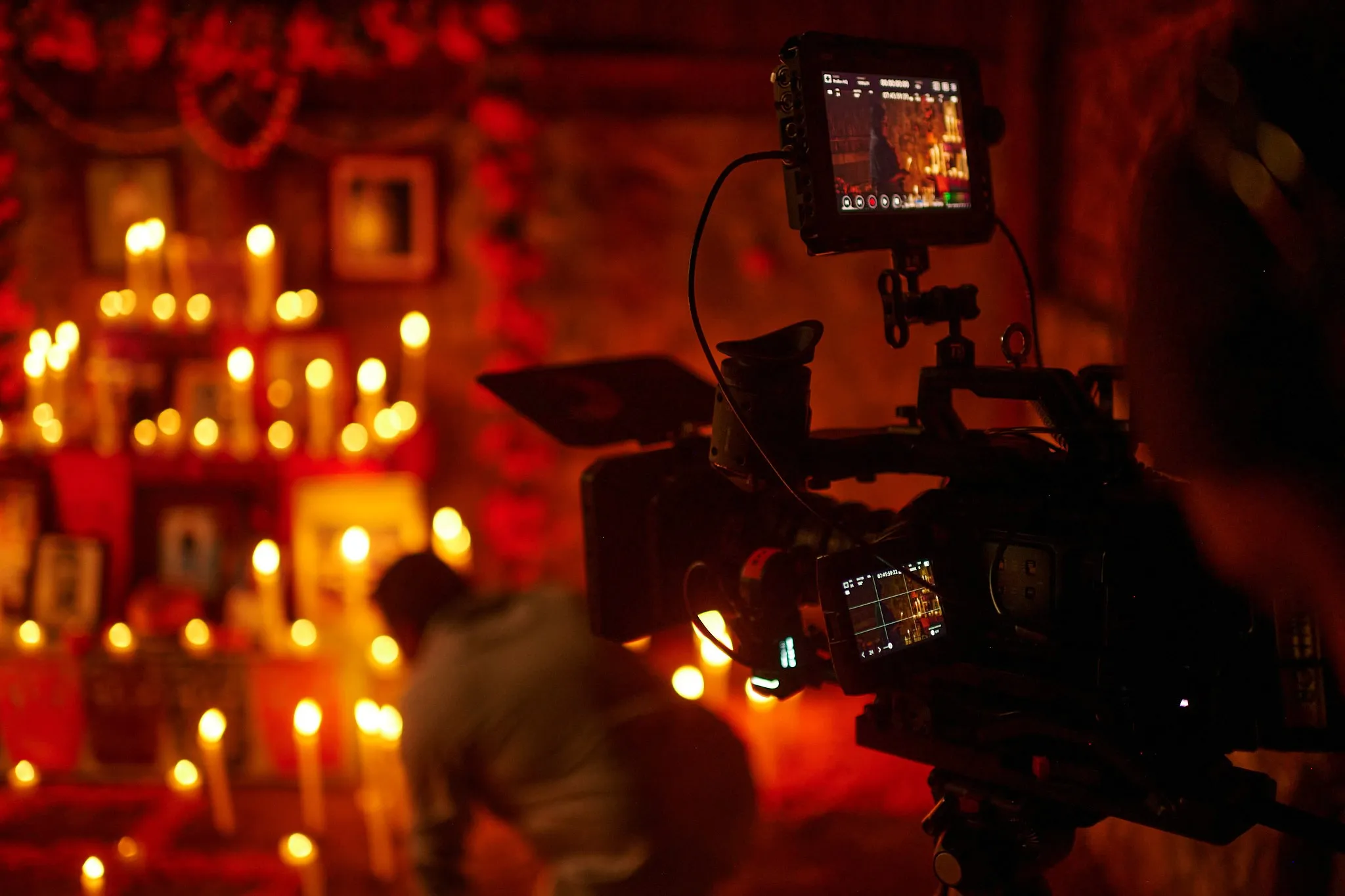
Diego Huerta: Bridging Cultures Through Cinematic Storytelling - A Journey of Identity, Inspiration, and Vision
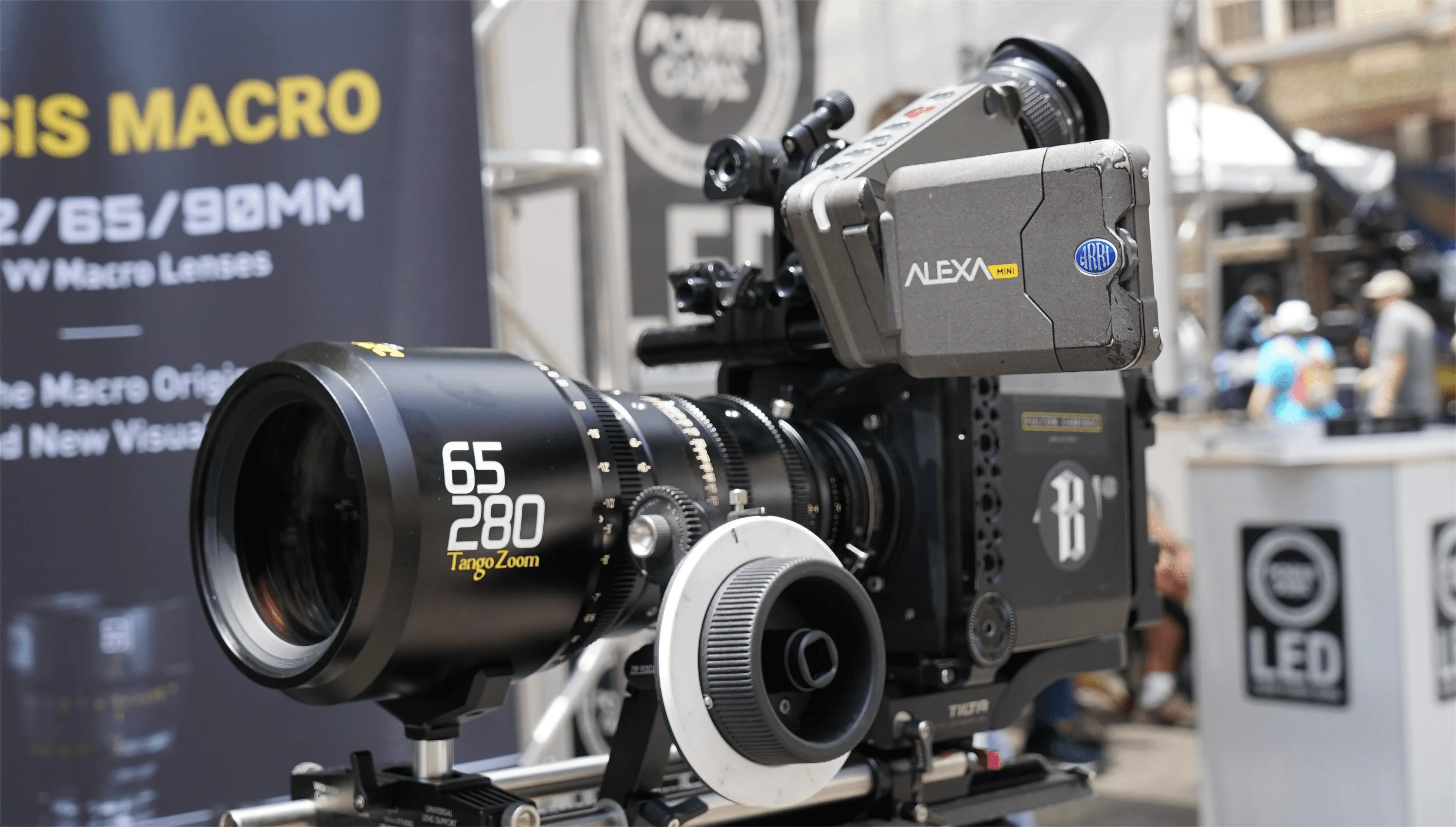
Let us take a look at some exciting moments of Cinegear & DZOFILM 2023
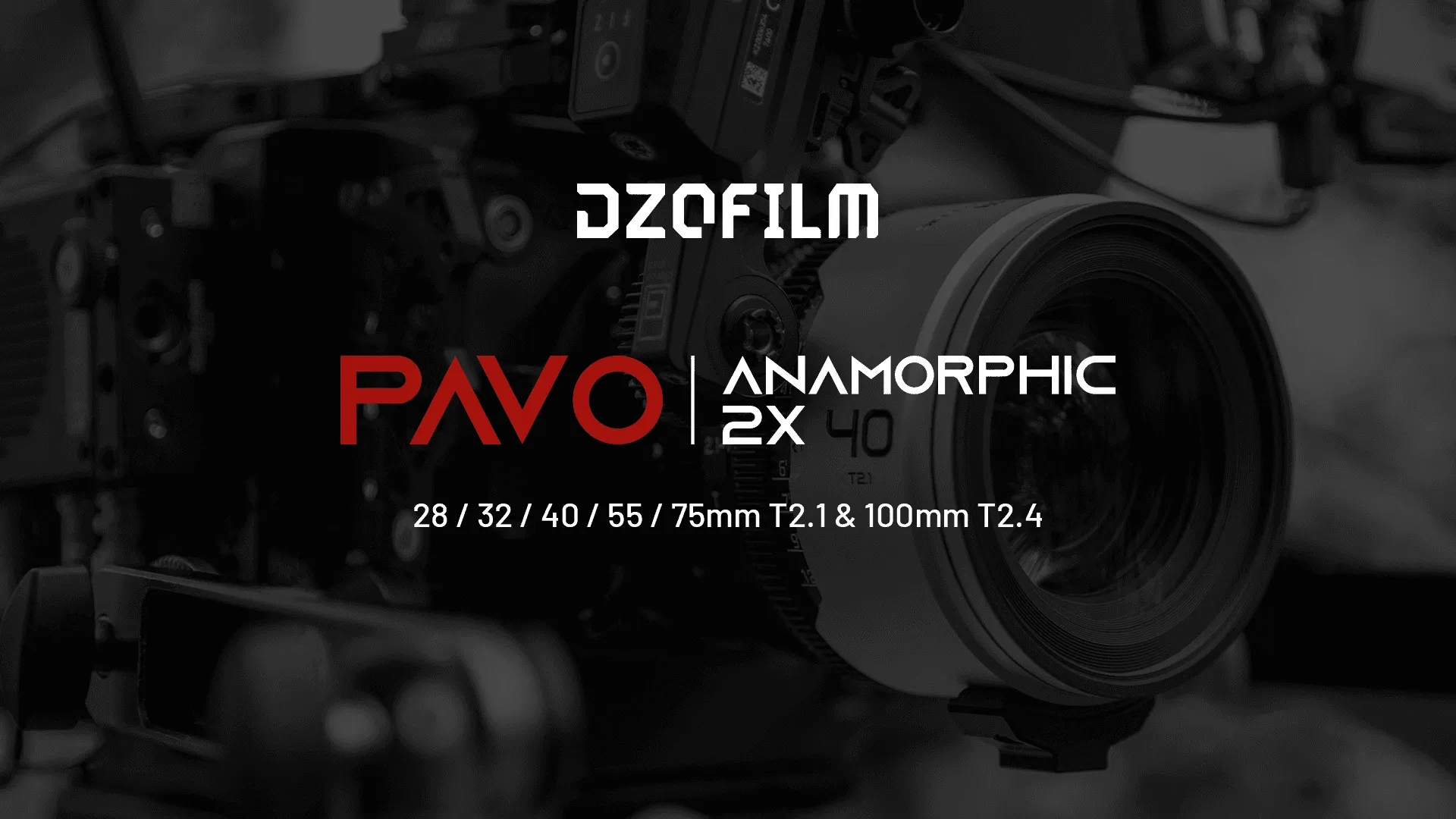
DZOFILM Expanded Its Lineup With S35 Pavo 2x Anamorphic
INTRODUCING Pavo 2x Anamorphic
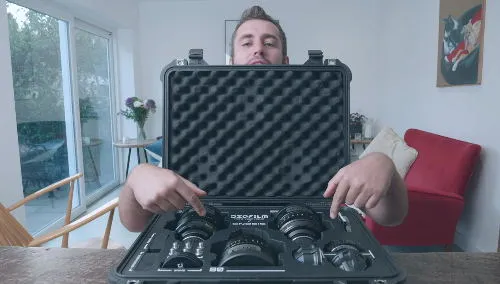
DZOFILM GNOSIS Full Frame Macro Prime Lens Set – FOCUS SO CLOSE I Review from Ben Tutton
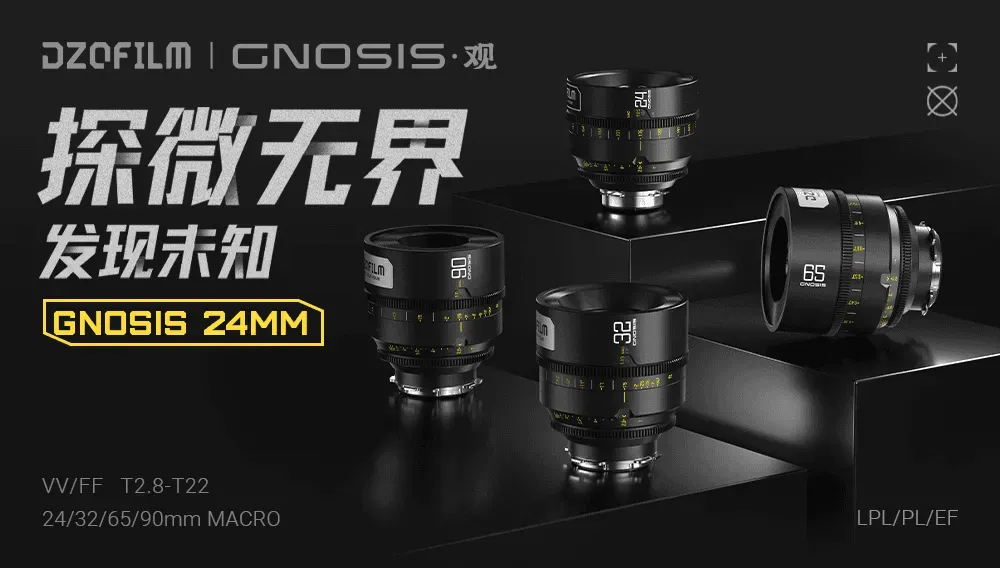
微距上新|探微无界 发现未知
「观」系列全画幅24mm微距定焦电影镜头正式发布!

程宇:入围柏林电影节感觉像是新年礼物
《亲密》导演程宇专访

DZOFILM is having a Summer Sale with up to $2879.7 Savings
Summer Sale have started and it only until June 20!

Why you can’t ignore the DZOFILM Vespid Cinema Lens set 丨Driven Films丨 Lens Review
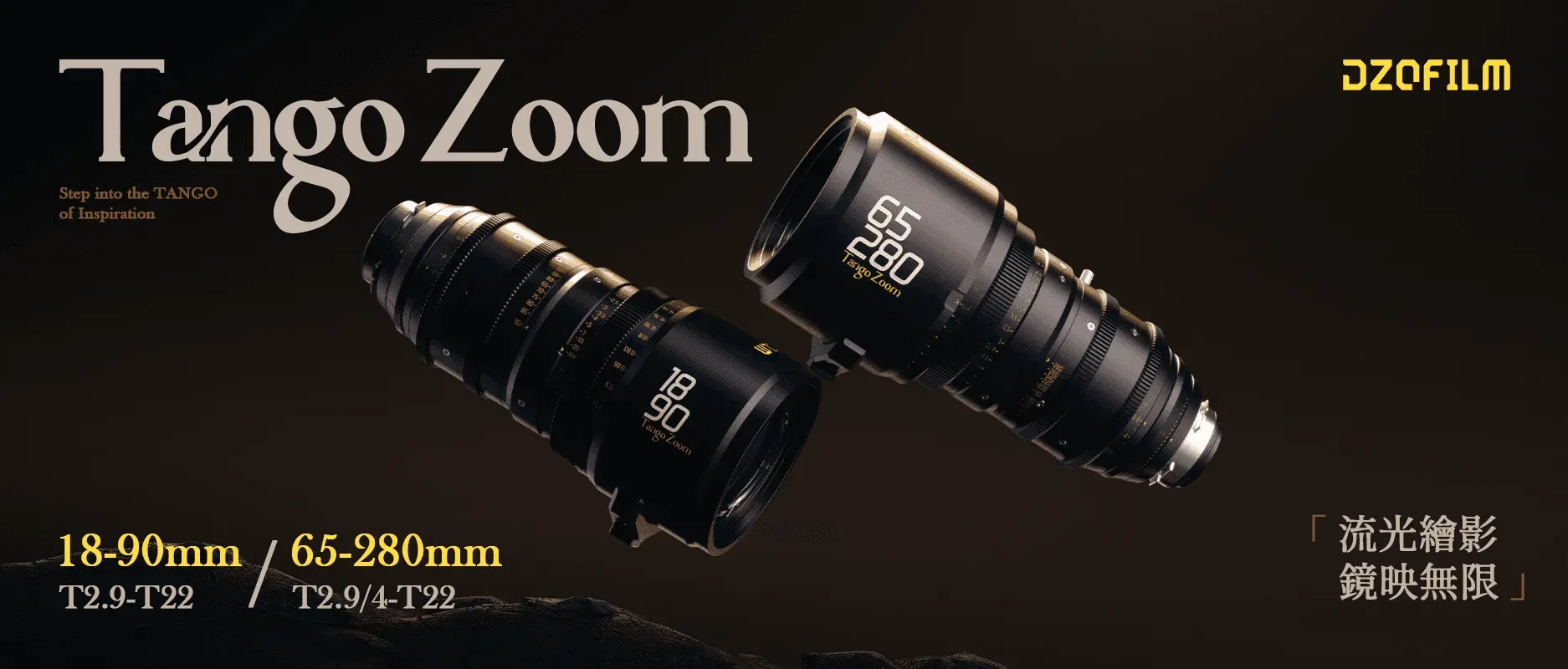
镜影二重奏 | TANGO ZOOM 大变焦系列
流光绘影,镜映无限
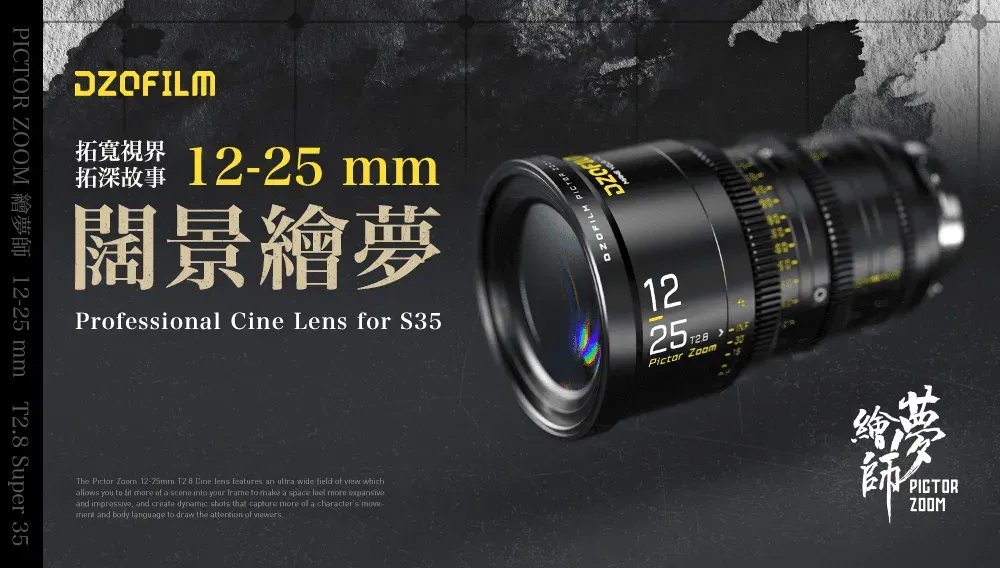
阔景绘梦 | 12-25mm 超广角变焦电影镜头
超广视野,帧秒必握

导演专访|用心聆听,温暖陪伴
《聆听者》主创专访

观专访|“近”在咫尺的广告拍摄
傅博专访
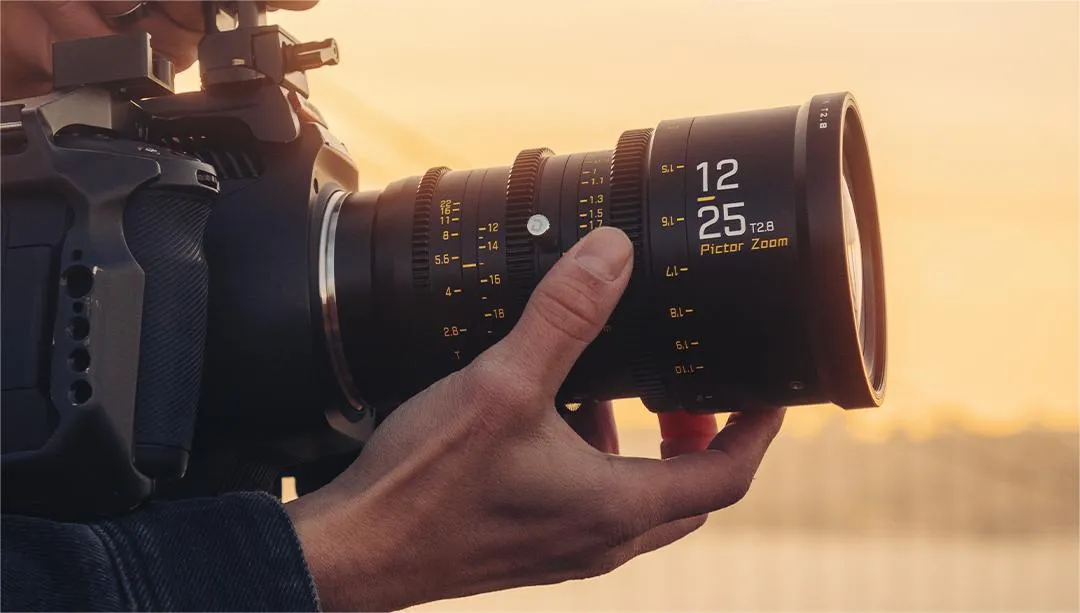
The Development of Film Genre

玄蜂 × 虚拟制作|影视制作的更多可能性
LED虚拟制作与感知虚拟制作

Enough Character for All Shooting Applications丨Georges CamerasTV丨DZOFILM Vespid Review

VESPID CYBER × DJI RS3 PRO
智能高效,一拍即合

运动拍摄技巧全解析,如何捕捉精彩瞬间?
探索自然,挑战未知,不断突破

玄蜂专访|安铮:镜头深处是自己
愿你拥有敢比的勇气,更有不比的底气

玄蜂专访|宝马“历险记”不 过 如 此
玄蜂专访

《奇迹·笨小孩》摄影指导专访丨用奇迹传递希望
好景常在,奇迹常在
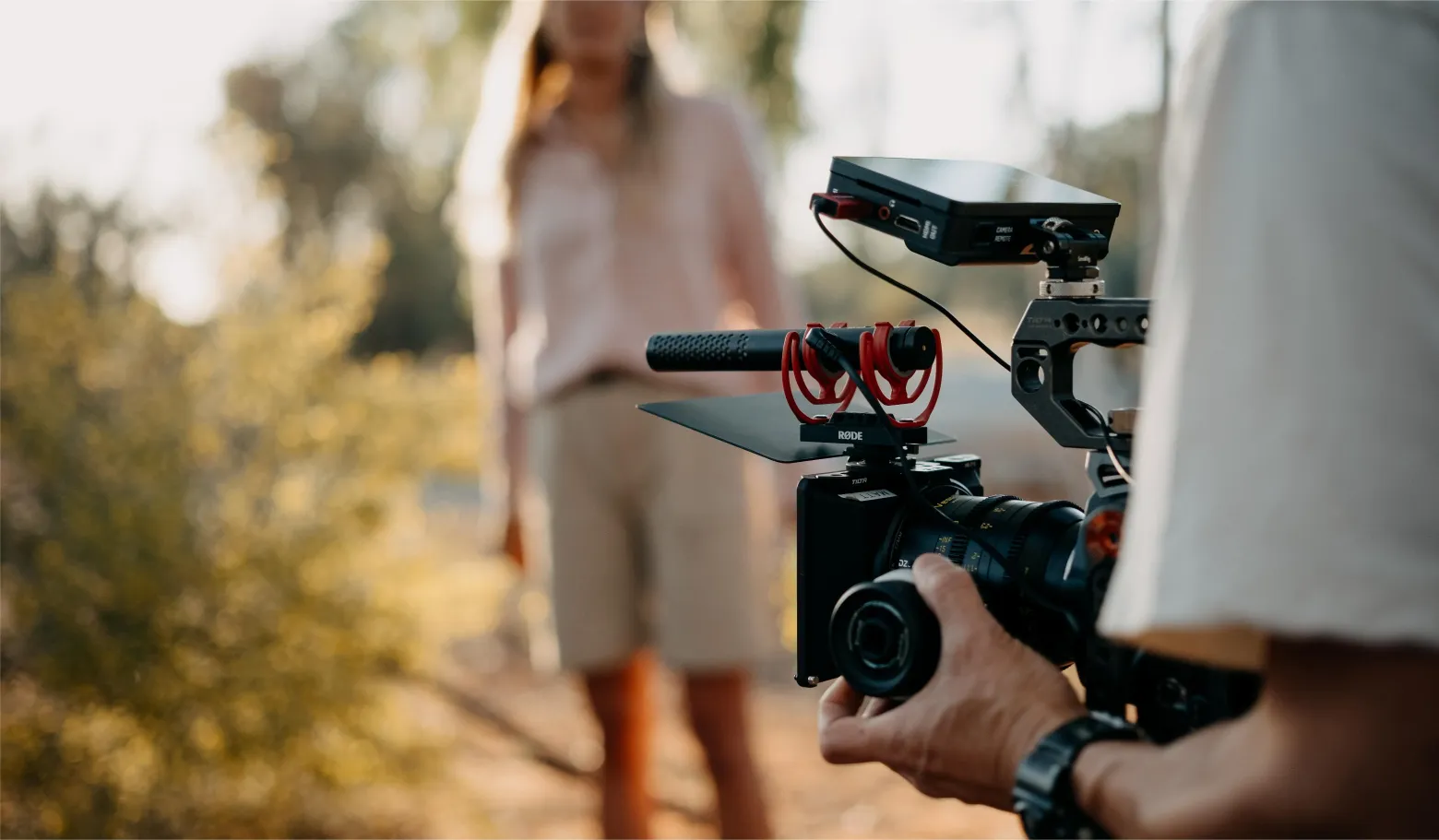
Wide-screen images beyond time and space—— The Influence and Enlightenment of Cinerama

Something You Need to Know About Anamorphic Lenses

The Application of Color in Films

Ripper’s Revenge [IMDb]—— Shooting with Pictor Zoom

Best DZOFILM Black Friday Savings 2022
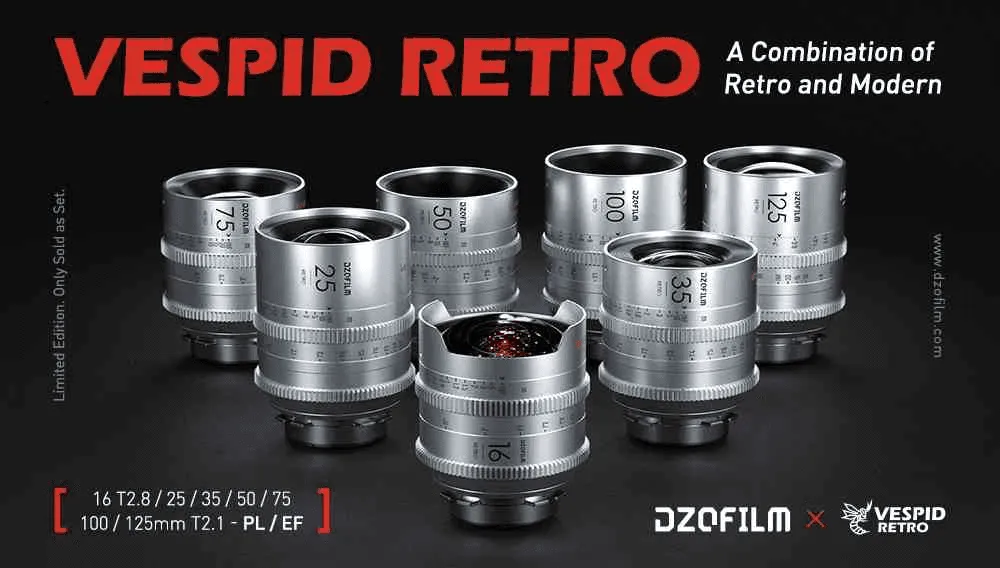
Distinctive Character, Superior Performance丨DZOFILM Vespid Retro Golden Coating Cine Lens Set Released

The Study of Glass: DZOFILM Pictor Zoom——Review by Kevin Reyes
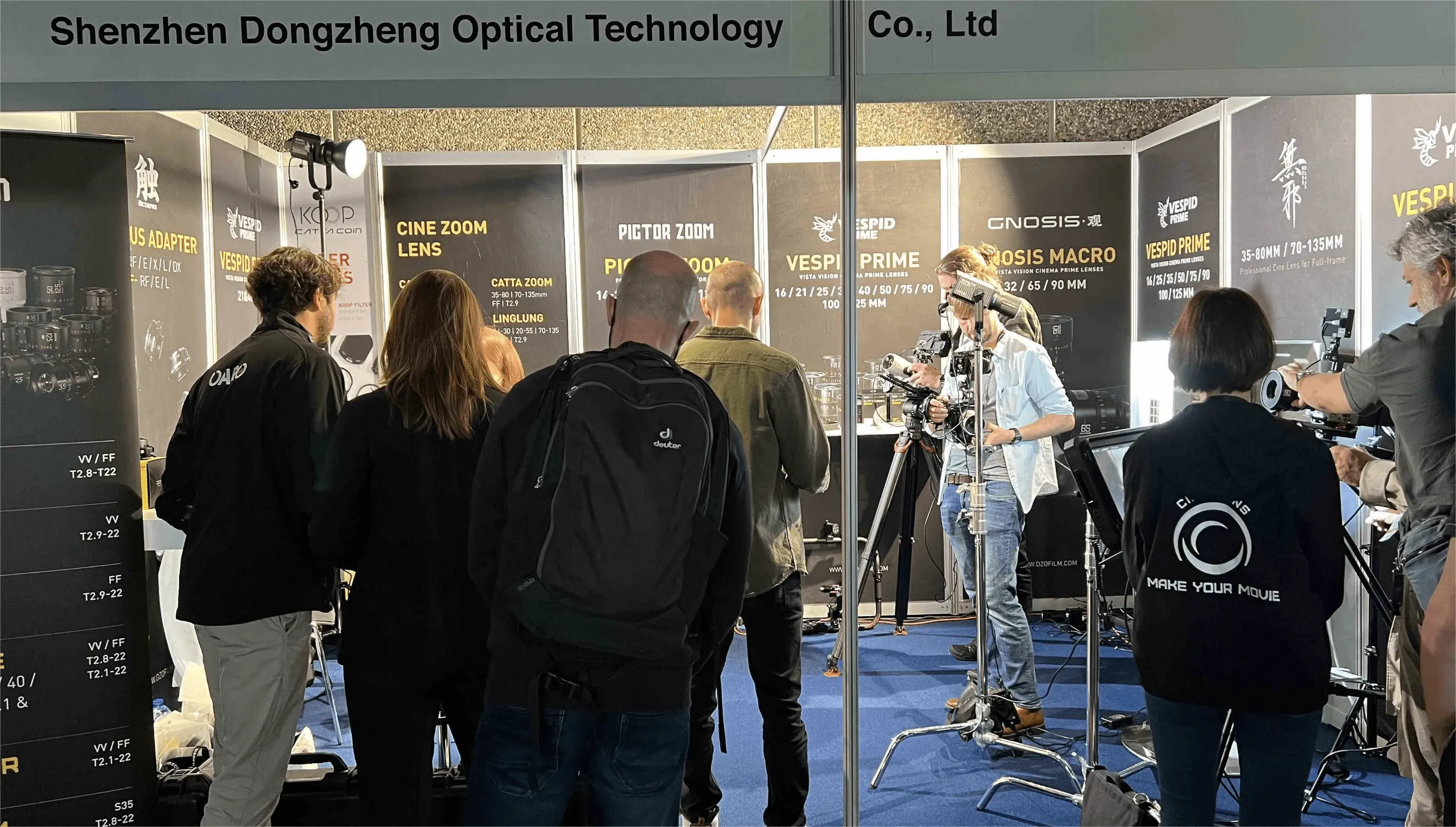
DZOFILM Wraps Up this Amazing 4 Days——IBC Show 2022
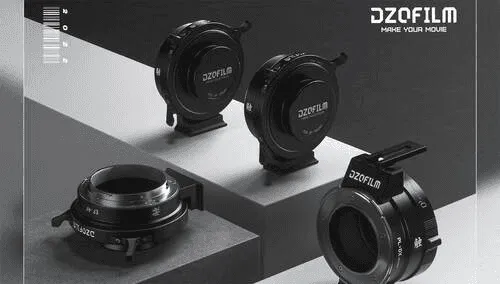
Broad Possibilities, Pro Precision丨DZOFILM Octopus EF Lens to RF/E/L & PL lens to DX Mount Camera Adapters Released

DZOFILM 新品首发 | “观”系列微距定焦电影镜头上市
32/65/90mm MACRO 最近对焦距离可达 0.167m

Vespid Family Assembled丨DZOFILM Launches Vespid 21mm & 40mm Full-frame Cine Lenses

Huge Sales for Summer - Get some awesome DZOFILM lenses to capture your summer adventures!

CATTA ZOOM × CANON R5—— Review from Viva Media

Unlock the Secret and Start Your Own Creative Journey丨DZOFILM Launches Catta COIN filters for Catta Zoom Cine Lenses
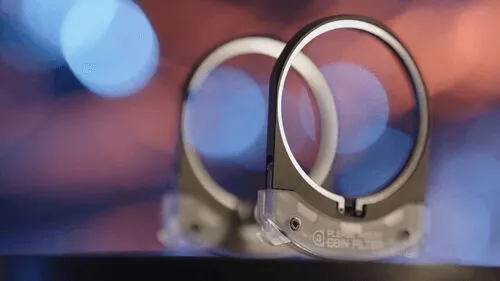
無邪系列插入式后置滤镜正式上市!
灵巧幻尾为镜,幻妙光影即映
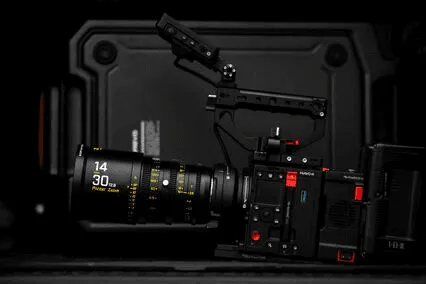
DZOFILM 新品连发,再添 14-30mm 全新广角电影镜头
绘梦师系列补充广角,后置滤镜正式开售

“Koop”, Listen to Your Inner Inspiration丨DZOFILM Releases KOOP Rear Filter for Vespid Prime & Catta Ace (PL mount) 丨DZOFILM Catta Zoom (Black) Cine Lenses Are Available Now

DZOFILM Releases Catta Full Frame Zoom
More compact, more powerful!
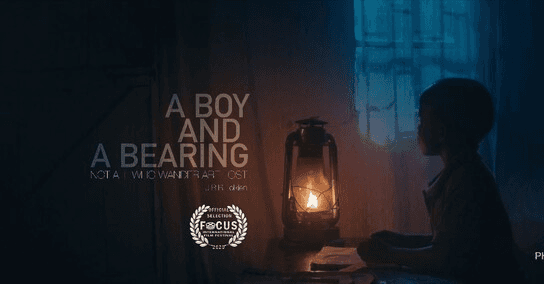
A Boy and a Bearing Interview with Philemon Makini——Shooting on Linglung

Kick off 2022 with Discounts from DZOFILM Vespid Prime Lenses New Year’s sales!

"Priest"Dramatic Conflict and Tension-shot on DZOFILM Pictor

DZOFILM Catta T/2.9 Zoom Lenses Review from@Peter Baerveldt

Reviewing Catta Full frame Zoom Lens from Newsshooter

How to Adjust Back Focus of DZOFILM Pictor Zoom Lenses?
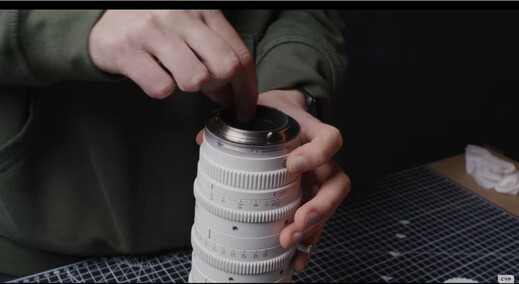
Review: Catta Performance in Actual Shooting by CVP

大可观全,《無邪》系列全画幅变焦电影镜头正式发布
“無邪”系列全画幅变焦电影镜头(CATTA-ZOOM)
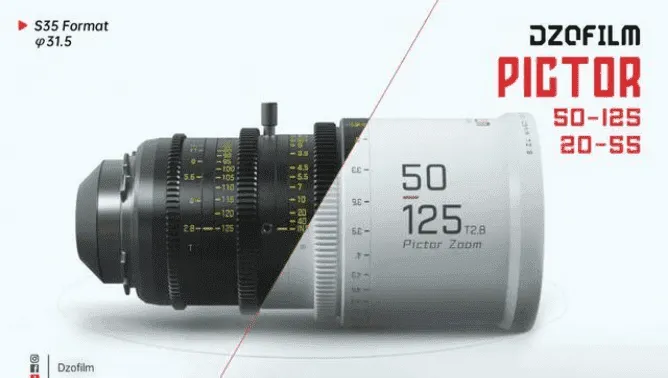
DZOFILM Vespid全画幅电影镜头全新上市,一小步的一大步!
Vespid Prime 全画幅电影镜头全新上市
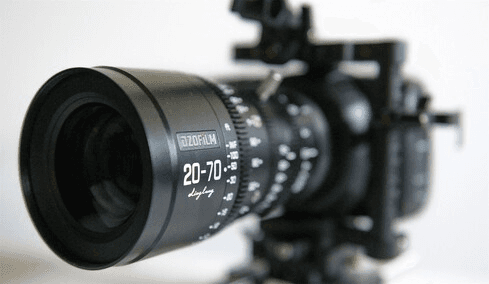
Reviewing the New DZO Film 20-70mm T2.9 MFT Cinema Lens

DZOFILM Octopus Adapters

DZOFILM Pictor Zoom S35 Review

Dark style but Filling Aesthetic Music Video by Jeremy Aiden

Which Man Does not Dream of Having a Motorcycle?

Capturing a 70s Vibe: Why the Pavo 2X Anamorphic Was the Perfect Fit for the Feature Film Carolina Caroline

Arles Prime in Action: A Conversation with Filmmaker Mark David

Revisiting the Roots of Horror: DP Garrett Samodel on Shooting 'The Dolls' with DZOFILM Pavo Anamorphic Lenses

Building a Cinematic World: Gavin Booth on Using DZOFILM Vespid & Lustre for ‘Dreamcrusher

Romance of Light and Shadow: The Speed Aesthetics of Film, Robotic Arms, and F1
A Deep Dive into Using the Arles Primes——Experiences shared by cinematographer Cody LaRosa

What is Image Circle of a Lens, How Image Circle Influence Image

The Dormant Seed: A Journey to Cinematic Clarity with Jacopo Ficulle

The Indispensable Zoom: Why Cinema Lenses Are the Unreplaceable in Movie Workflow

Cédric Corroy: Crafting Light with DZOFILM Arles Primes
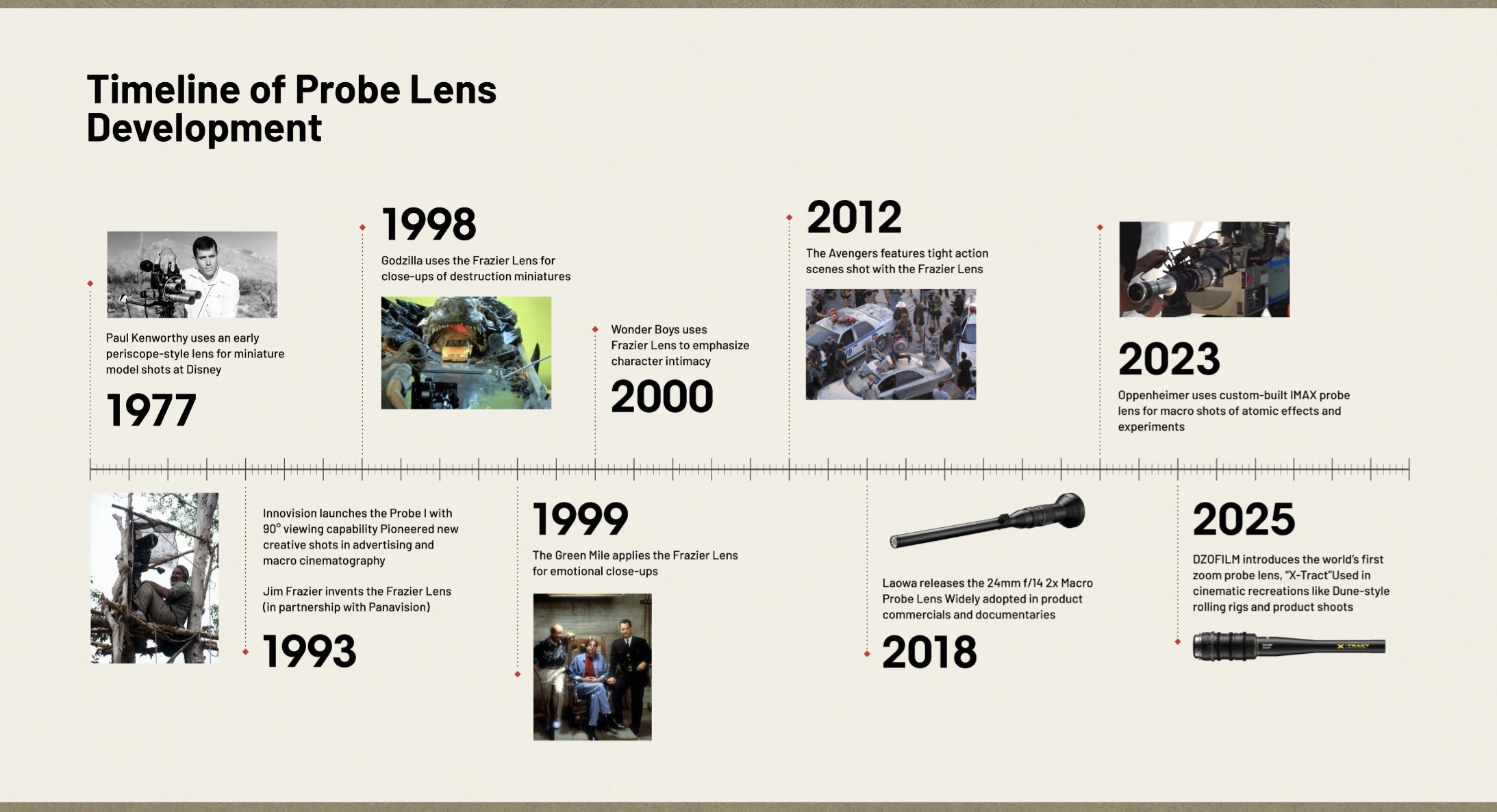
The History and Evolution of Probe Lenses: From Innovation to Cinematic Excellence
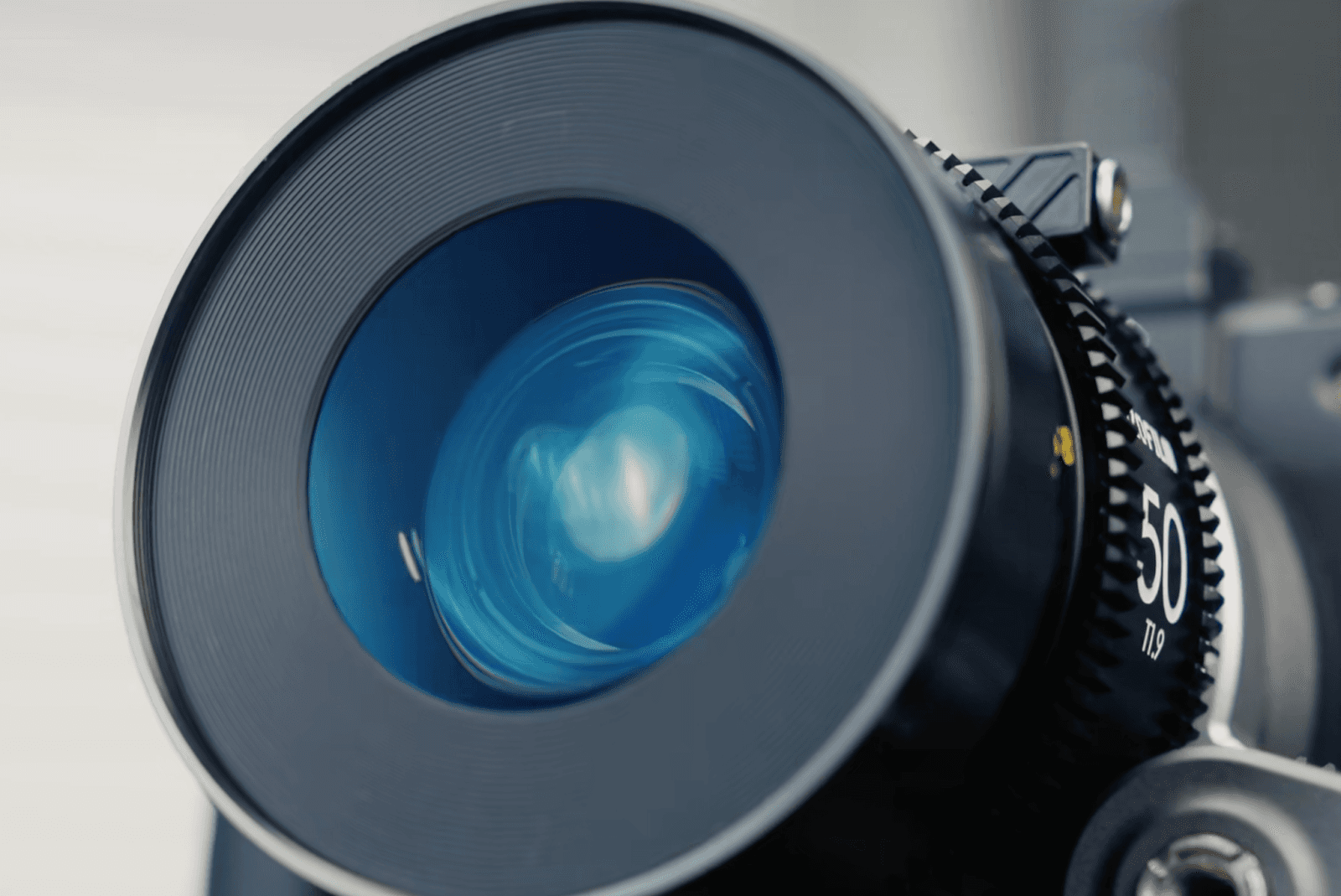
How Lens Coating Becomes an Artistic Choice in Cinema Production

Crafting Cinematic Stories with Precision: Christian Wolf on DZOFILM Arles Primes and Pavo Anamorphics
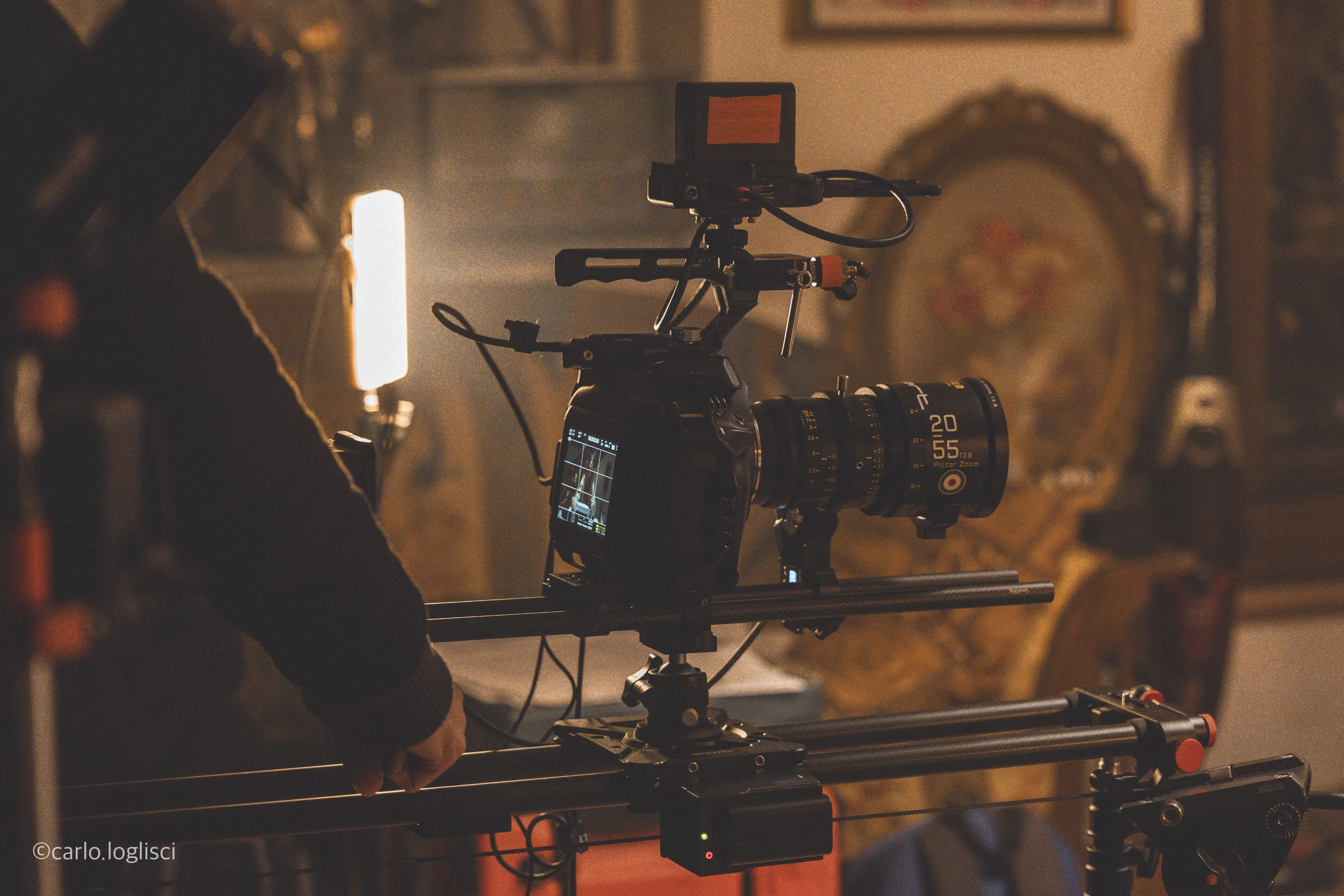
Crafting Vintage Horror: A Trio's Vision with DZOFILM

What is the impact of anamorphic lenses on commercial shooting and cinematography?

DP: Oleg Tcherkas and the Visual Narrative of 'Disfigura'
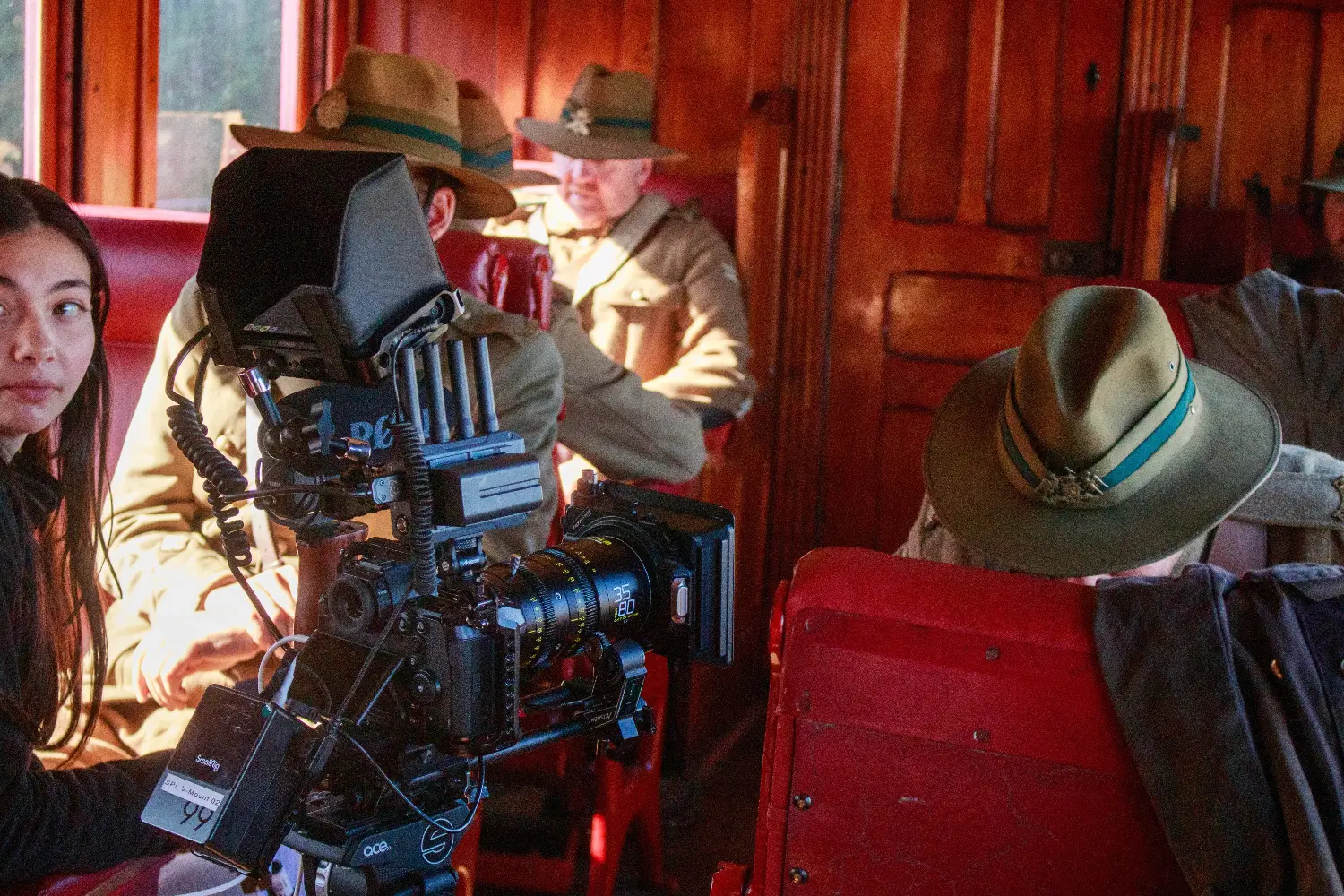
Interview with Edward Sampson, Director of Photography for ‘Devils on Horses’
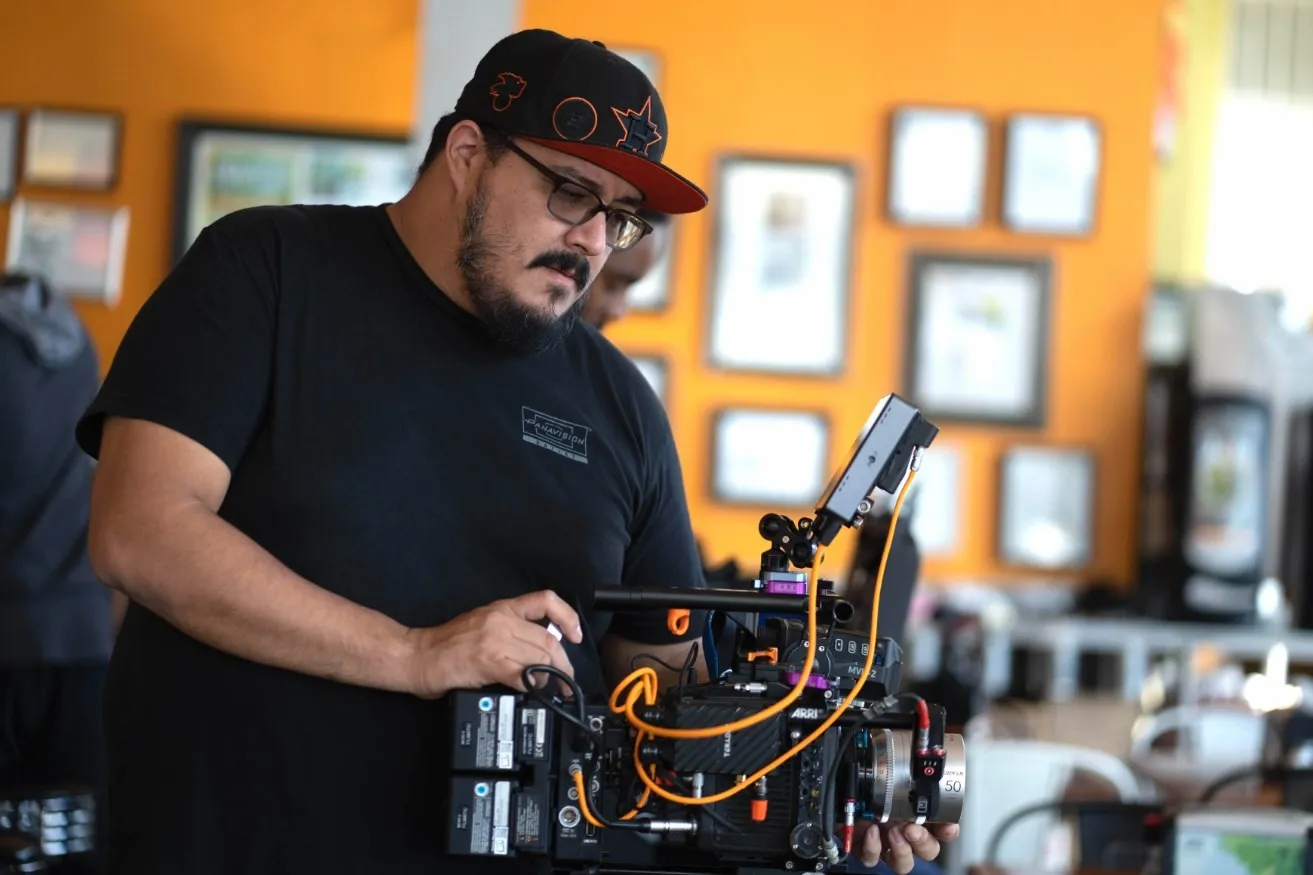
Enhancing Visual Excellence on a Budget: Orlando Briones on His Real-World Experience with DZOFILM Lenses

DZOFILM Celebrates Its Fifth Anniversary with Discounts for Promotion
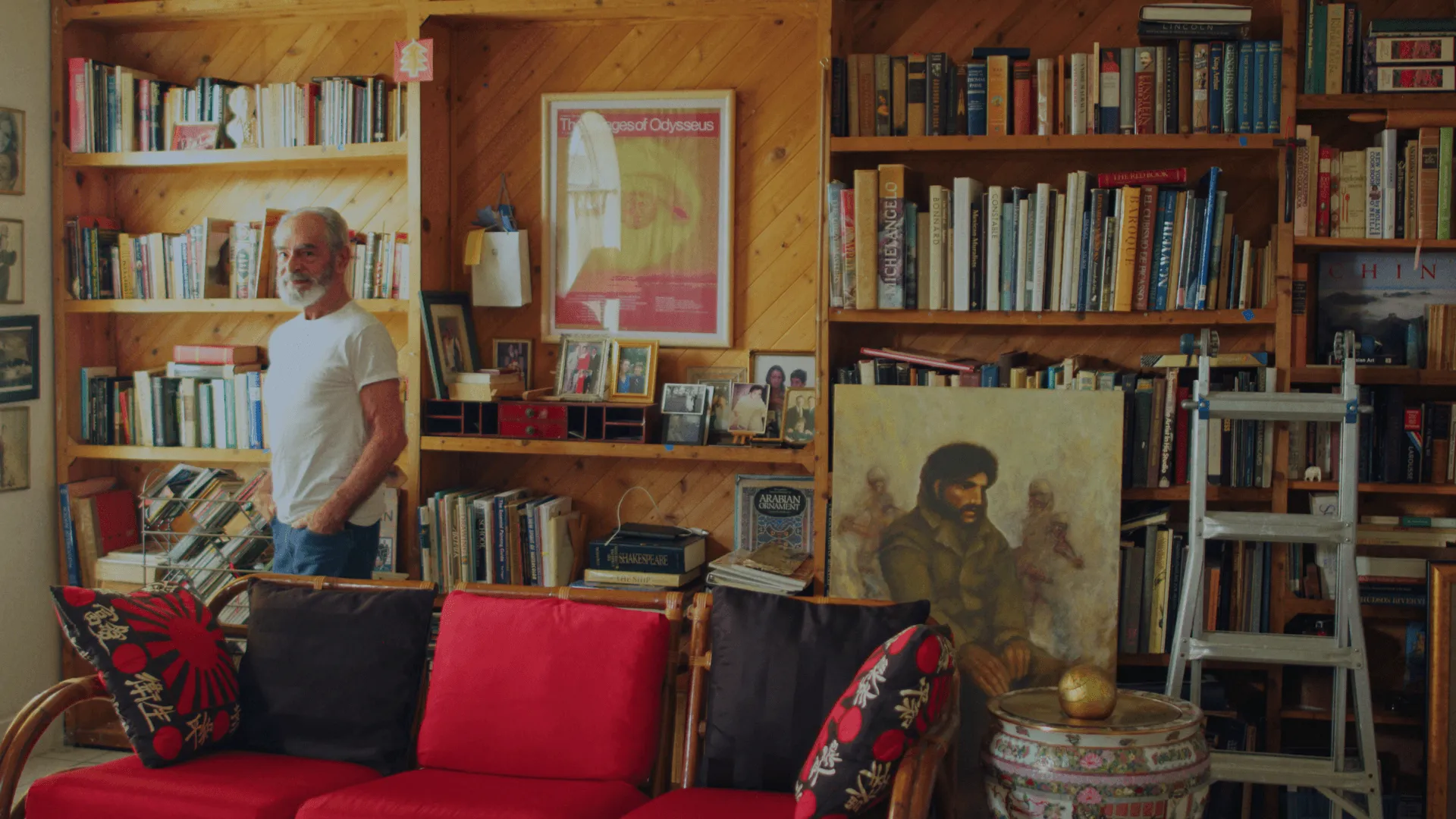
Interview with Blake Cortes, Director/DP of "ARTE ES VIDA" Documentary
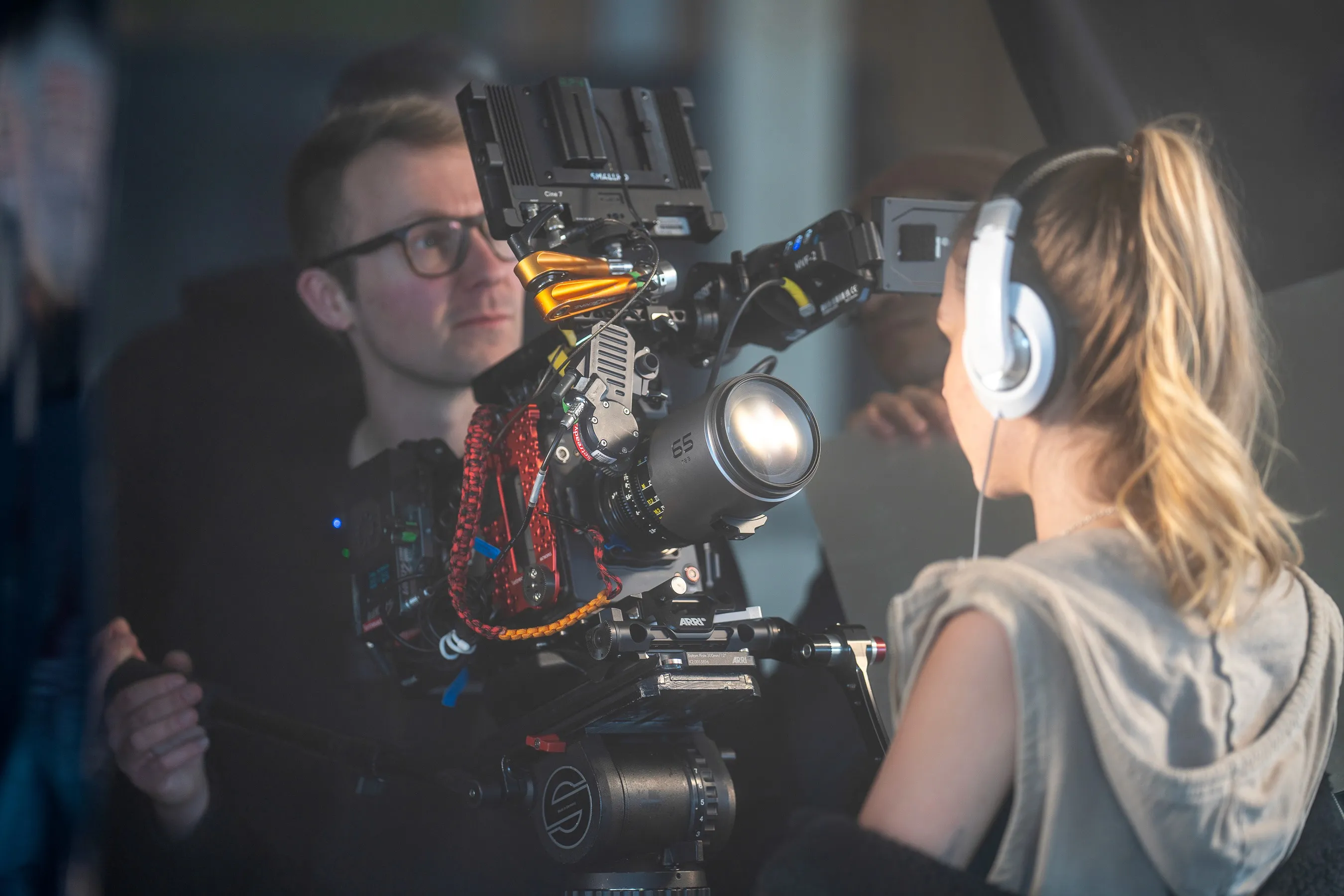
Balancing Creativity and Technology in Cinematography: Insights from Commercial DP Nik Pilecki
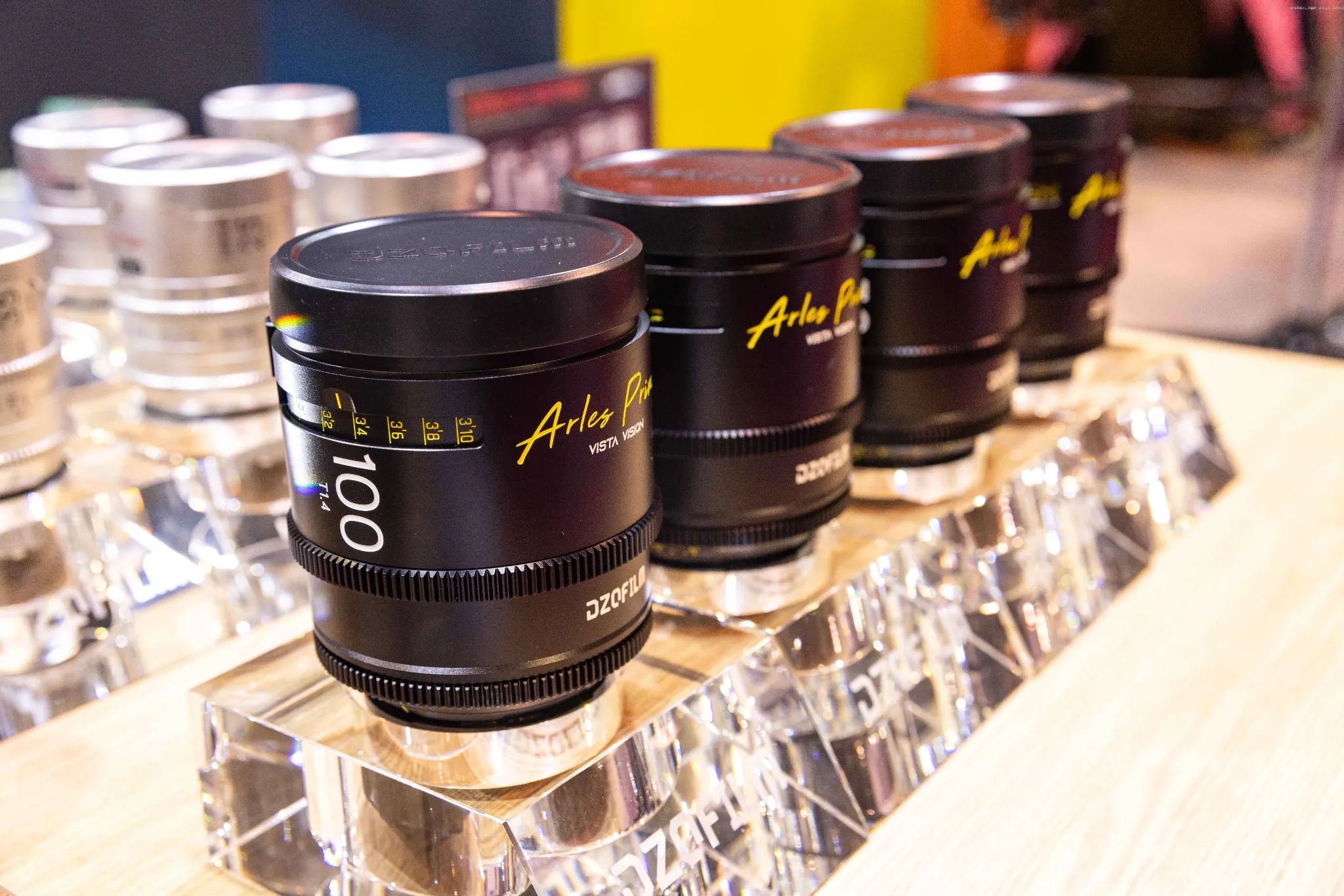
How to choose the right lens/The influence of different factors on lens selection.

An Interview on the Cinematography of 'The 90-Year-Old Cyclist’

D计划 x HAF22|邱炯炯导演新片《腹喜!舊蜀老饕筆記》斩获D计划大奖
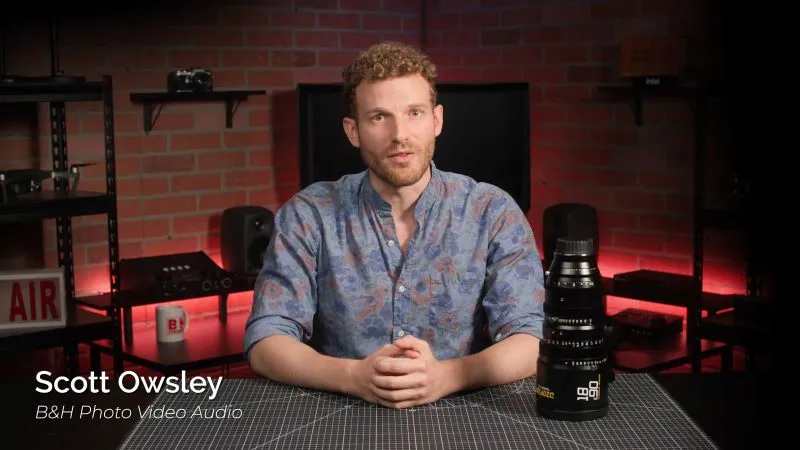
Impressive Zoom Ranges, Quality Craftsmanship, a Pleasing Cinematic Look, and More | Review by B&H Photo Video Pro Audio
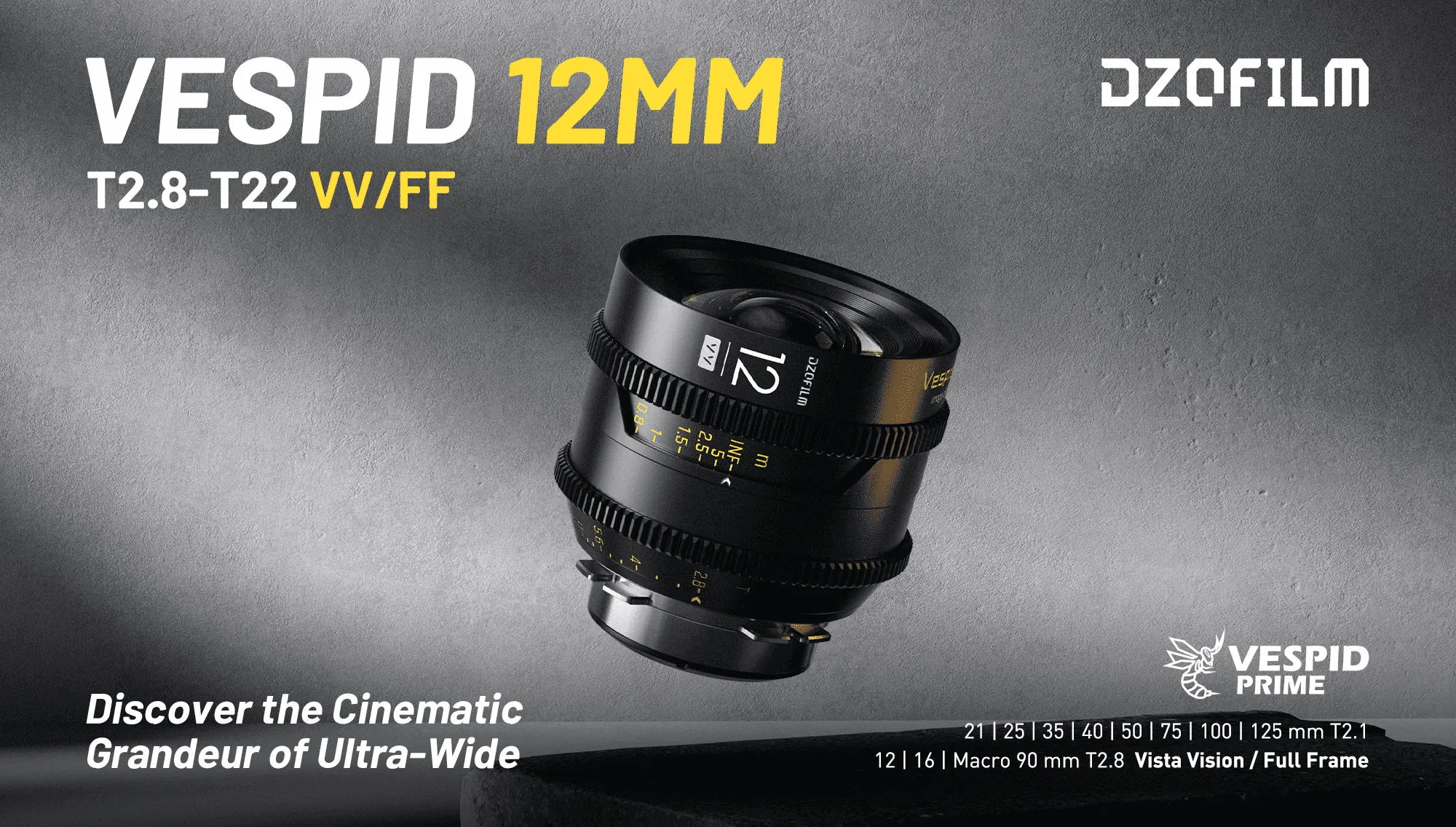
DZOFILM Vespid 12mm T2.8 VV Prime Cine Lens Announced
INTRODUCING VESPID 12MM
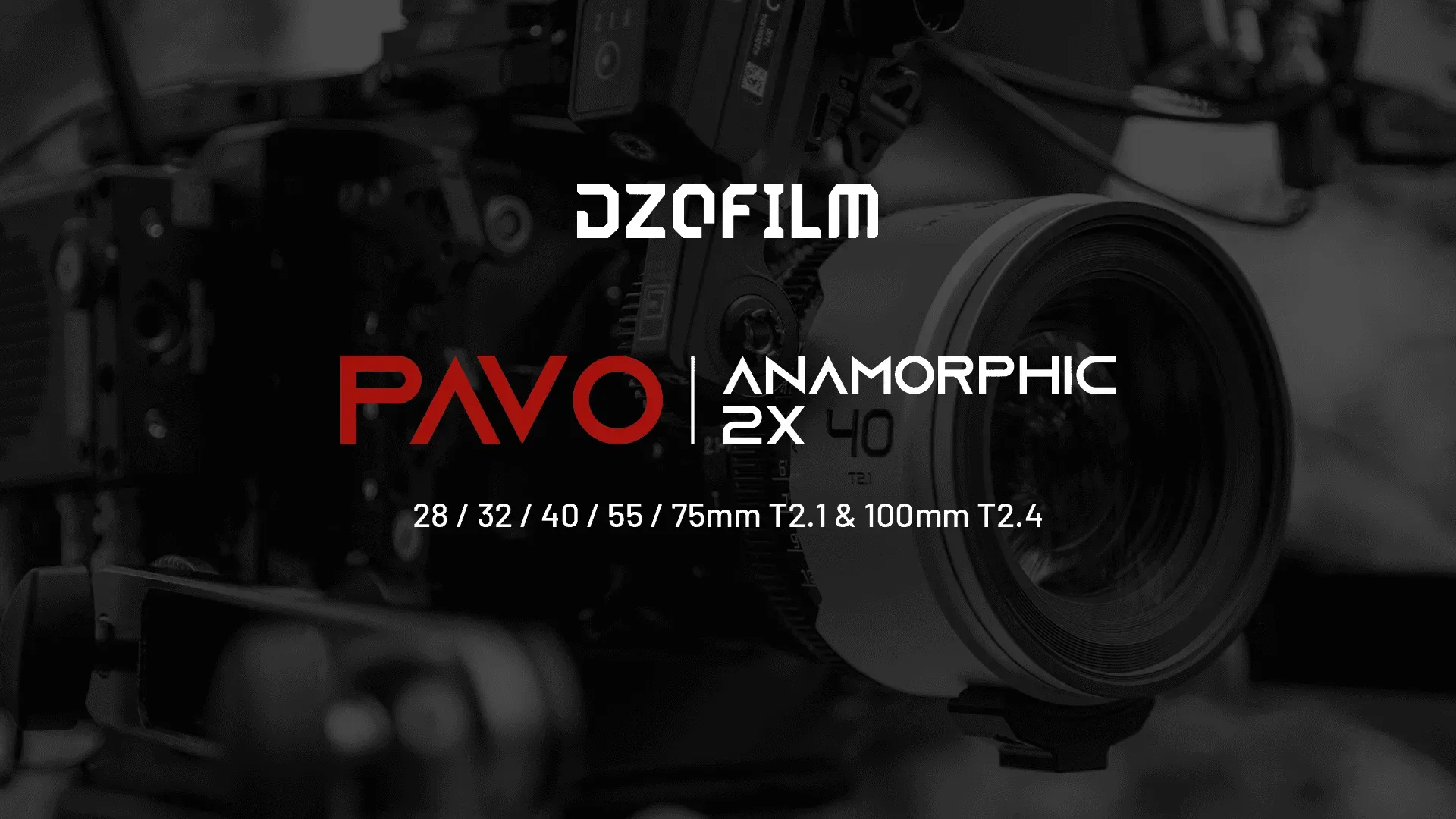
PAVO「翎」系列2X变宽电影镜头正式上市
屏展翎立,繁花尽开
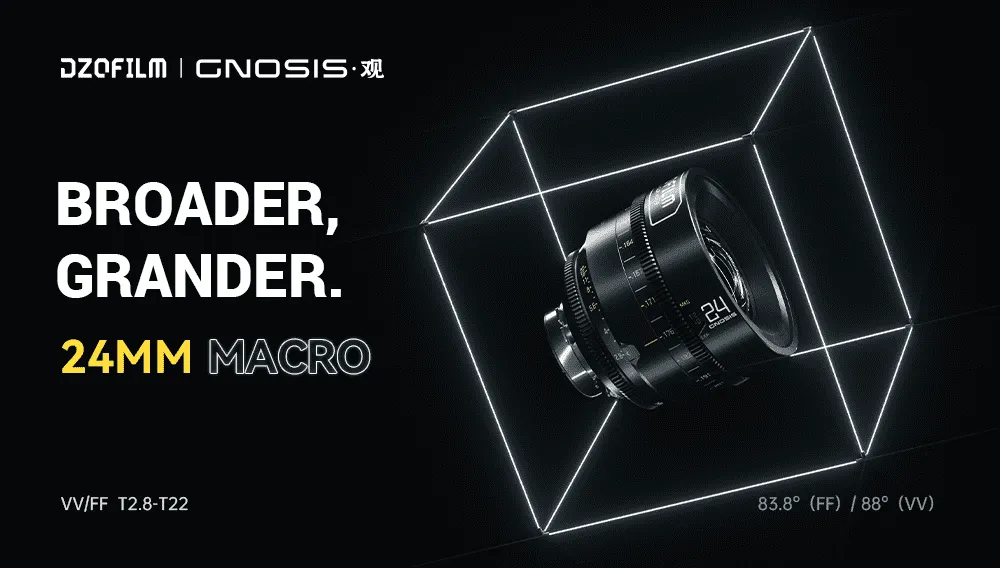
Broader Perspective, Grander Microcosm丨DZOFILM Gnosis 24mm VV T2.8 Marco Cine Lens Released
Broader Perspective, Grander Microcosm

玄蜂镜头全焦段实用指南
玄蜂镜头全焦段实用指南
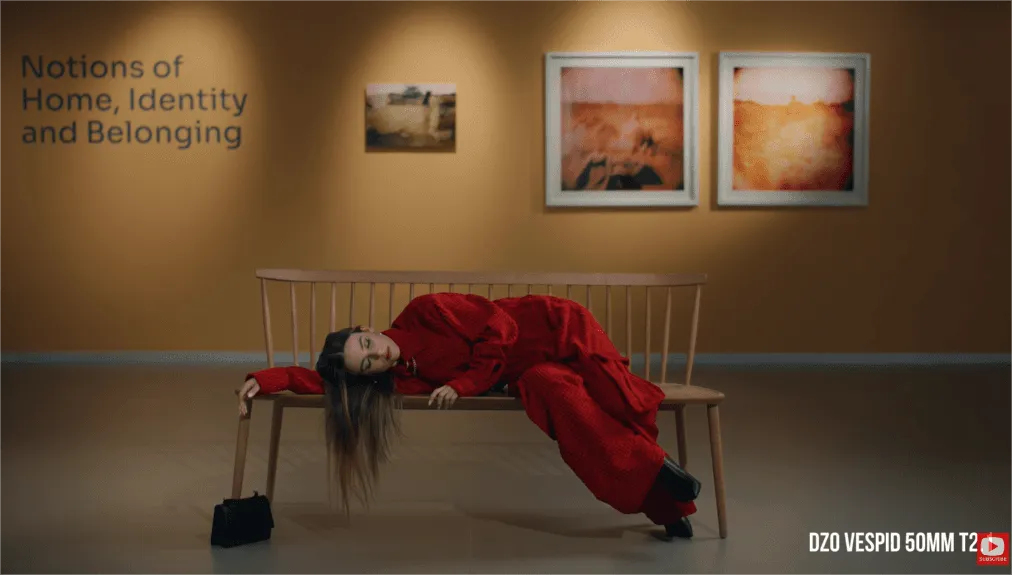
Are CINEMA LENSES Overrated? Worth all the Hype?

This Cinema Lens Changes Everything丨Review by Filmspace
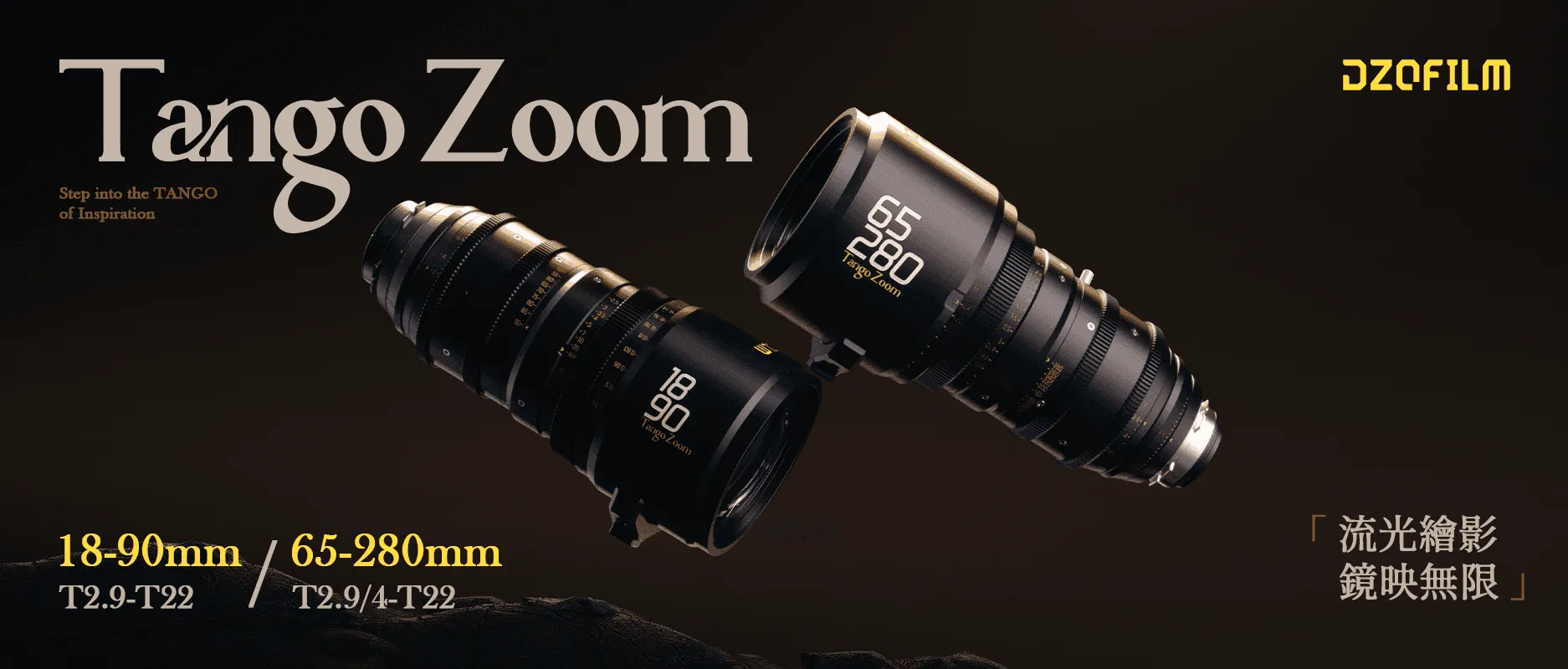
DZOFILM S35 Tango Zoom Lenses Released With Large Zoom Ratio Covering 18-280mm
Announcing Tango Zoom
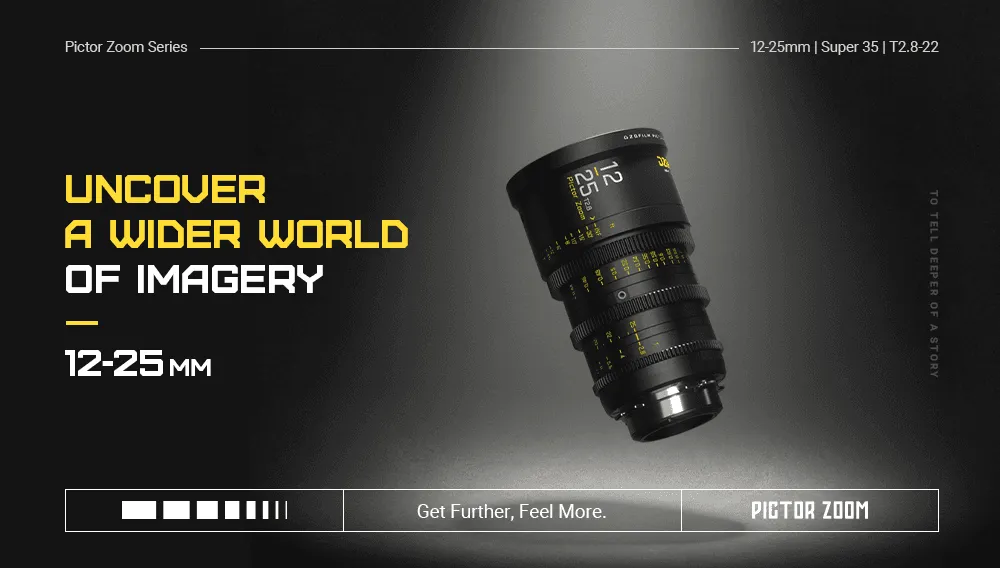
Ultra Wide for Exquisite Visual Expression丨DZOFILM Launches Super 35 Pictor 12-25mm T2.8 Wide-angle Cine Lens
On February 16, DZOFILM launches its brand new Pictor 12-25mm, the widest in Pictor Zoom series.

新品上线 | 无邪ACE 18-35MM 惊喜来袭
更加广阔视野,探索无限可能

NIKI NEVER GIVE UP 丨Feature Film Shot with Pictor丨Interview with Director Tobias Karlinger

Cinegear Show & DZOFILM Booth Announcement
CINEGEAR LA EXPO 2023 Los Angeles USA丨June 2(Fri) - 3(Sat), 2023

玄蜂专访|是科技的产物也是情感的寄托
《智械之翎》导演郑宇高专访

Andy Lau Tak Wah丨Future is an Attitude 丨Audi A8L TVC Commercial丨Arri mini lf+DZOFILM Pavo

VESPID CYBER × DJI RS3 PRO
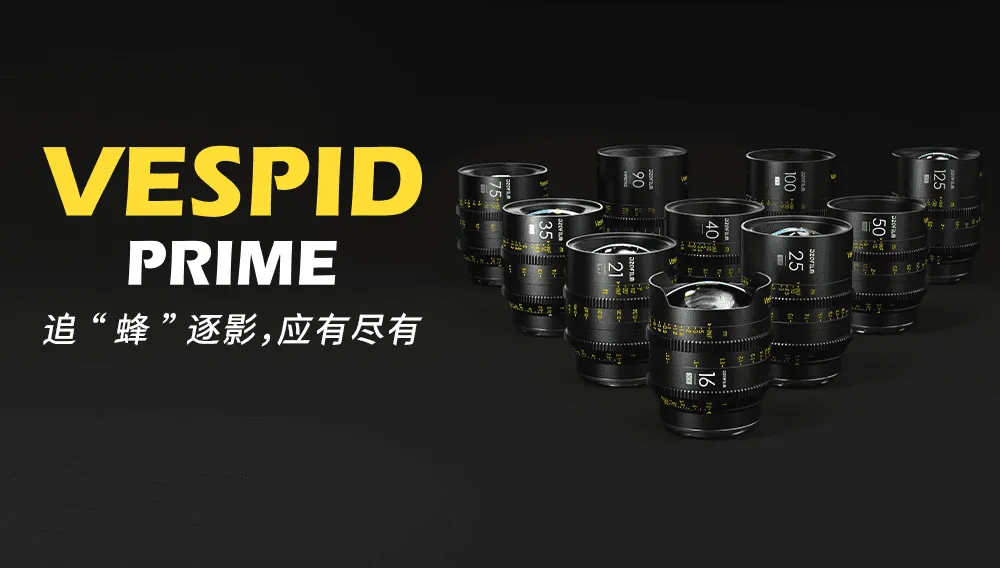
「10」至名归|追“蜂”逐影,应有尽有
小巧如蜂,行动猛捷

直击幕后,虚拟拍摄有何创作密码?
玄蜂在虚拟拍摄中的应用
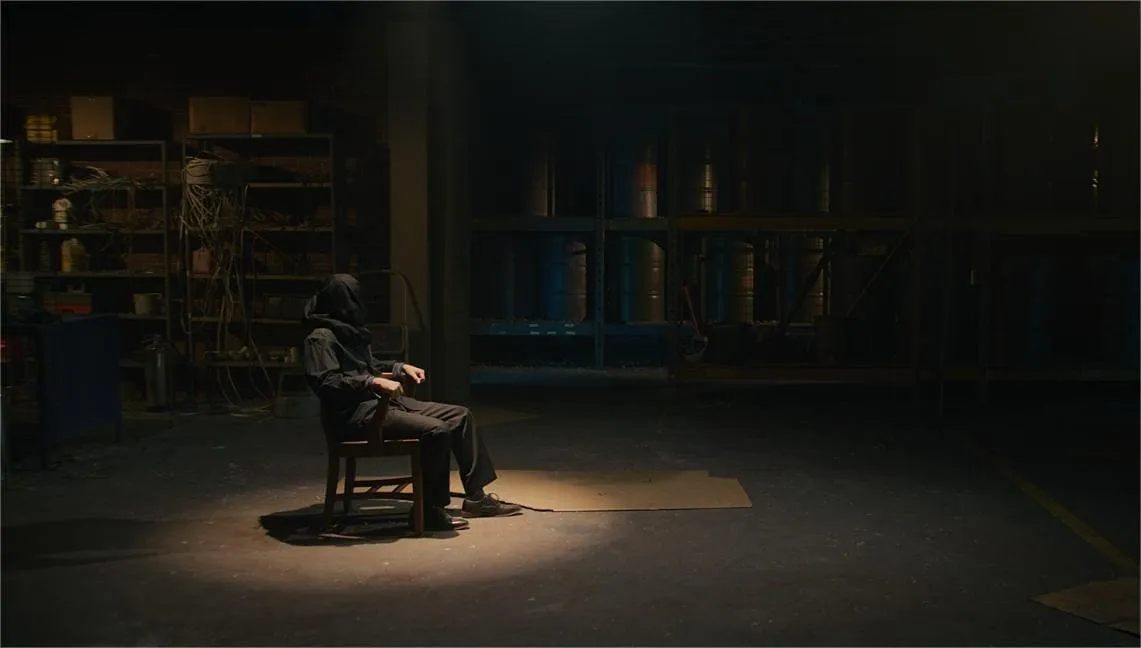
WORDS 丨Feature Film Shot with Pictor丨Interview with DP/Colorist Curtis Boggs

玄蜂专访丨北京冬奥再见,一起向未来!
玄蜂专访

DZOFILM Pavo 2X Anamorphic Lens Series - First Look at NAB 2023 Show

DZOFILM Sincerely Invites You to Visit Our Booth at NAB 2023 Show
Connect with DZOFILM and be our lucky winners!

2023 Berlinale Shorts nominee: Daughter and Son(Qin mi)
The fusion of imagination and space, the transformation of identity, the endless intimacies, and the endless detachment allow us to peep into their emotions and dilemmas. This is a love story about playing.

Shooting technique and application of zoom lens in movie shooting

The Crimson Rivers (TV series) Season 4 —— Shooted with Vespid Primes

Catch Every Moment of the Harvest Season with Vespid 21mm & 40mm —— Review by ED Prosser
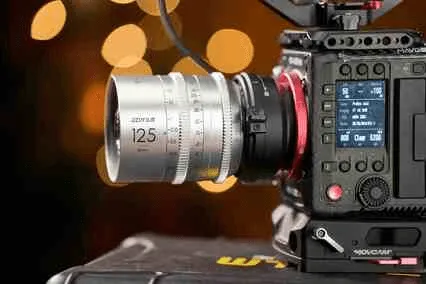
限量发售!DZOFILM 复古玄蜂电影镜头正式上市
别致风格,非凡表现

Best WIDE Angle Cinema Zoom Lens on a Budget? —— Pictor 14-30mm Lens Review By Film Jams

For the First Time in 3 Years, DZOFILM Returns to IBC 2022
Explore The Macro Originality In A Brand New Visual Feast 丨DZOFILM Gnosis 32mm/ 65mm/ 90mm VV T2.8 Marco Cine Lenses Released

DZOFILM Flash Bundle Sale - Expand Your Lens Lineup With Our Special Offer!

Expand Your Vision, Explore The Envision丨DZOFILM Releases Marlin 1.6x Expander
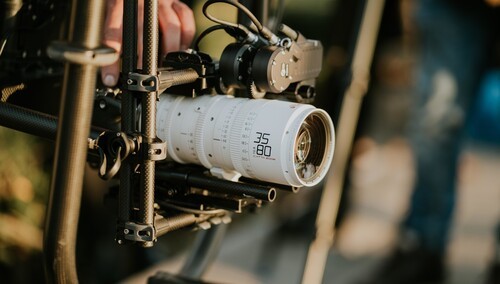
Do You Know the Differences between Catta Zoom and Catta Ace?

"Color of Passion" - Shot on DZOFILM Pictor Full Set (14-30 &20-55 & 50-125)

Unlock the Secret and Start Your Own Creative Journey丨DZOFILM Launches Catta COIN filters for Catta Zoom Cine Lenses

As Wide As Your Imagination丨DZOFILM Launches Super 35 Pictor 14-30mm T2.8 Wide-angle Cine Lens

Peter Baerveldt Introduces How to Use KOOP Rear Filter
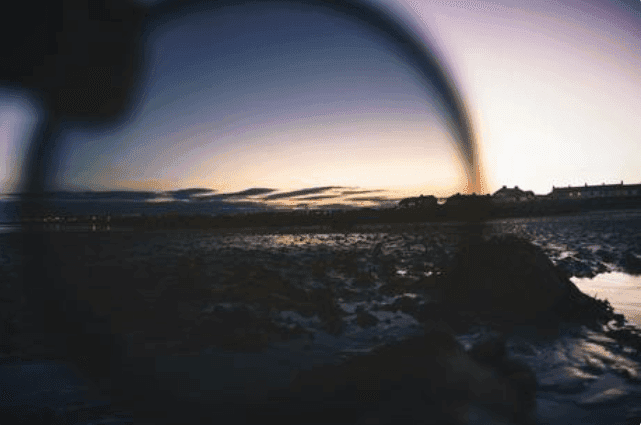
How much Do You Know about Them? ——Some Introductions about Lens Filters

DZOFILM焕新之作,CATTA ACE ZOOM正式发布!
更紧凑,更强大!

Stunning Microcosms, Dreamlike Images ——Shooting with Vespid Primes
You never know how big pre-work a short commercial needs. Let's take a look at this amazing process!

What are the Differences Between Those Most Popular Prime Lenses?

"Hear Your Voice" DZOFILM Brand Film Shot on Vespid Set T2.1
"There is a story behind everything. Every little gesture has own tale. Every glimpse has full of meaning. The question is, would you dare to tell us the story?"

How is the performance of Vespid 16mm?
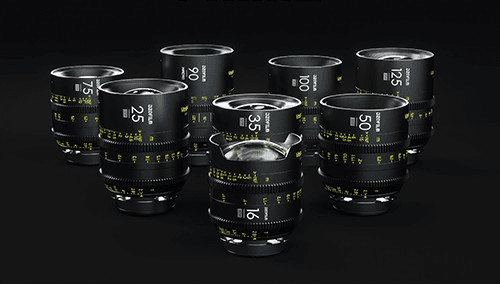
DZOFILM Releases Vespid 16mm Prime Cine Lens

Review: Nice Option for Aspiring Filmmakers by B&H Photo Video

New Options丨DZOFILM CATTA ACE FF Zoom Cine Lens Release!
Light as Always, Stronger than Ever

DZOFILM Releases Vespid Full Frame Prime
Brand-new Vespid Prime Full-Frame Cine Lenses Released
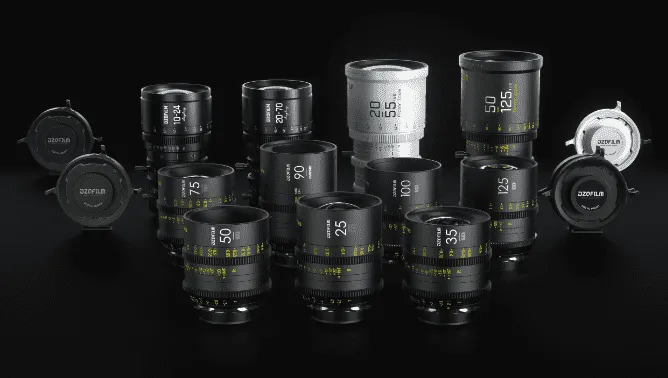
【电影镜头】电影镜头的如何进行分类

DZOFILM Pictor Zooms Discussion with Phil Holland

DZOFILM Introduces Pictor S35 Zoom

DZOFILM Film Lens User Report : BlackRay
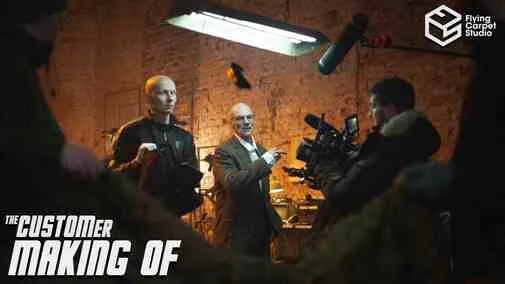
How to Capture a Good Atmosphere Tension at Shoot-em-up Film?

The Last Dance: Drawing the Chinese Culture
Smoochy — Summer Tastes Red: A conversation on tabletop filmmaking, motion control, and lens choice | Director : Amr El Saadany
Smoochy — Summer Tastes Red
Capturing a 70s Vibe: Why the Pavo 2X Anamorphic Was the Perfect Fit for the Feature Film Carolina Caroline
Heavy Glass, Fast Horses: Why the DZOFILM Arles Prime Set Is Suitable for Documentary Work
Arles Prime in Documentary Work
Arles Prime in Action: A Conversation with Filmmaker Mark David
Horseback, High Altitude, and the Vespid Two-Lens Kit: Manel Pessanha on Capturing Kyrgyzstan
Revisiting the Roots of Horror: DP Garrett Samodel on Shooting 'The Dolls' with DZOFILM Pavo Anamorphic Lenses
Penguins of the Point: A One-Man Expedition with Blackmagic & Vespid Primes
Building a Cinematic World: Gavin Booth on Using DZOFILM Vespid & Lustre for ‘Dreamcrusher
The Dreams We Kept: Nostalgia, Horsepower, and the Frames In Between
Romance of Light and Shadow: The Speed Aesthetics of Film, Robotic Arms, and F1
Preserving Heritage Through the Lens: Cinematographer Diego Huerta on Documenting 'US Charros' with Arles Prime
A Deep Dive into Using the Arles Primes——Experiences shared by cinematographer Cody LaRosa
The Art of Invisibility: How the DZO Pavo Lenses Shaped the Visual Language of Thieves' Highway
What is Image Circle of a Lens, How Image Circle Influence Image
Capturing Reality: Luiz Maximiano's Cinematic Evolution
The Dormant Seed: A Journey to Cinematic Clarity with Jacopo Ficulle
Reimagining Jeltoqsan: How an 18-Year-Old Cinematographer Transformed a National Turning Point Into Visual Poetry
The Indispensable Zoom: Why Cinema Lenses Are the Unreplaceable in Movie Workflow
Understanding Spherical Aberration and Why Lenses Have Aspherical Elements
Cédric Corroy: Crafting Light with DZOFILM Arles Primes
What is Chromatic Aberration
The History and Evolution of Probe Lenses: From Innovation to Cinematic Excellence
Behind the Tiny Scenes: Filmmakers Push Boundaries with DZOFILM X-TRACT in LEGO’s Fast & Furious World
How Lens Coating Becomes an Artistic Choice in Cinema Production
Filming 'VICTORIA': A Cinematographer’s Perspective on Using DZOFILM’s PAVO Anamorphic Lenses
Crafting Cinematic Stories with Precision: Christian Wolf on DZOFILM Arles Primes and Pavo Anamorphics
The Art of Documentary Cinematography: Exploring 'MAJI' with DZOFILM Lenses
Crafting Vintage Horror: A Trio's Vision with DZOFILM
Exploring the Wild: A DP’s Journey with DZOFILM Pictor Zoom Lenses in Extreme Environments
What is the impact of anamorphic lenses on commercial shooting and cinematography?
Cinematic Vision: Wade Muller Discusses the Unique Appeal of Pavo Anamorphic Lenses
DP: Oleg Tcherkas and the Visual Narrative of 'Disfigura'
DZOFILM Expands Arles Prime Series: A New Perspective for Redefining Creative Boundaries
Interview with Edward Sampson, Director of Photography for ‘Devils on Horses’
Exploring BOUND BY BLOOD (2024): An Interview with Riccardo Suriano
Enhancing Visual Excellence on a Budget: Orlando Briones on His Real-World Experience with DZOFILM Lenses
Bryan Redding Discusses the Impact of Vespid Prime and Gnosis Macro Lenses on Independent Film
DZOFILM Celebrates Its Fifth Anniversary with Discounts for Promotion
What is 'Lens Flare'?
Interview with Blake Cortes, Director/DP of "ARTE ES VIDA" Documentary
Exploring Creativity: A Conversation with Parker Croft on 'As Easy As Closing Your Eyes' and Filmmaking Innovation
Balancing Creativity and Technology in Cinematography: Insights from Commercial DP Nik Pilecki
Blending Vintage with Modern: The Visual Allure of Vespid Retro Lenses in 'Take My Hand'"
How to choose the right lens/The influence of different factors on lens selection.
DZOFILM Lenses: Unrivaled Flexibility and Quality in Professional Production
An Interview on the Cinematography of 'The 90-Year-Old Cyclist’
What is 'Cinematic?
D计划 x HAF22|邱炯炯导演新片《腹喜!舊蜀老饕筆記》斩获D计划大奖
Diego Huerta: Bridging Cultures Through Cinematic Storytelling - A Journey of Identity, Inspiration, and Vision
Impressive Zoom Ranges, Quality Craftsmanship, a Pleasing Cinematic Look, and More | Review by B&H Photo Video Pro Audio
Let us take a look at some exciting moments of Cinegear & DZOFILM 2023
DZOFILM Vespid 12mm T2.8 VV Prime Cine Lens Announced
INTRODUCING VESPID 12MM
DZOFILM Expanded Its Lineup With S35 Pavo 2x Anamorphic
INTRODUCING Pavo 2x Anamorphic
PAVO「翎」系列2X变宽电影镜头正式上市
屏展翎立,繁花尽开
DZOFILM GNOSIS Full Frame Macro Prime Lens Set – FOCUS SO CLOSE I Review from Ben Tutton
Broader Perspective, Grander Microcosm丨DZOFILM Gnosis 24mm VV T2.8 Marco Cine Lens Released
Broader Perspective, Grander Microcosm
微距上新|探微无界 发现未知
「观」系列全画幅24mm微距定焦电影镜头正式发布!
玄蜂镜头全焦段实用指南
玄蜂镜头全焦段实用指南
程宇:入围柏林电影节感觉像是新年礼物
《亲密》导演程宇专访
Are CINEMA LENSES Overrated? Worth all the Hype?
DZOFILM is having a Summer Sale with up to $2879.7 Savings
Summer Sale have started and it only until June 20!
This Cinema Lens Changes Everything丨Review by Filmspace
Why you can’t ignore the DZOFILM Vespid Cinema Lens set 丨Driven Films丨 Lens Review
DZOFILM S35 Tango Zoom Lenses Released With Large Zoom Ratio Covering 18-280mm
Announcing Tango Zoom
镜影二重奏 | TANGO ZOOM 大变焦系列
流光绘影,镜映无限
Ultra Wide for Exquisite Visual Expression丨DZOFILM Launches Super 35 Pictor 12-25mm T2.8 Wide-angle Cine Lens
On February 16, DZOFILM launches its brand new Pictor 12-25mm, the widest in Pictor Zoom series.
阔景绘梦 | 12-25mm 超广角变焦电影镜头
超广视野,帧秒必握
新品上线 | 无邪ACE 18-35MM 惊喜来袭
更加广阔视野,探索无限可能
导演专访|用心聆听,温暖陪伴
《聆听者》主创专访
NIKI NEVER GIVE UP 丨Feature Film Shot with Pictor丨Interview with Director Tobias Karlinger
观专访|“近”在咫尺的广告拍摄
傅博专访
Cinegear Show & DZOFILM Booth Announcement
CINEGEAR LA EXPO 2023 Los Angeles USA丨June 2(Fri) - 3(Sat), 2023
The Development of Film Genre
玄蜂专访|是科技的产物也是情感的寄托
《智械之翎》导演郑宇高专访
玄蜂 × 虚拟制作|影视制作的更多可能性
LED虚拟制作与感知虚拟制作
Andy Lau Tak Wah丨Future is an Attitude 丨Audi A8L TVC Commercial丨Arri mini lf+DZOFILM Pavo
Enough Character for All Shooting Applications丨Georges CamerasTV丨DZOFILM Vespid Review
VESPID CYBER × DJI RS3 PRO
VESPID CYBER × DJI RS3 PRO
智能高效,一拍即合
「10」至名归|追“蜂”逐影,应有尽有
小巧如蜂,行动猛捷
运动拍摄技巧全解析,如何捕捉精彩瞬间?
探索自然,挑战未知,不断突破
直击幕后,虚拟拍摄有何创作密码?
玄蜂在虚拟拍摄中的应用
玄蜂专访|安铮:镜头深处是自己
愿你拥有敢比的勇气,更有不比的底气
WORDS 丨Feature Film Shot with Pictor丨Interview with DP/Colorist Curtis Boggs
玄蜂专访|宝马“历险记”不 过 如 此
玄蜂专访
玄蜂专访丨北京冬奥再见,一起向未来!
玄蜂专访
《奇迹·笨小孩》摄影指导专访丨用奇迹传递希望
好景常在,奇迹常在
DZOFILM Pavo 2X Anamorphic Lens Series - First Look at NAB 2023 Show
Wide-screen images beyond time and space—— The Influence and Enlightenment of Cinerama
DZOFILM Sincerely Invites You to Visit Our Booth at NAB 2023 Show
Connect with DZOFILM and be our lucky winners!
Something You Need to Know About Anamorphic Lenses
2023 Berlinale Shorts nominee: Daughter and Son(Qin mi)
The fusion of imagination and space, the transformation of identity, the endless intimacies, and the endless detachment allow us to peep into their emotions and dilemmas. This is a love story about playing.
The Application of Color in Films
Shooting technique and application of zoom lens in movie shooting
Ripper’s Revenge [IMDb]—— Shooting with Pictor Zoom
The Crimson Rivers (TV series) Season 4 —— Shooted with Vespid Primes
Best DZOFILM Black Friday Savings 2022
Catch Every Moment of the Harvest Season with Vespid 21mm & 40mm —— Review by ED Prosser
Distinctive Character, Superior Performance丨DZOFILM Vespid Retro Golden Coating Cine Lens Set Released
限量发售!DZOFILM 复古玄蜂电影镜头正式上市
别致风格,非凡表现
The Study of Glass: DZOFILM Pictor Zoom——Review by Kevin Reyes
Best WIDE Angle Cinema Zoom Lens on a Budget? —— Pictor 14-30mm Lens Review By Film Jams
DZOFILM Wraps Up this Amazing 4 Days——IBC Show 2022
For the First Time in 3 Years, DZOFILM Returns to IBC 2022
Broad Possibilities, Pro Precision丨DZOFILM Octopus EF Lens to RF/E/L & PL lens to DX Mount Camera Adapters Released
Explore The Macro Originality In A Brand New Visual Feast 丨DZOFILM Gnosis 32mm/ 65mm/ 90mm VV T2.8 Marco Cine Lenses Released
DZOFILM 新品首发 | “观”系列微距定焦电影镜头上市
32/65/90mm MACRO 最近对焦距离可达 0.167m
DZOFILM Flash Bundle Sale - Expand Your Lens Lineup With Our Special Offer!
Vespid Family Assembled丨DZOFILM Launches Vespid 21mm & 40mm Full-frame Cine Lenses
Expand Your Vision, Explore The Envision丨DZOFILM Releases Marlin 1.6x Expander
Huge Sales for Summer - Get some awesome DZOFILM lenses to capture your summer adventures!
Do You Know the Differences between Catta Zoom and Catta Ace?
CATTA ZOOM × CANON R5—— Review from Viva Media
"Color of Passion" - Shot on DZOFILM Pictor Full Set (14-30 &20-55 & 50-125)
Unlock the Secret and Start Your Own Creative Journey丨DZOFILM Launches Catta COIN filters for Catta Zoom Cine Lenses
Unlock the Secret and Start Your Own Creative Journey丨DZOFILM Launches Catta COIN filters for Catta Zoom Cine Lenses
無邪系列插入式后置滤镜正式上市!
灵巧幻尾为镜,幻妙光影即映
As Wide As Your Imagination丨DZOFILM Launches Super 35 Pictor 14-30mm T2.8 Wide-angle Cine Lens
DZOFILM 新品连发,再添 14-30mm 全新广角电影镜头
绘梦师系列补充广角,后置滤镜正式开售
Peter Baerveldt Introduces How to Use KOOP Rear Filter
“Koop”, Listen to Your Inner Inspiration丨DZOFILM Releases KOOP Rear Filter for Vespid Prime & Catta Ace (PL mount) 丨DZOFILM Catta Zoom (Black) Cine Lenses Are Available Now
How much Do You Know about Them? ——Some Introductions about Lens Filters
DZOFILM Releases Catta Full Frame Zoom
More compact, more powerful!
DZOFILM焕新之作,CATTA ACE ZOOM正式发布!
更紧凑,更强大!
A Boy and a Bearing Interview with Philemon Makini——Shooting on Linglung
Stunning Microcosms, Dreamlike Images ——Shooting with Vespid Primes
You never know how big pre-work a short commercial needs. Let's take a look at this amazing process!
Kick off 2022 with Discounts from DZOFILM Vespid Prime Lenses New Year’s sales!
What are the Differences Between Those Most Popular Prime Lenses?
"Priest"Dramatic Conflict and Tension-shot on DZOFILM Pictor
"Hear Your Voice" DZOFILM Brand Film Shot on Vespid Set T2.1
"There is a story behind everything. Every little gesture has own tale. Every glimpse has full of meaning. The question is, would you dare to tell us the story?"
DZOFILM Catta T/2.9 Zoom Lenses Review from@Peter Baerveldt
How is the performance of Vespid 16mm?
Reviewing Catta Full frame Zoom Lens from Newsshooter
DZOFILM Releases Vespid 16mm Prime Cine Lens
How to Adjust Back Focus of DZOFILM Pictor Zoom Lenses?
Review: Nice Option for Aspiring Filmmakers by B&H Photo Video
Review: Catta Performance in Actual Shooting by CVP
New Options丨DZOFILM CATTA ACE FF Zoom Cine Lens Release!
Light as Always, Stronger than Ever
大可观全,《無邪》系列全画幅变焦电影镜头正式发布
“無邪”系列全画幅变焦电影镜头(CATTA-ZOOM)
DZOFILM Releases Vespid Full Frame Prime
Brand-new Vespid Prime Full-Frame Cine Lenses Released
DZOFILM Vespid全画幅电影镜头全新上市,一小步的一大步!
Vespid Prime 全画幅电影镜头全新上市
【电影镜头】电影镜头的如何进行分类
Reviewing the New DZO Film 20-70mm T2.9 MFT Cinema Lens
DZOFILM Pictor Zooms Discussion with Phil Holland
DZOFILM Octopus Adapters
DZOFILM Introduces Pictor S35 Zoom
DZOFILM Pictor Zoom S35 Review
DZOFILM Film Lens User Report : BlackRay
Dark style but Filling Aesthetic Music Video by Jeremy Aiden
How to Capture a Good Atmosphere Tension at Shoot-em-up Film?
Which Man Does not Dream of Having a Motorcycle?
The Last Dance: Drawing the Chinese Culture