Marlin Series
Back Focus Adjustment Tutorial
1.6x Expander Back Focus Adjustment Tutorial —— Suitable for MARLIN Series
Notes: Back focus of PL-PL and PL-LPL versions cannot be adjusted through back focus adjustment ring.
Step One: Download the “Star Chart” as the shooting subject on DZOFILM website, and hang it up in a suitable position.

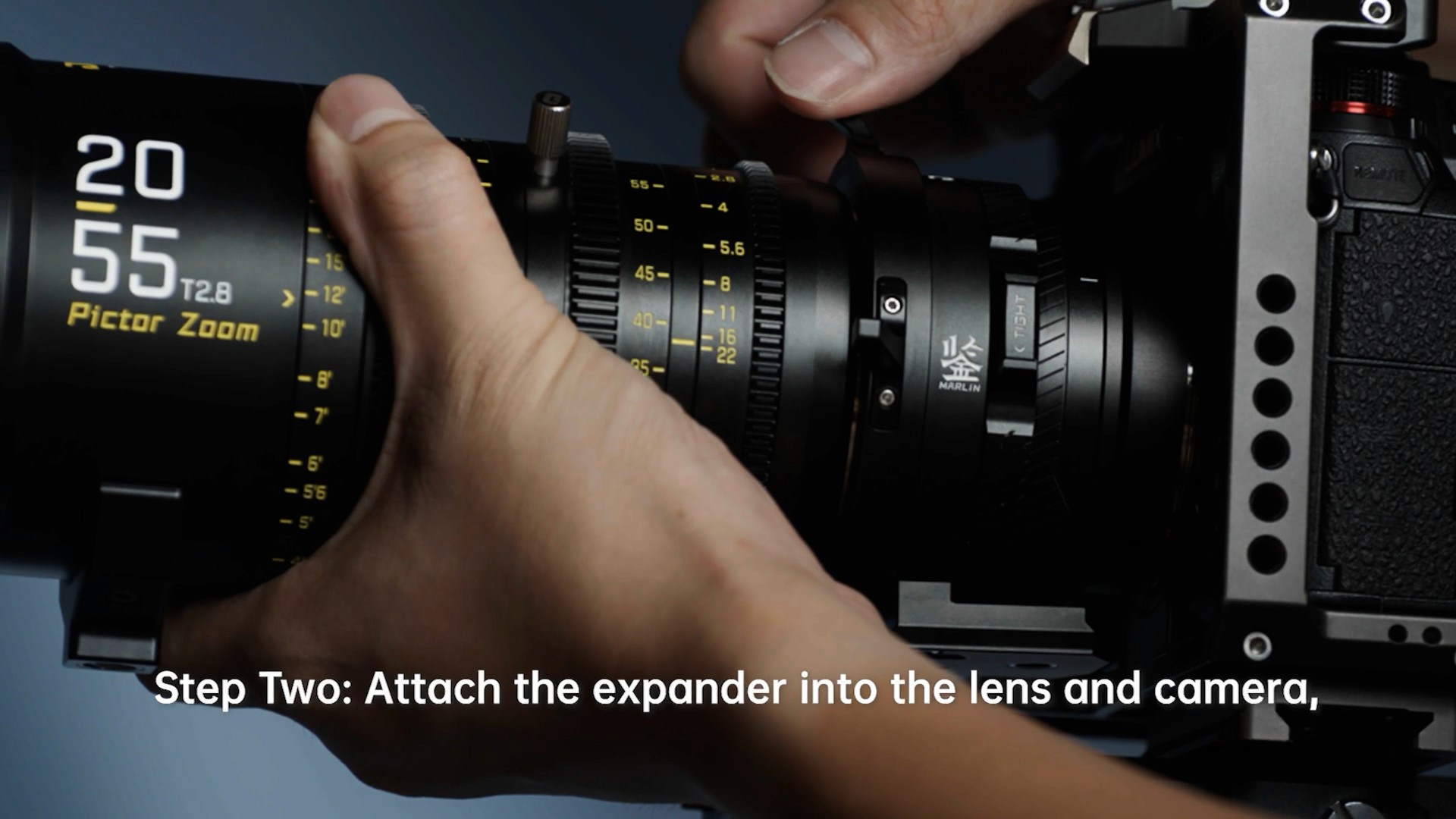
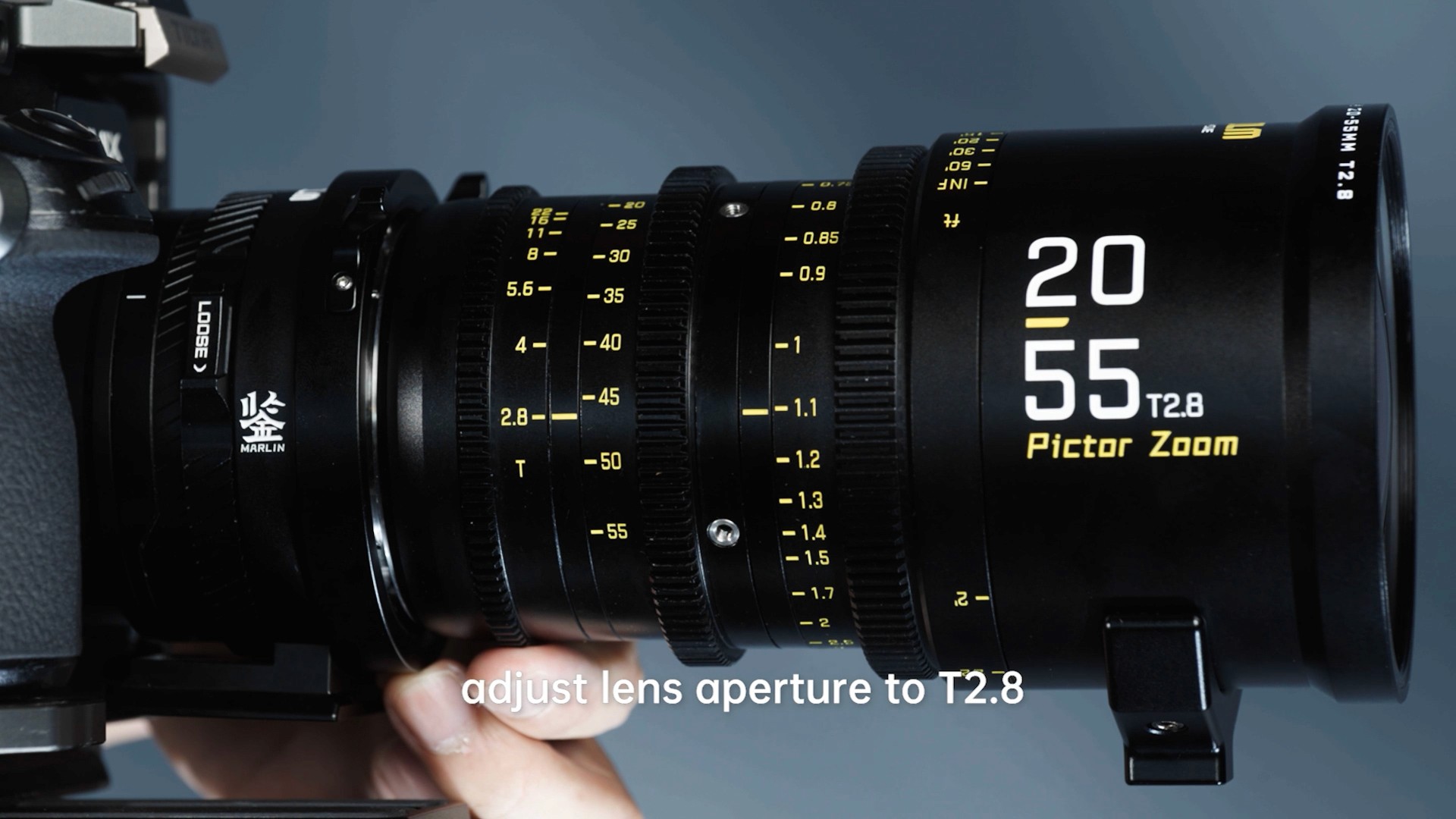
Step Two: Attach the expander into the lens and camera, adjust lens aperture to T2.8, and rotate the focus ring to mark 2M.

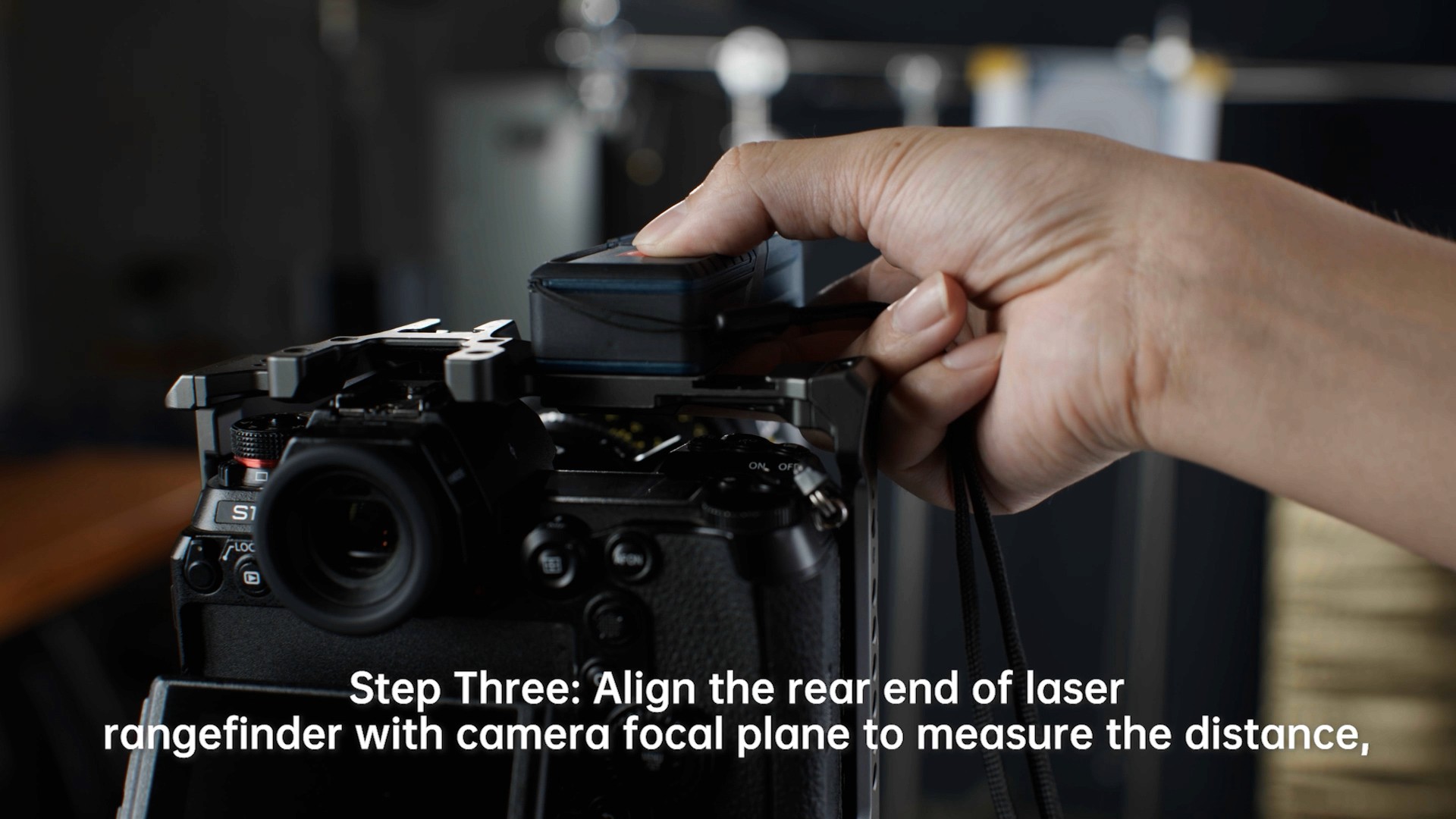
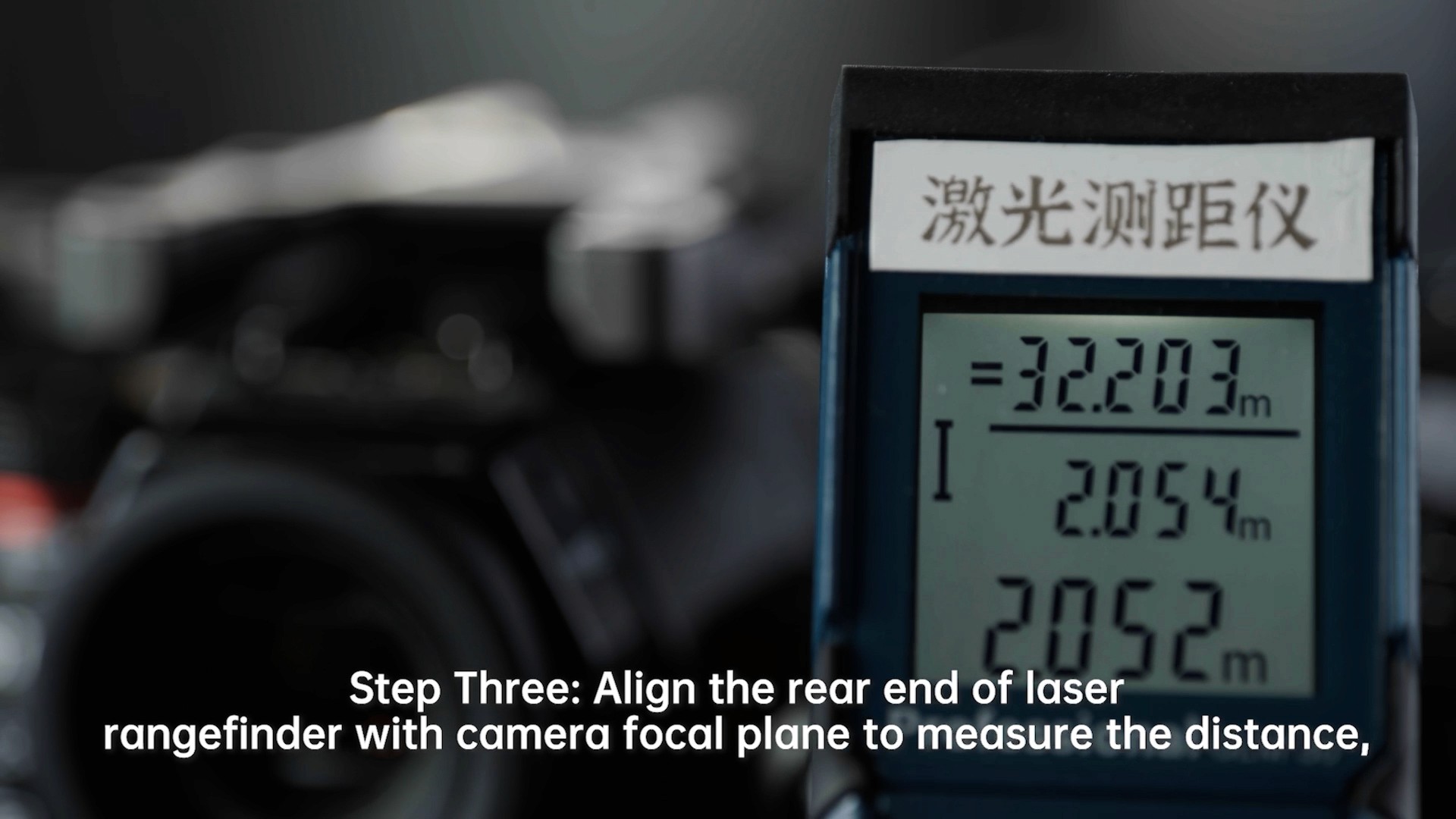
Step Three: Align the rear end of laser rangefinder with camera focal plane to measure the distance, rotate and release the focus lock ring and adjust the back focus adjustment ring until the image looks clear.
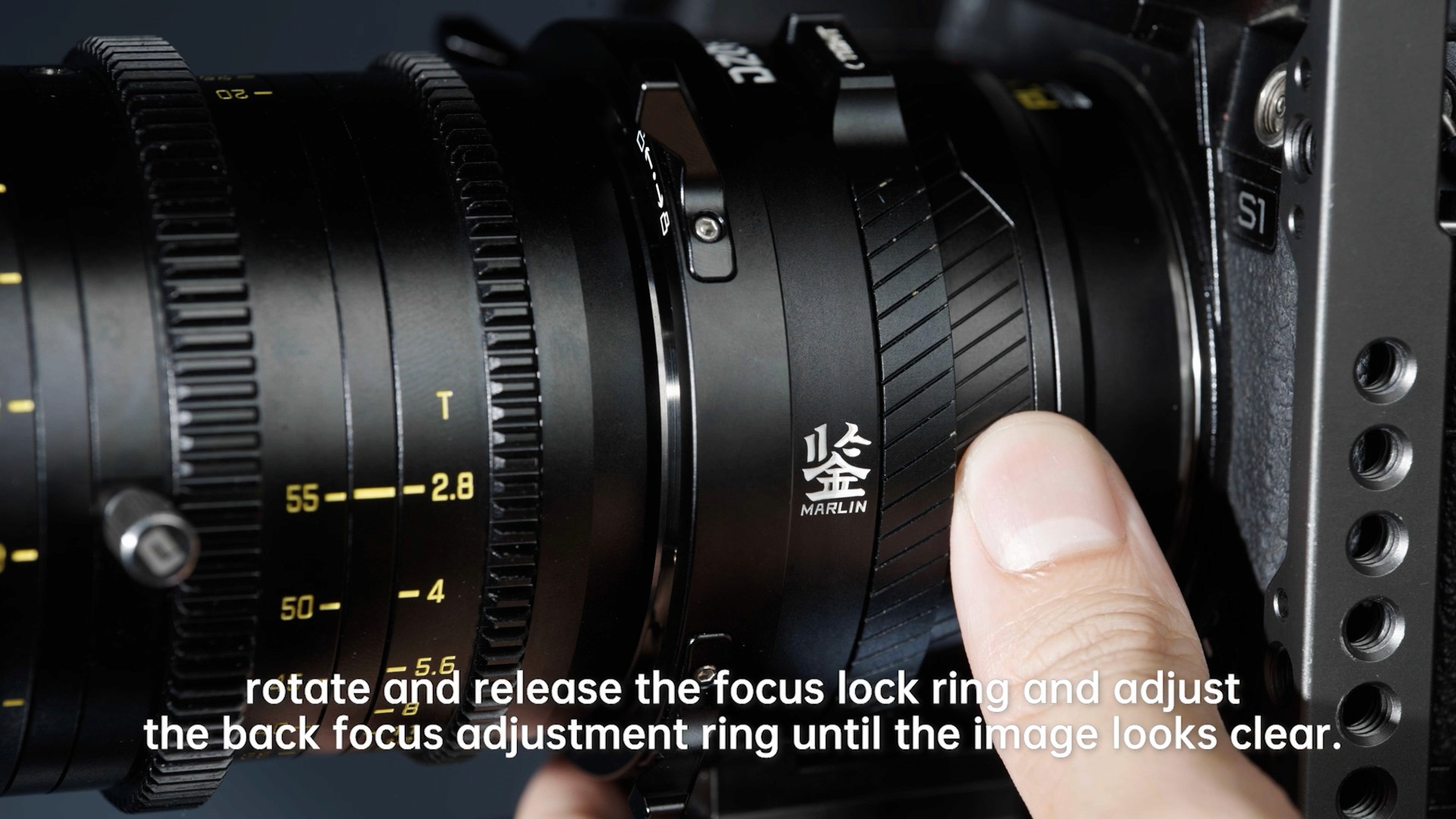
Adjustment finished, lock the focus lock ring.

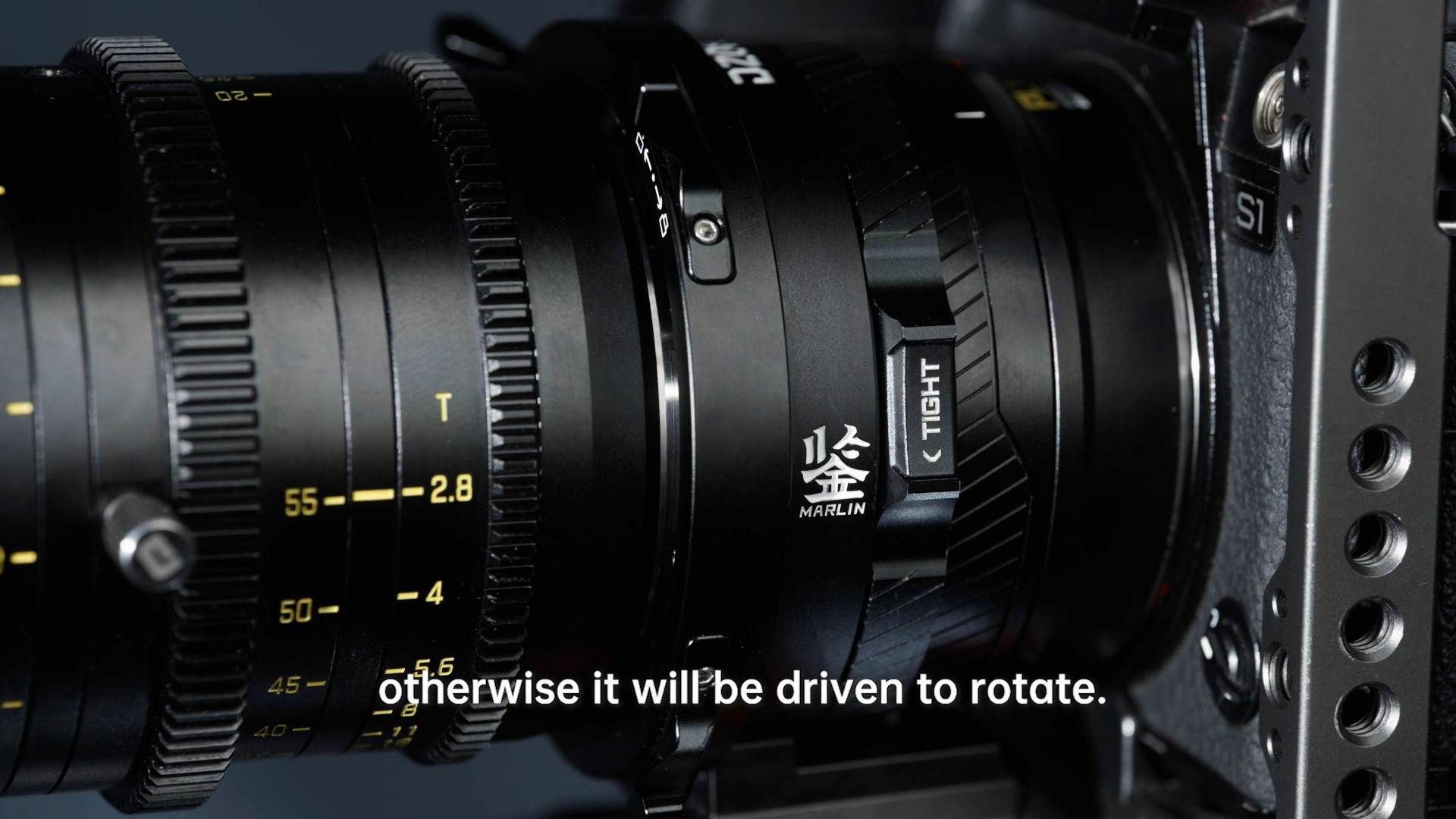
Notes: You need to press and hold the back focus adjustment ring when locking the lens, otherwise it will be driven to rotate.