Guideline for Changing Mount PL/EF/LPL
Guideline for Changing Mount PL/EF/LPL
This guideline takes exchanging Catta Ace 35-80mm PL mount to EF mount as an example:
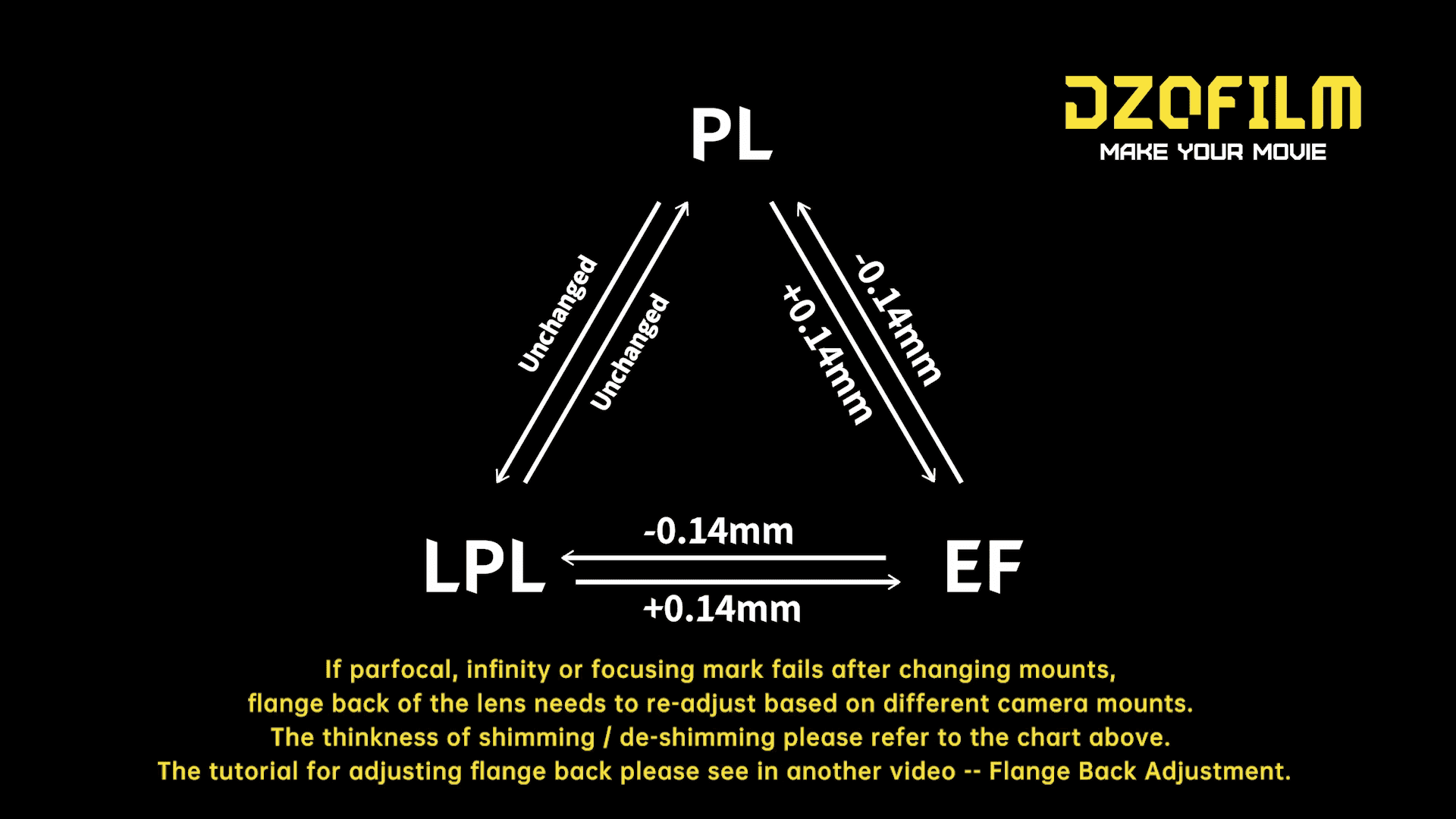
(This can also be applicable for mount changing from PL-EF/ EF-PL/ PL-LPL/ LPL-PL/ EF-LPL/ LPL-EF).
Attention: When tightening the screws, the recommended torque is 0.4N · m. Torque exceeding this value might cause screws to break!
MountDisassembly
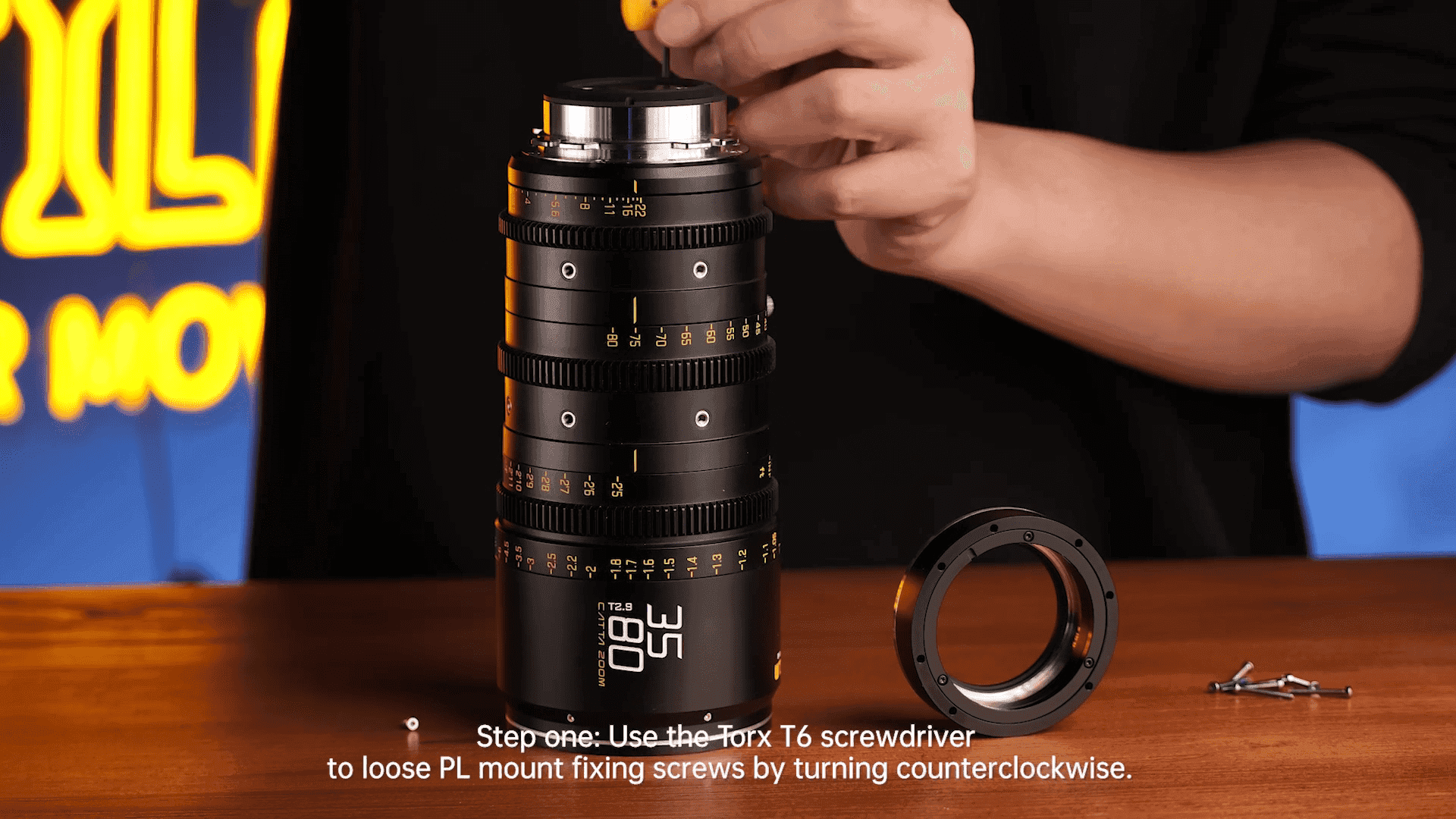
Stepone:Use the Torx T6 screwdriverto loose PL mount fixing screws by turning counterclockwise.

Steptwo:Adjust shim thickness till the focusing marks match the actual distance.
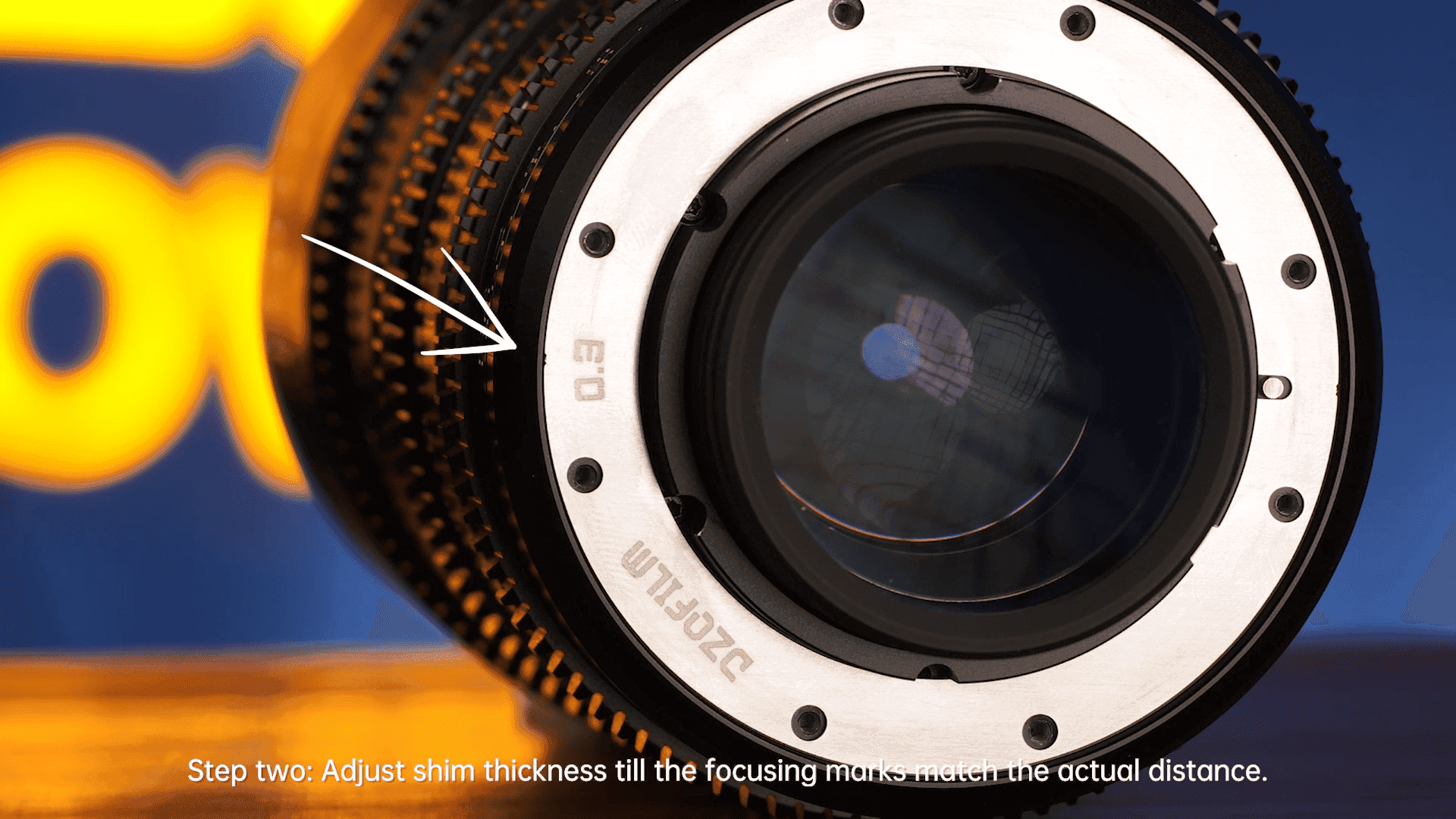
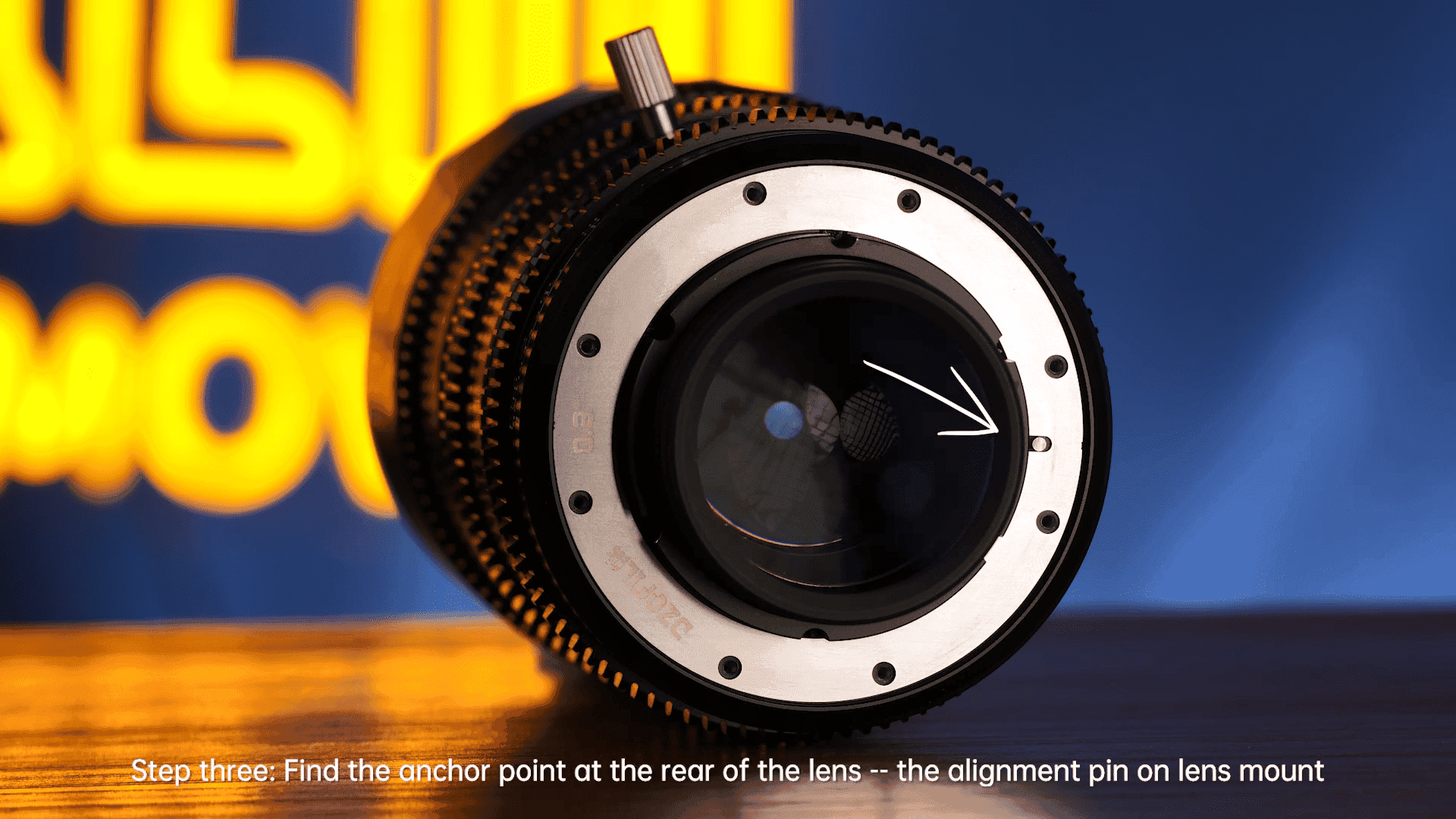
Step three:Find the anchor point at the rear of the lens -- the alignment pin on lens mount.
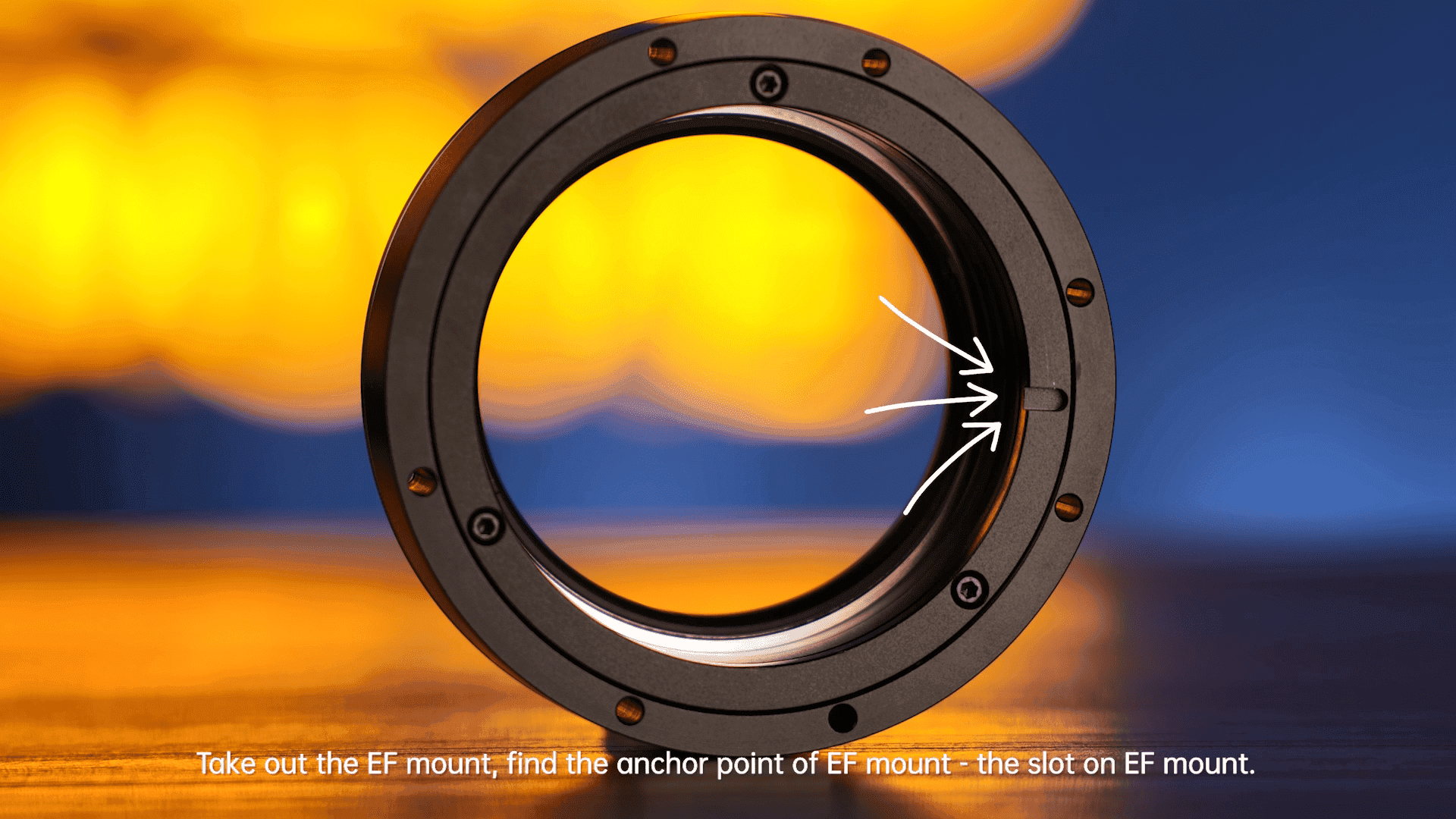
Take out the EF mount, find the anchor point of EF mount - the slot on EF mount.
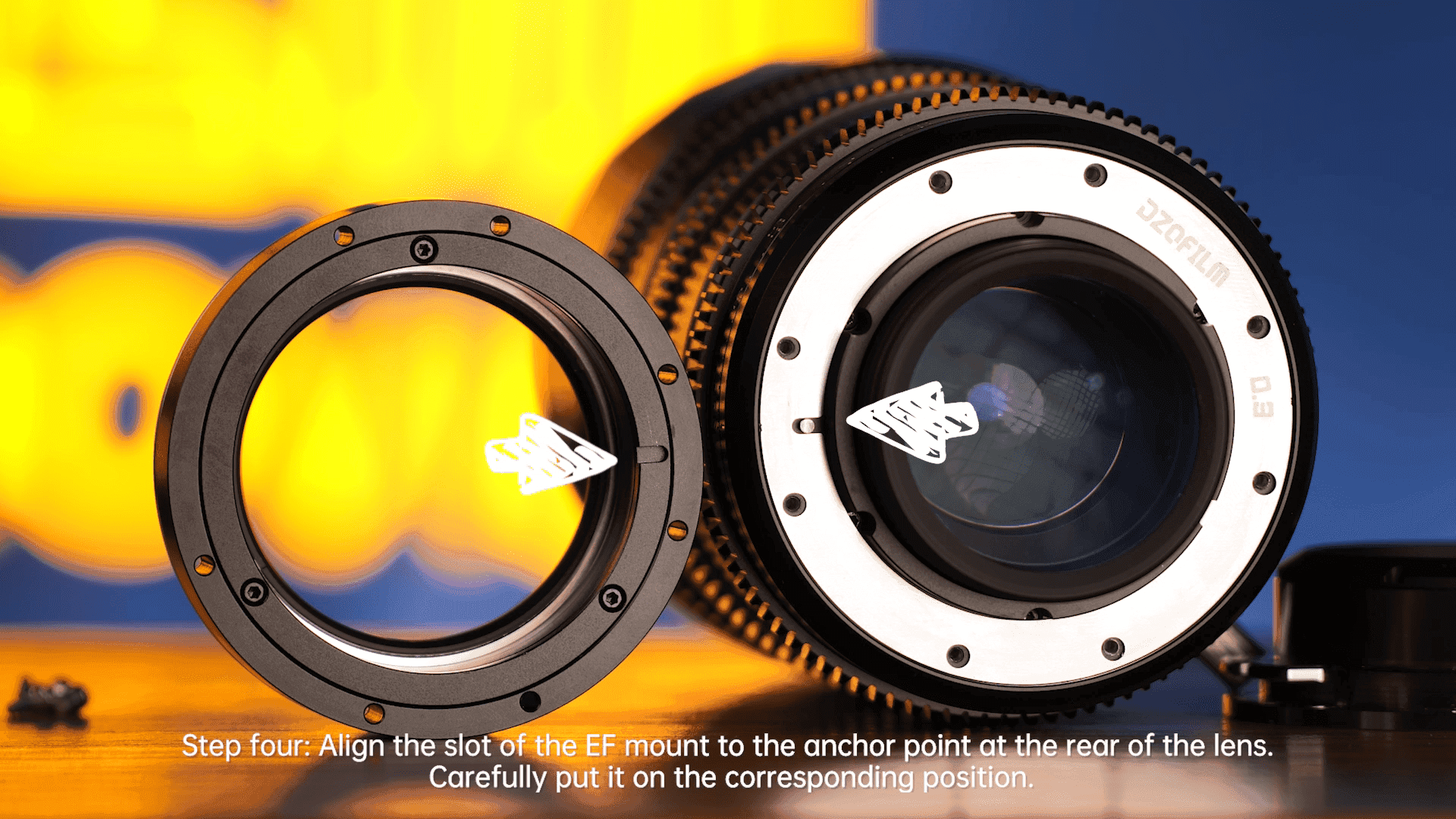
Step four:Align the slot of the EF mount to the anchor point at the rear of the lens. Carefully put it on the corresponding position.
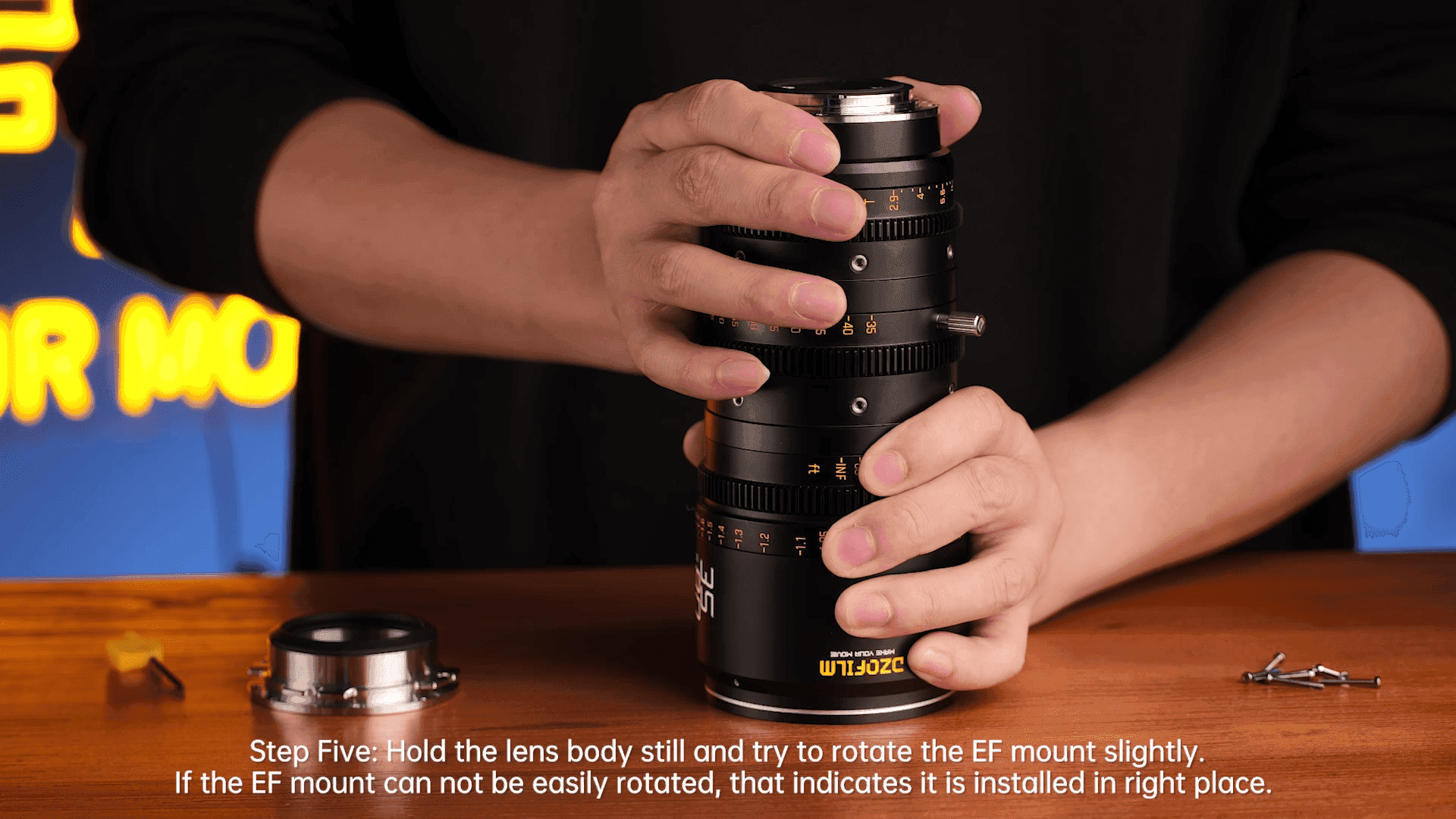
Step Five:Hold the lens body still and try to rotate the EF mount slightly.If the EF mount can not be easily rotated, that indicates it is installed in right place.
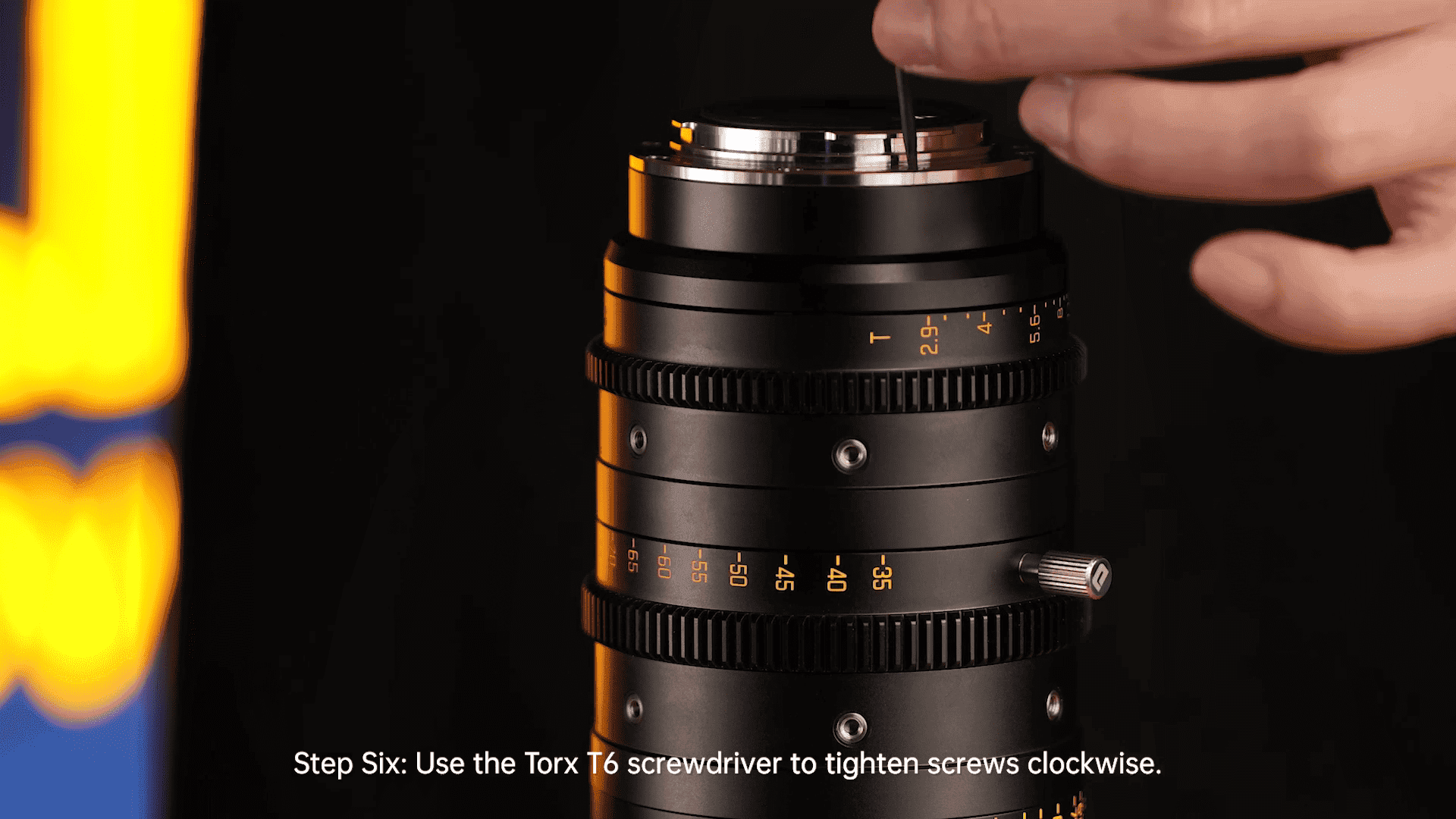
Step Six:Use the Torx T6 screwdriver to tighten screws clockwise.
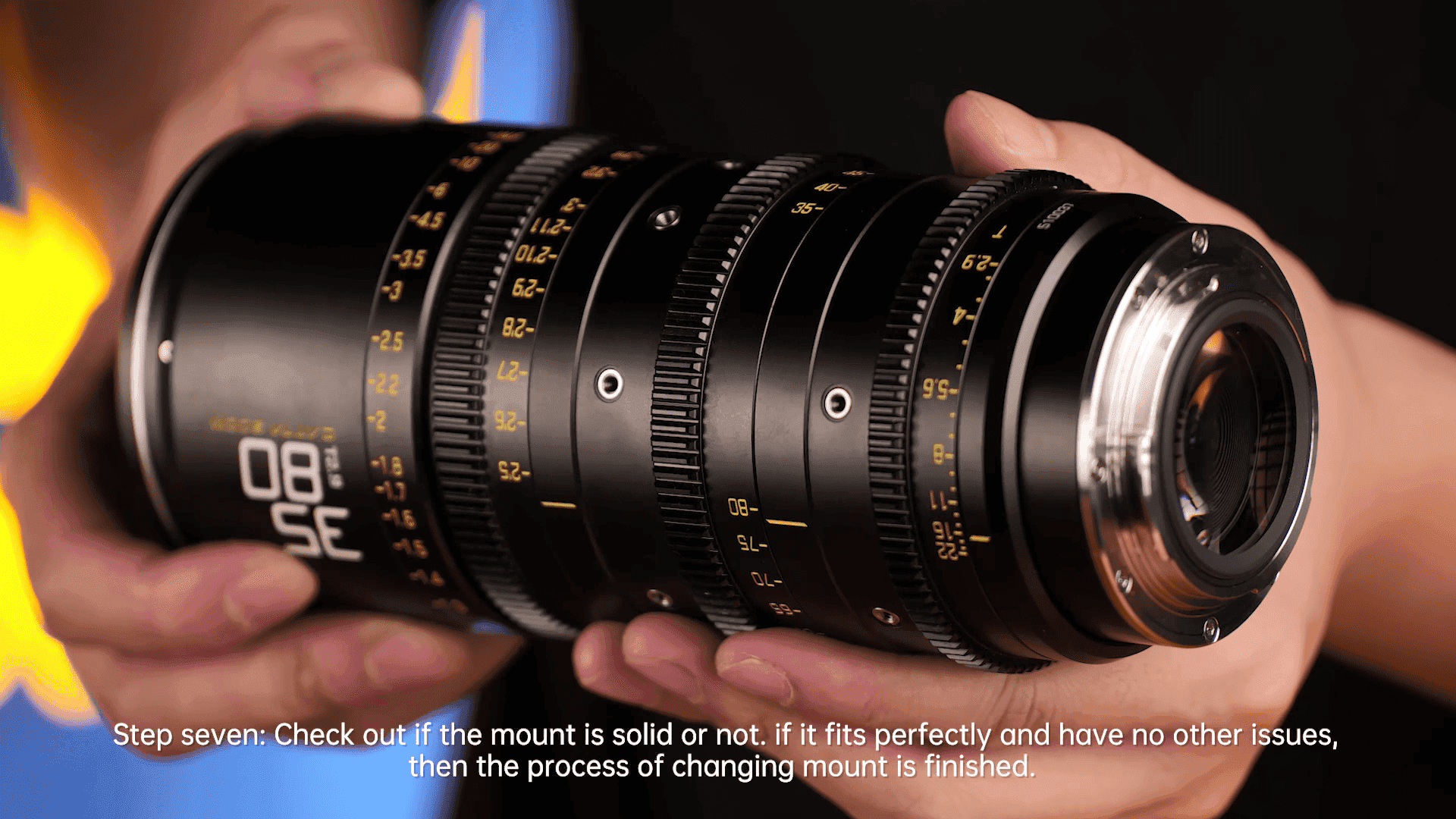
Step seven:Check out if the mount is solid or not. if it fits perfectly and have no other issues, then the process of changing mount is finished.