VESPID Cyber Series
Data Transmission Tutorial
VESPID CYBER Data Transmission Tutorial——Suitable for VESPID CYBER
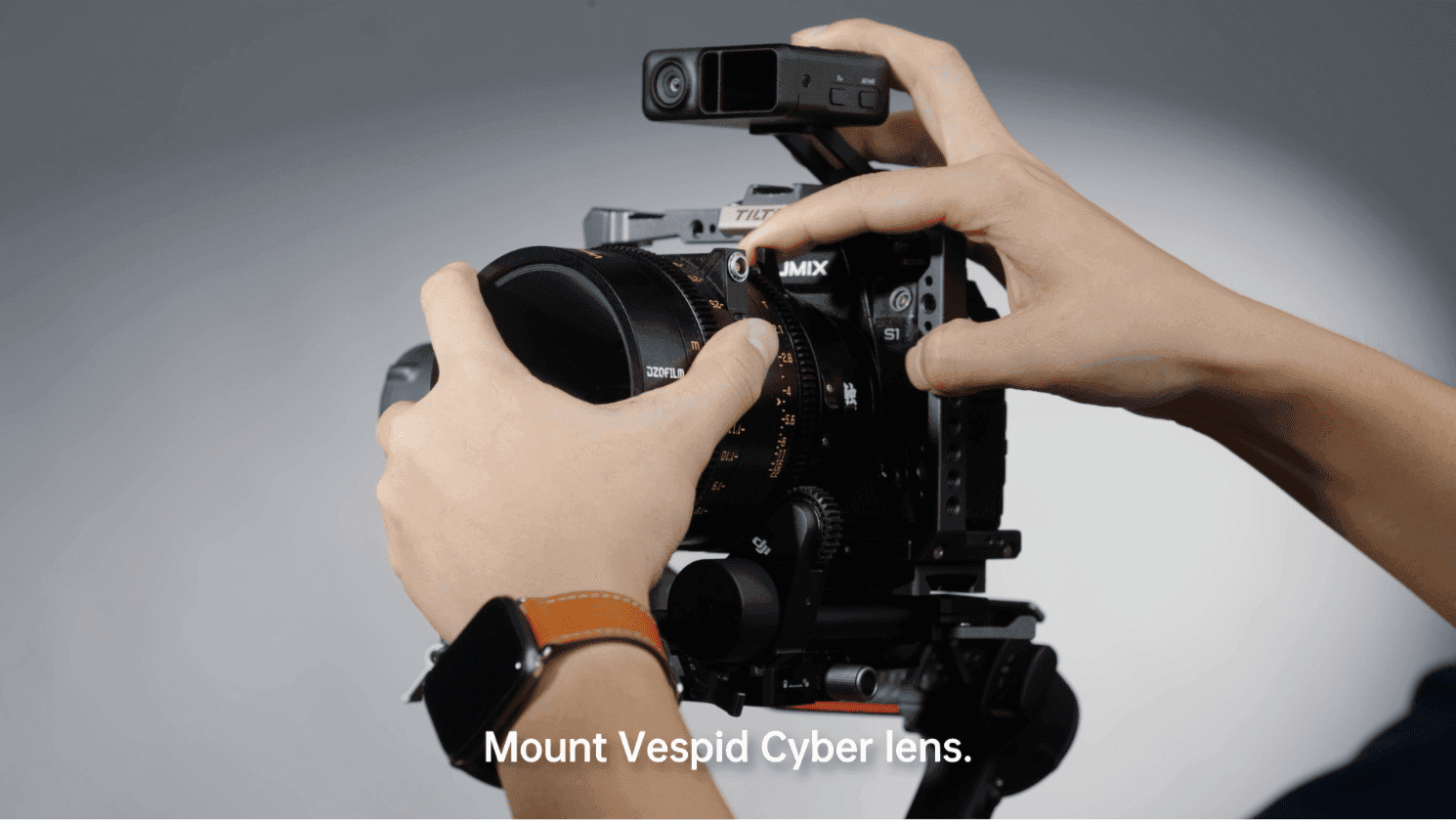
Step One:Mount Vespid Cyber lens.
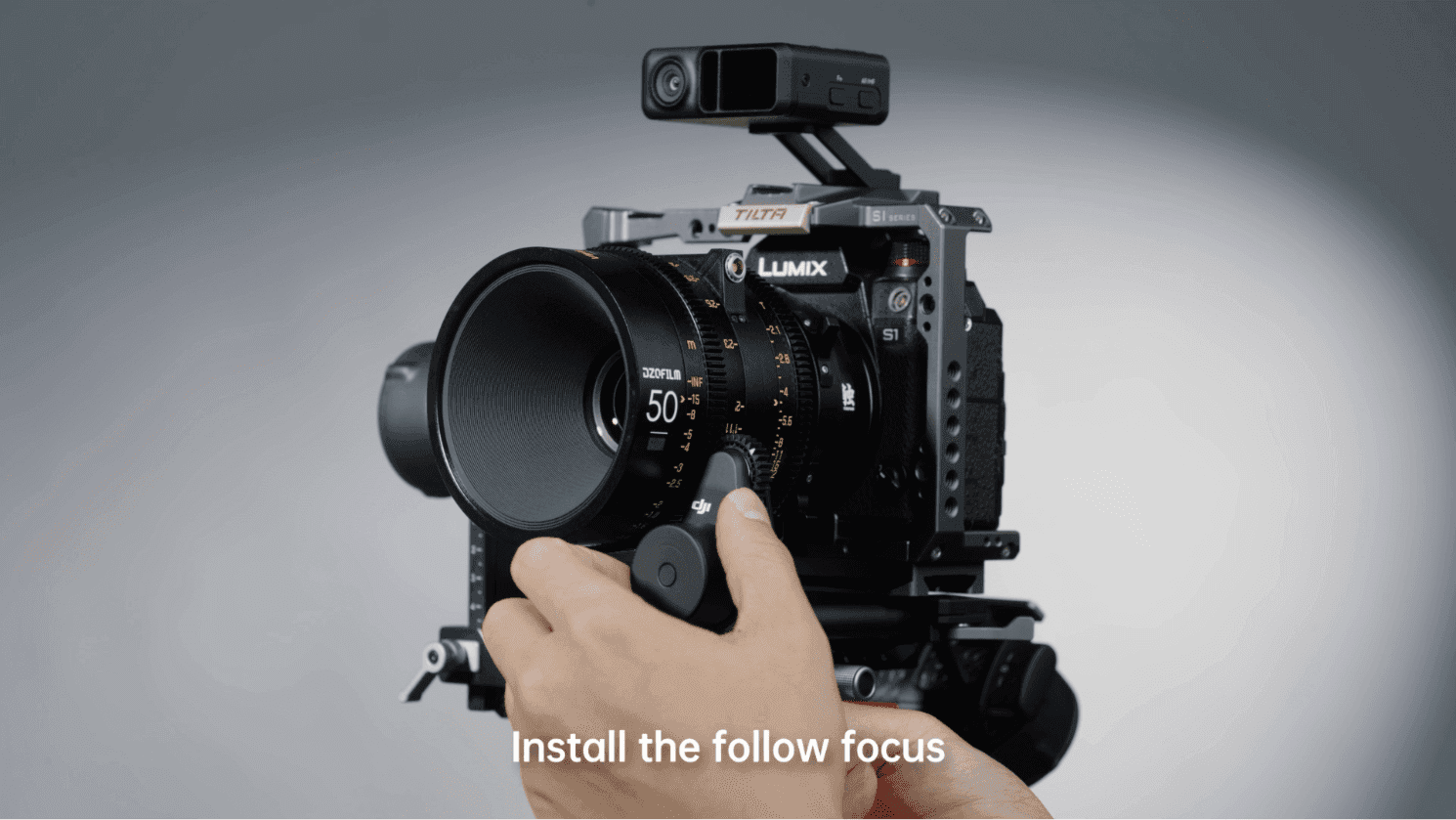
Step Two: Install the follow focus.
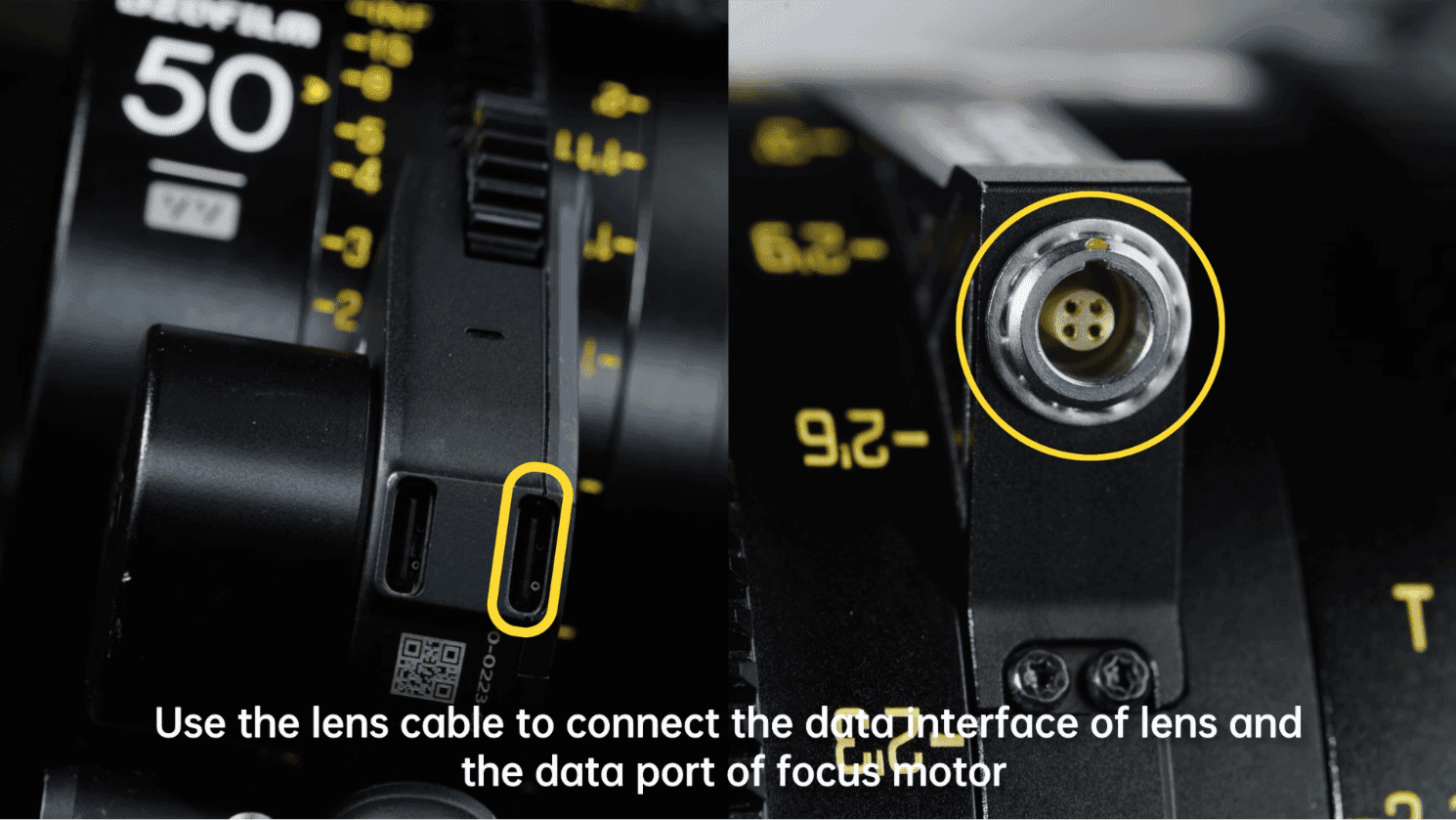
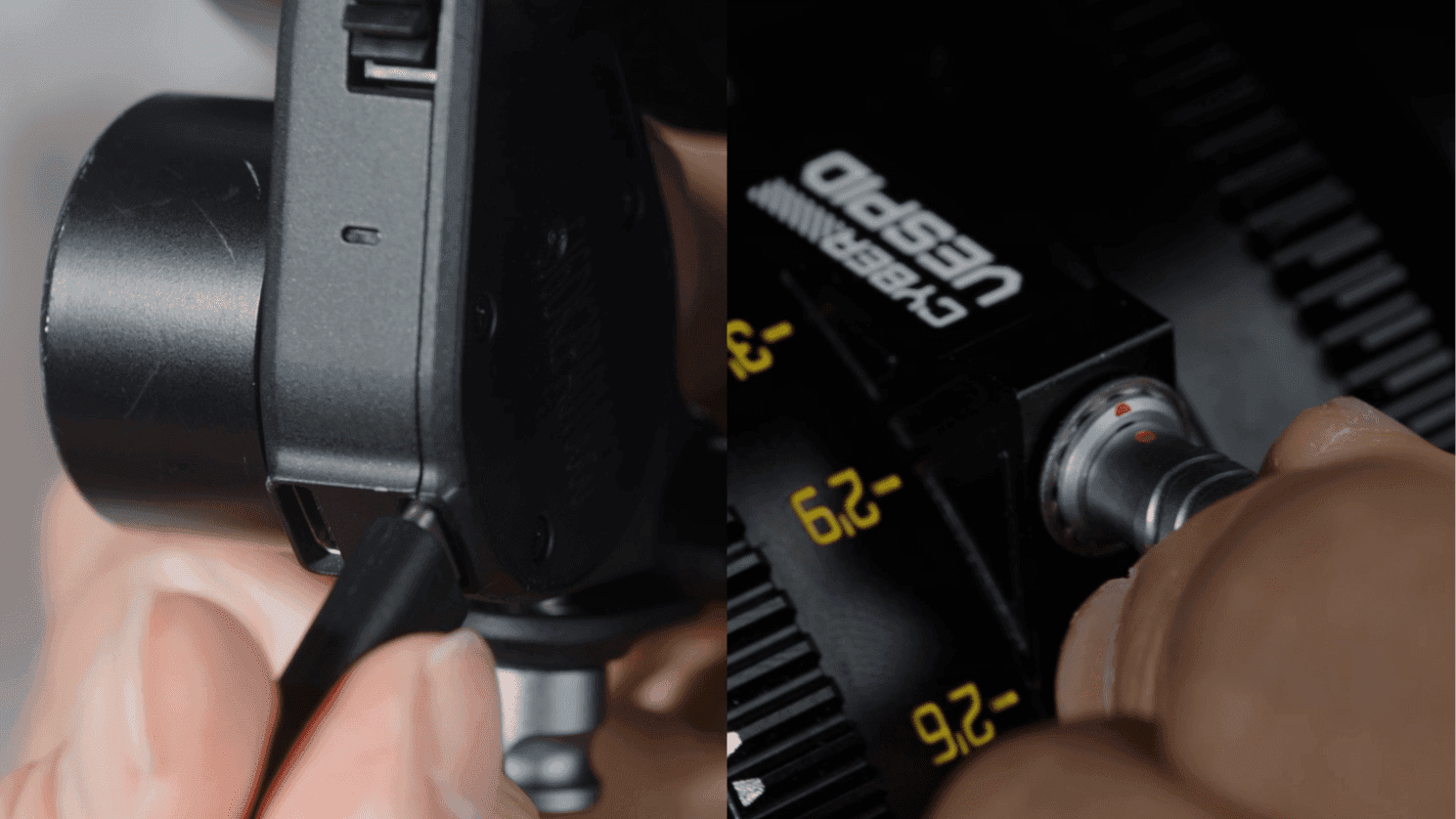
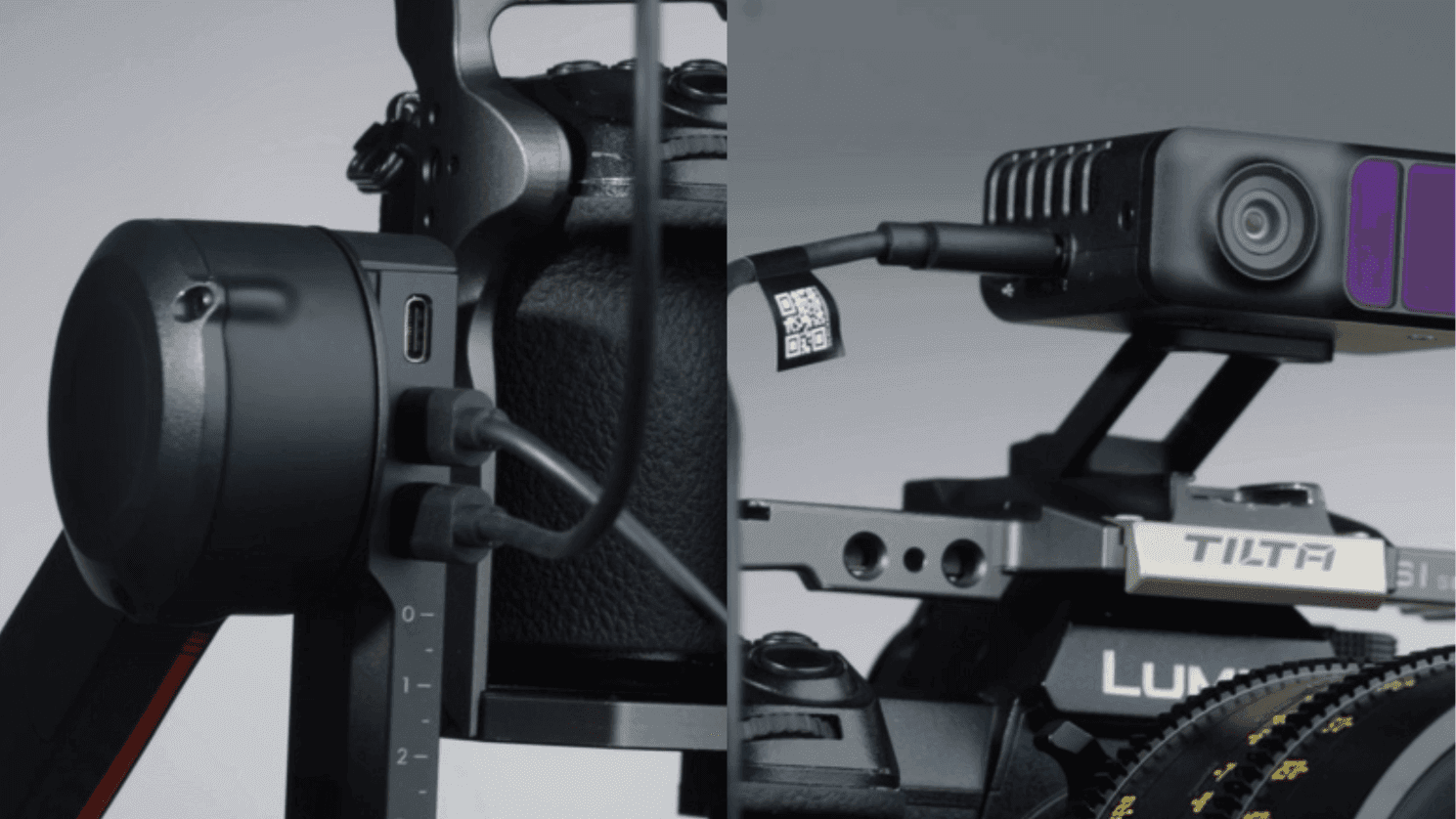
Step Three: Use the lens cable to connect the data interface of lens and the data port of focus motor.
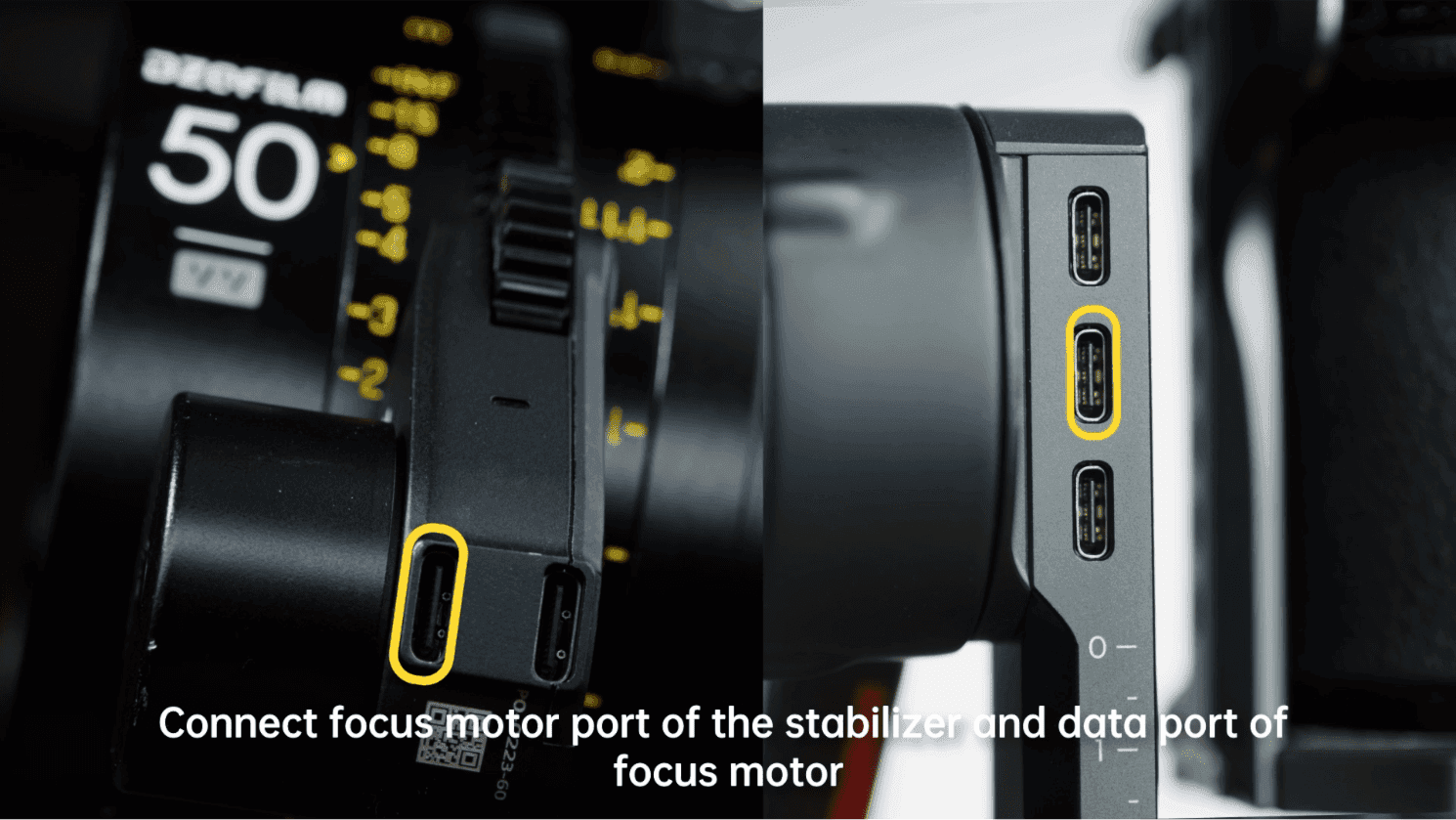
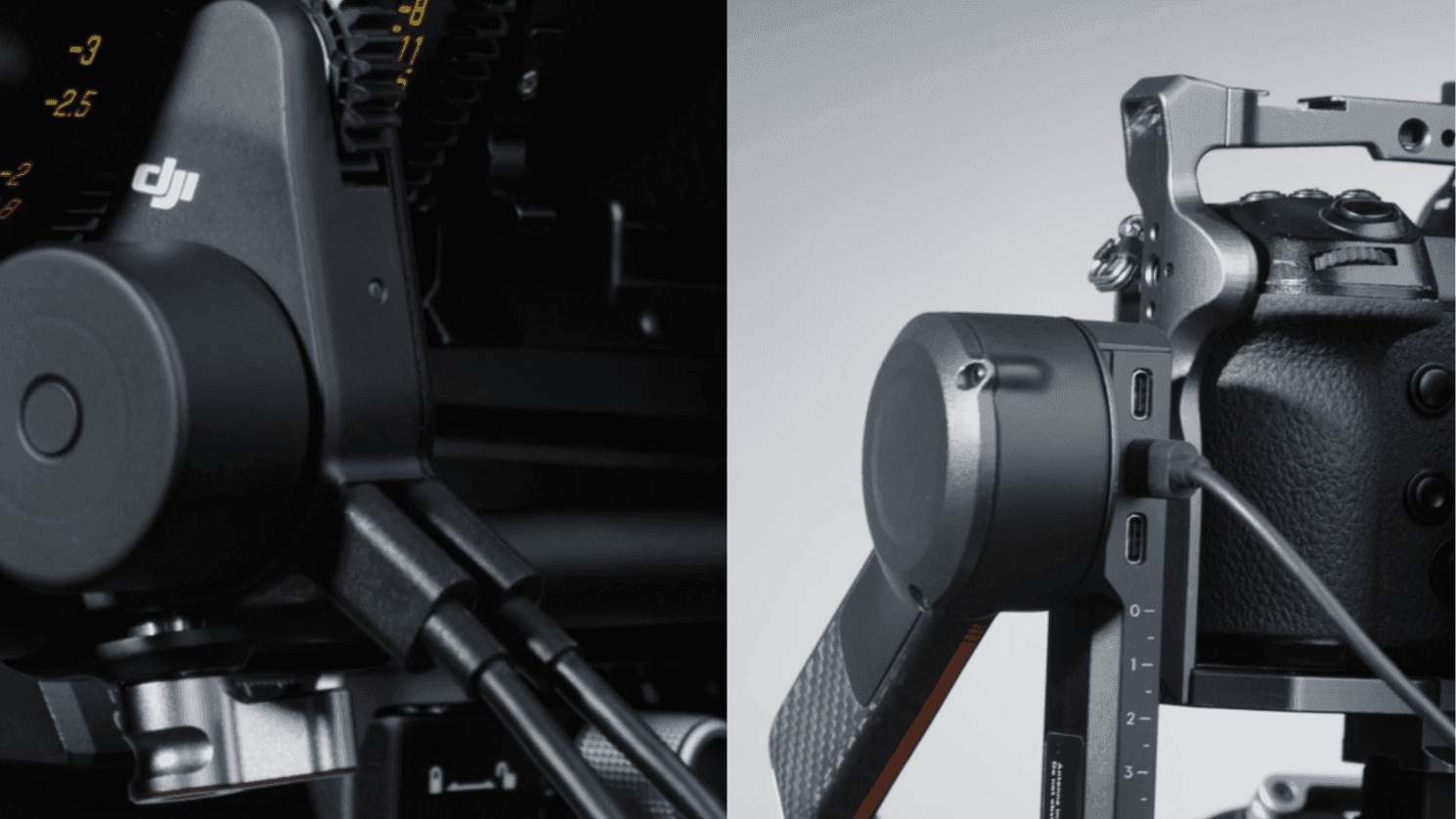
Step Four: Connect focus motor port of the stabilizer and data port of focus motor.
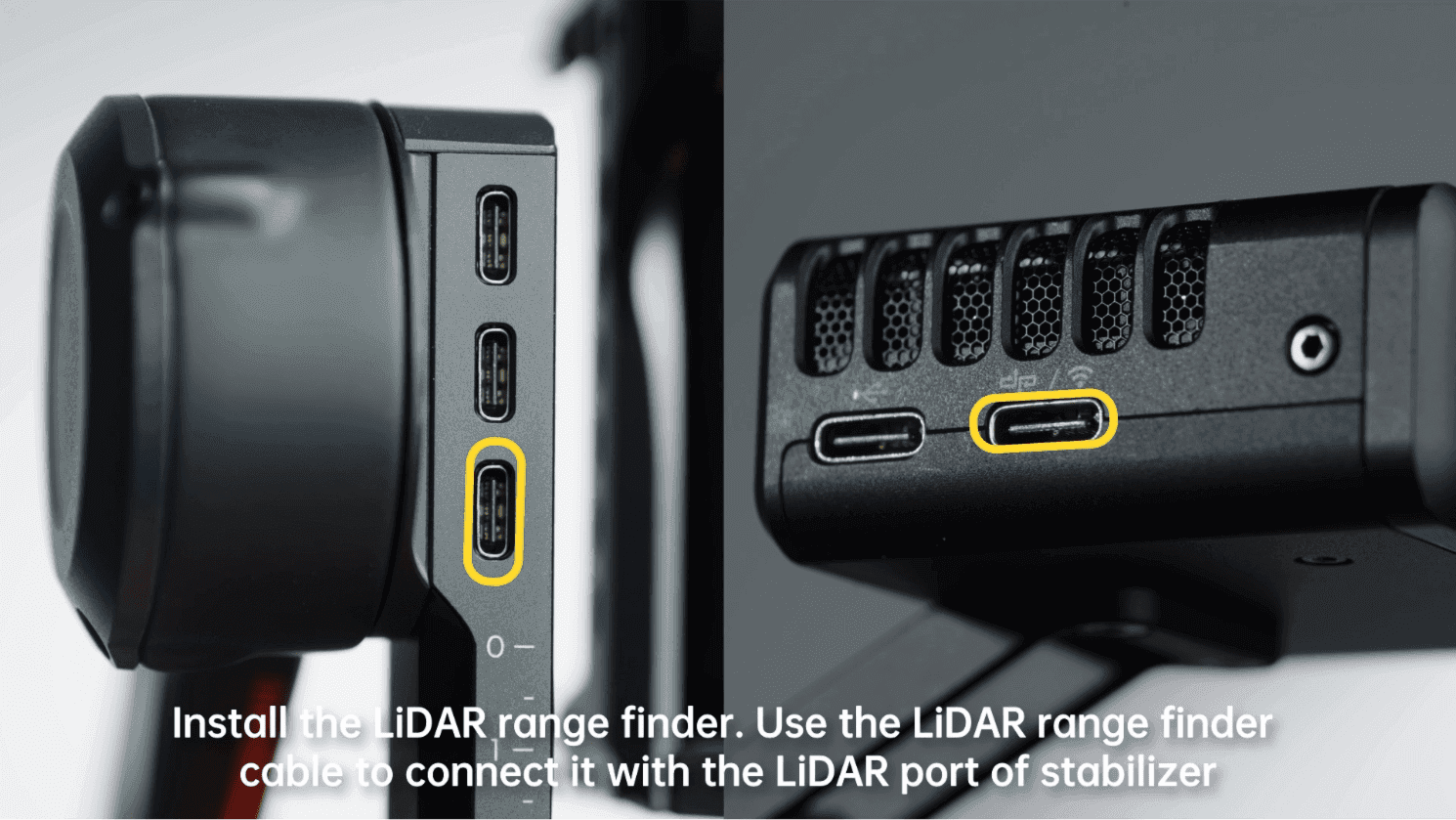
Step Five: Install the LiDAR range finder. Use the LiDAR range finder cable to connect it with the LiDAR port of stabilizer.
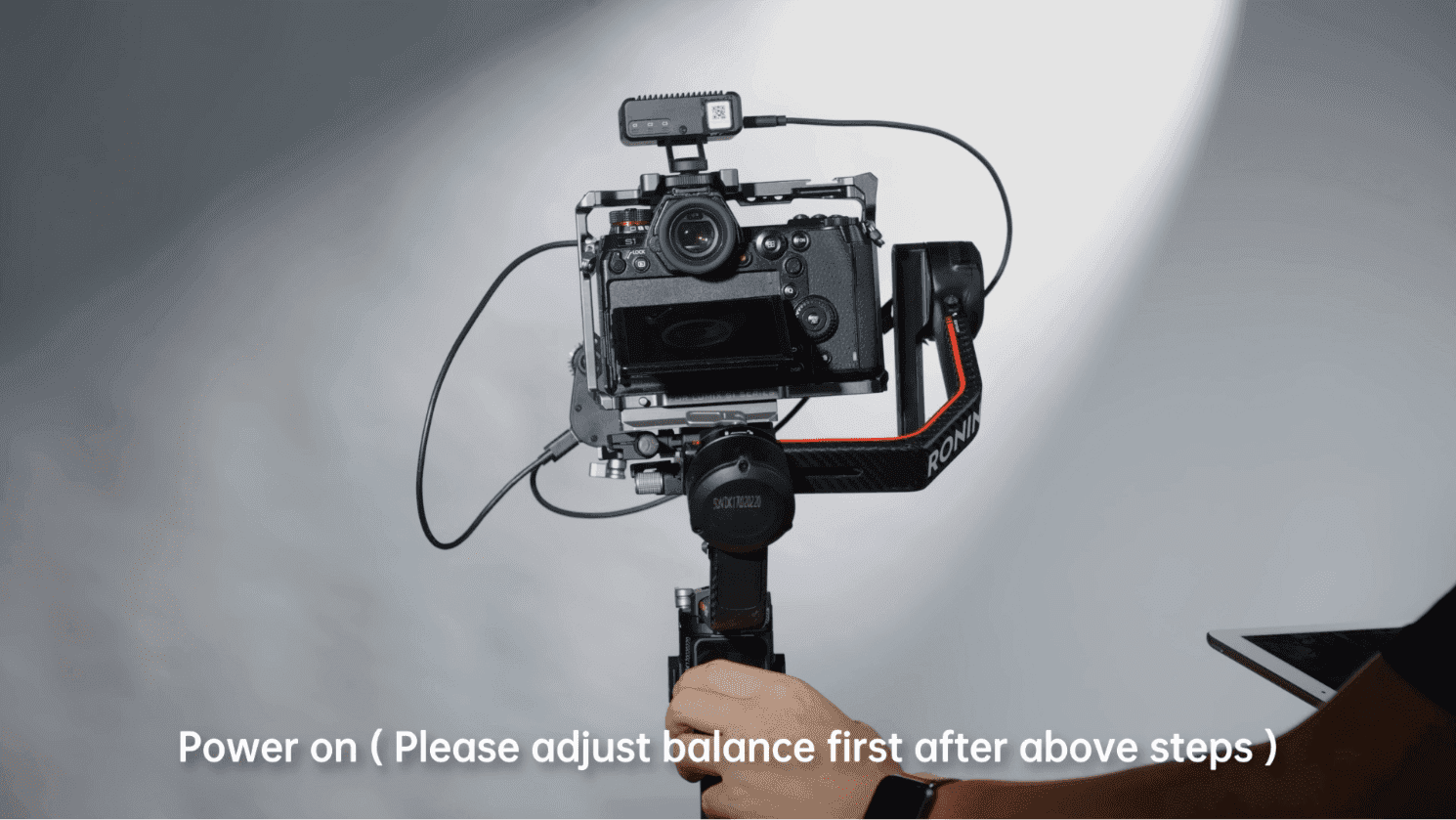
Step Six: Power on ( Please adjust balance first after above steps )
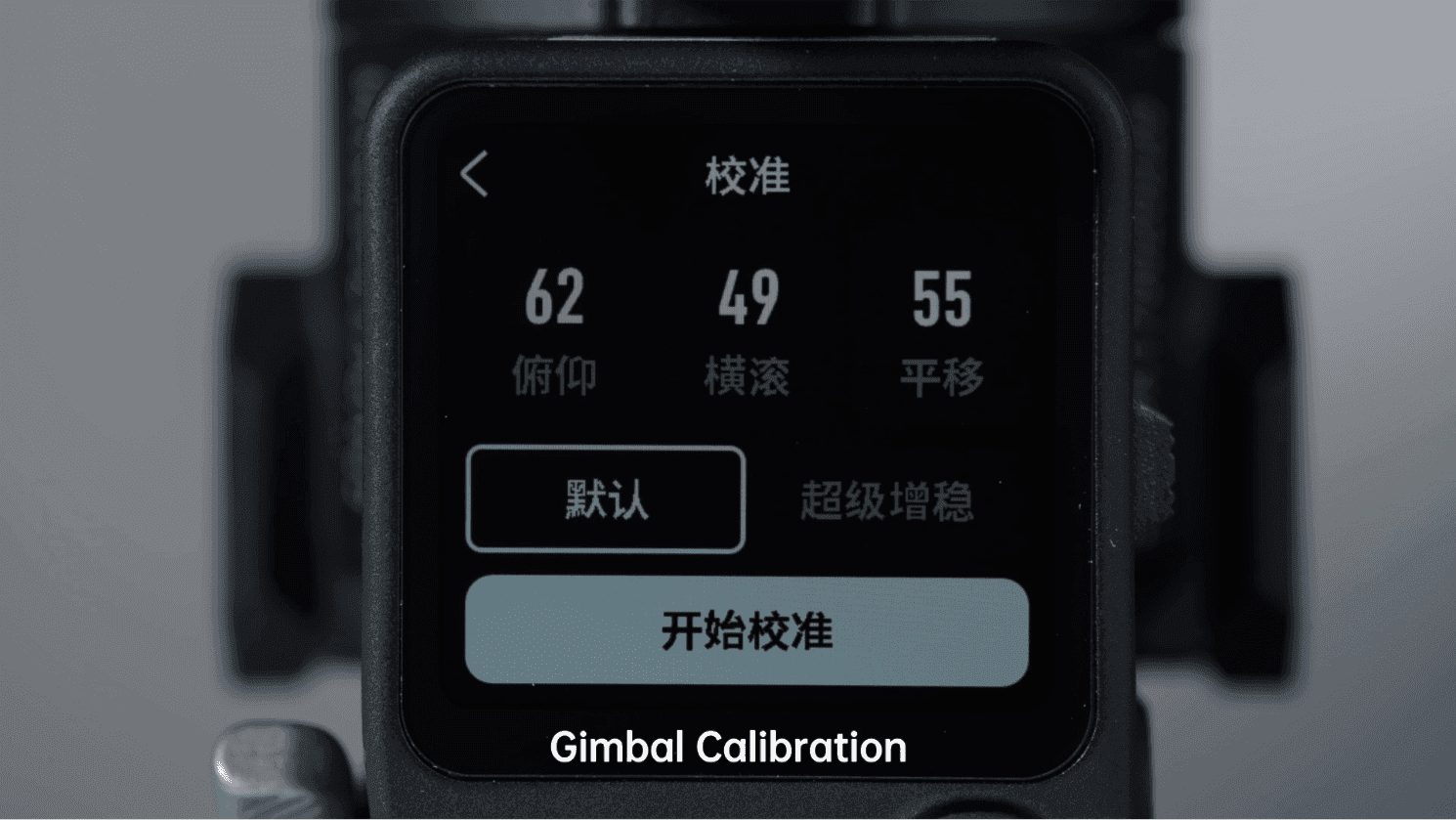
Step Seven: Gimbal Calibration
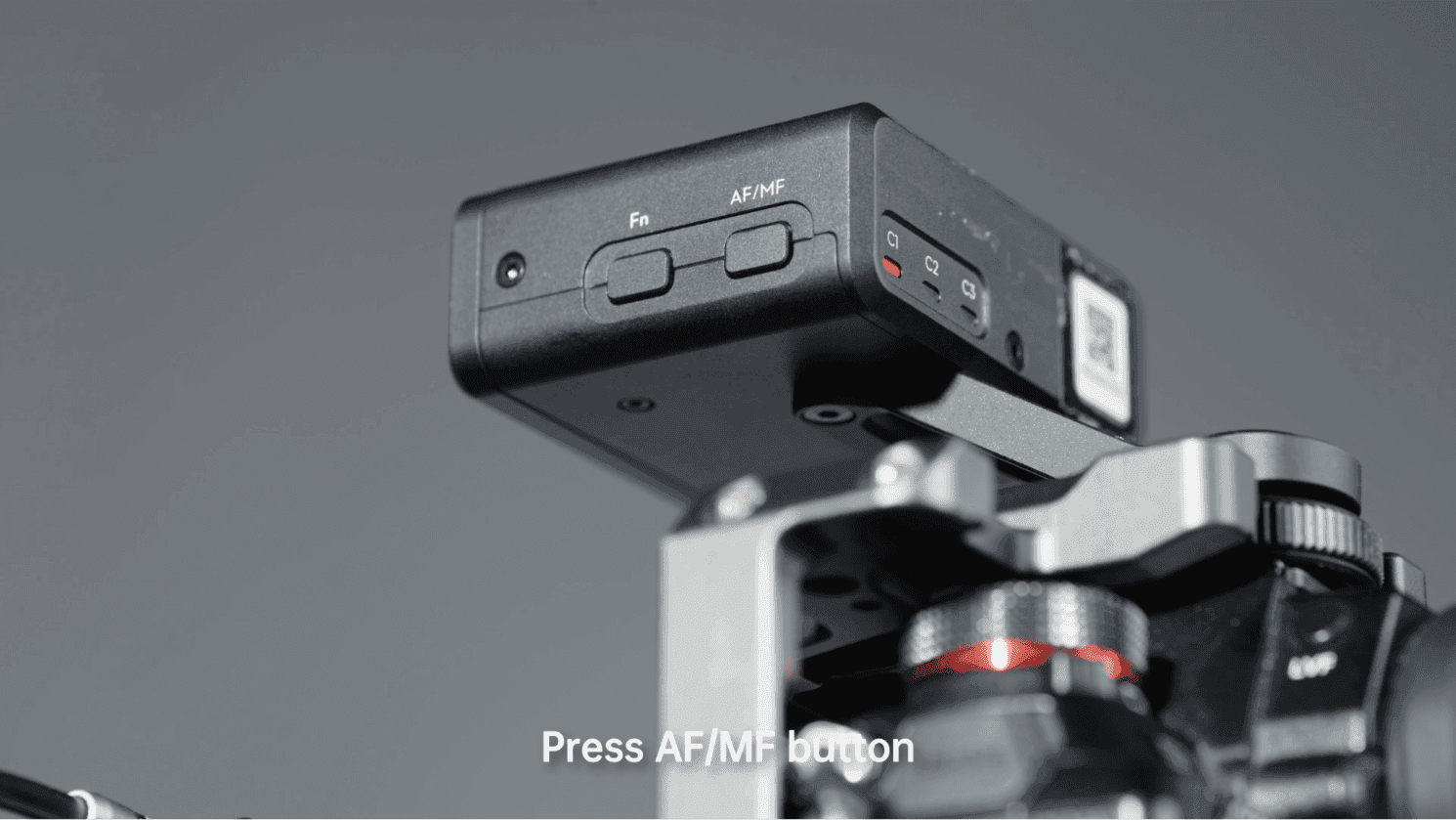
Step Eight: Press AF/MF button
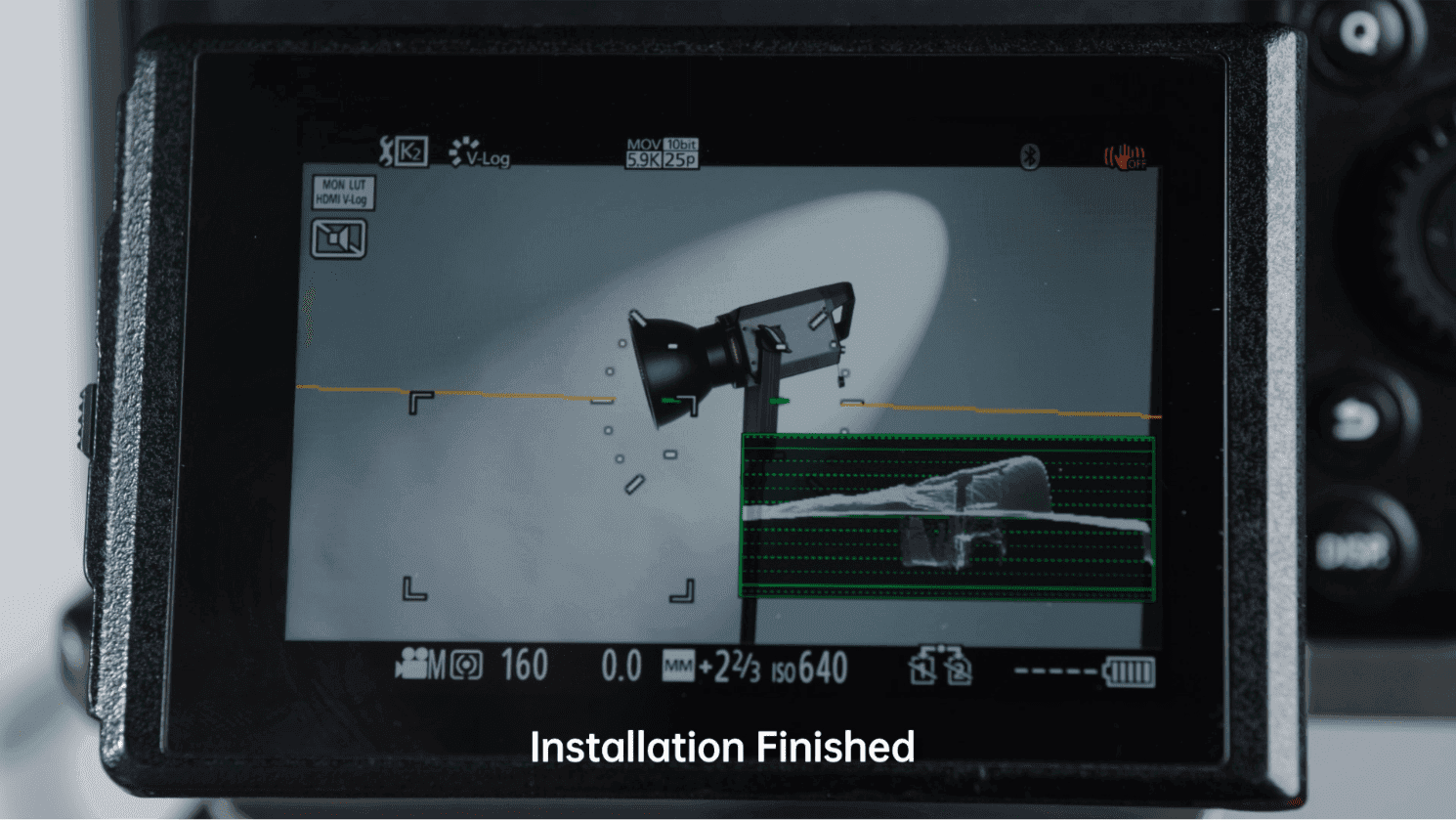
Installation Finished